Case study
1000x Zoom: Ultra Zoom Camera
An Android camera app built around zoom, with focus, white balance, effects and video
An Android camera app for getting closer to distant subjects — wildlife, sport, concerts and travel. Keshav Infotech developed it from scratch for the client that publishes it as 1000x Zoom: Ultra Zoom Camera, and it has passed 500,000 downloads on Google Play.

500K+ Google Play downloads
The public install band on the app’s Google Play listing, checked 31 Oct 2026.
- Client
- App publisher (client)
- Platforms
- Android
- Our scope
- Android app development
The product
What it does, and for whom
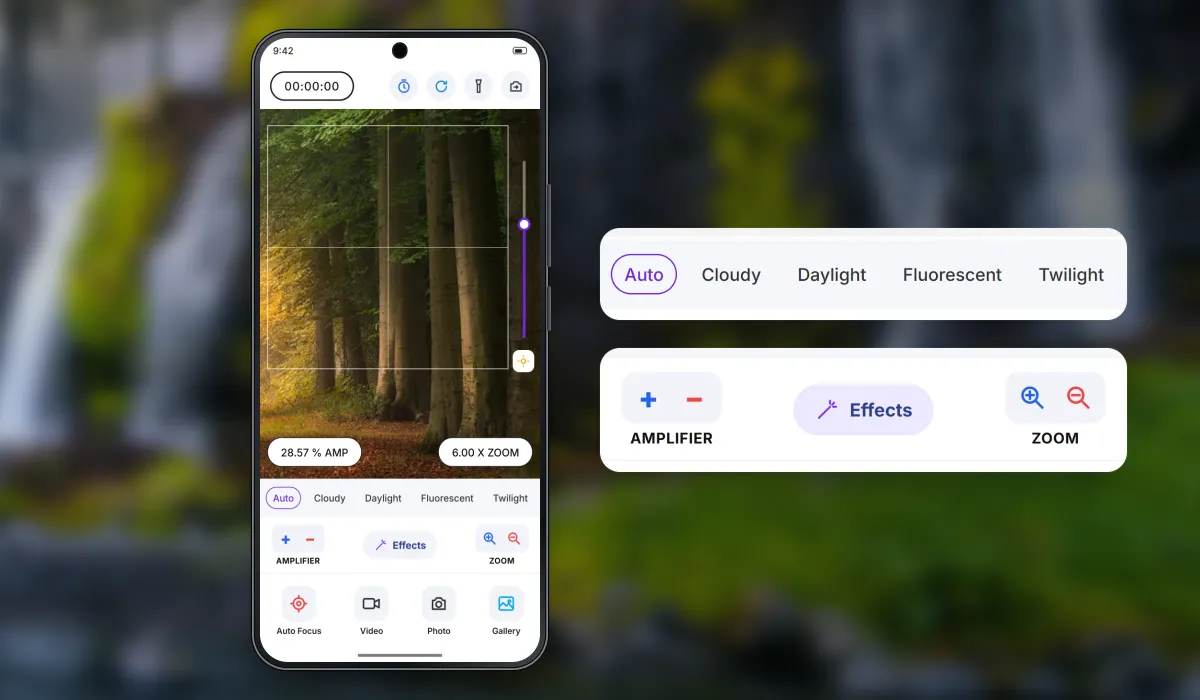
This camera app puts zoom in charge: a zoom slider and step buttons beside the viewfinder, live readouts of the zoom level and the amplifier, white-balance modes, effects, a timer, flashlight, auto focus, front and rear cameras, and photo and video capture. The app uses the maximum digital and optical zoom the phone's camera allows, so the real range depends on each phone's hardware — the store listing says so plainly, and that it is not a telescope. On Google Play since July 2024 (version 1.7, June 2026).
Scope The client publishes the app on Google Play and owns its brand and listing, including the name. Our team developed the Android app. Zoom range and image quality depend on the phone's camera hardware. Google Play ratings rate the app, not Keshav Infotech.
Our contribution
What our team built
Android app development
The complete Android camera app, developed from scratch: viewfinder with focus frame, zoom slider and step buttons using the camera's digital and optical zoom, amplifier, white-balance modes, effects, timer and countdown, flashlight, auto focus, front and rear cameras, photo and video capture and the gallery link.
User flow
Frame, zoom, capture
Three moments of a typical shot, in order.
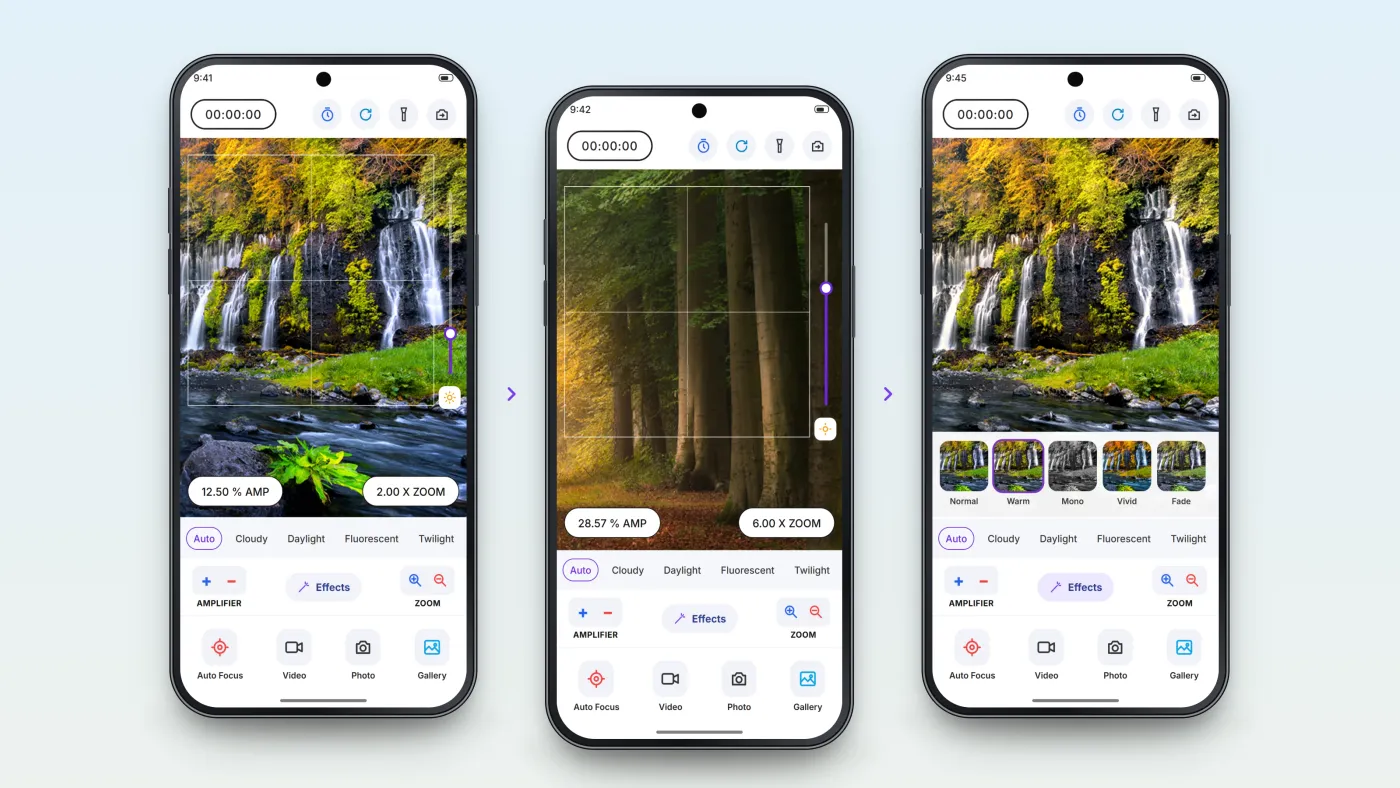
Frame the shot
Focus frame and white-balance mode, with live readouts.
Zoom in
Slider or step buttons, up to what the phone's camera allows.
Adjust and capture
Effects, then photo or video, saved to the gallery.
The product in use
Inside the app
Zoom that stays under the user's thumb
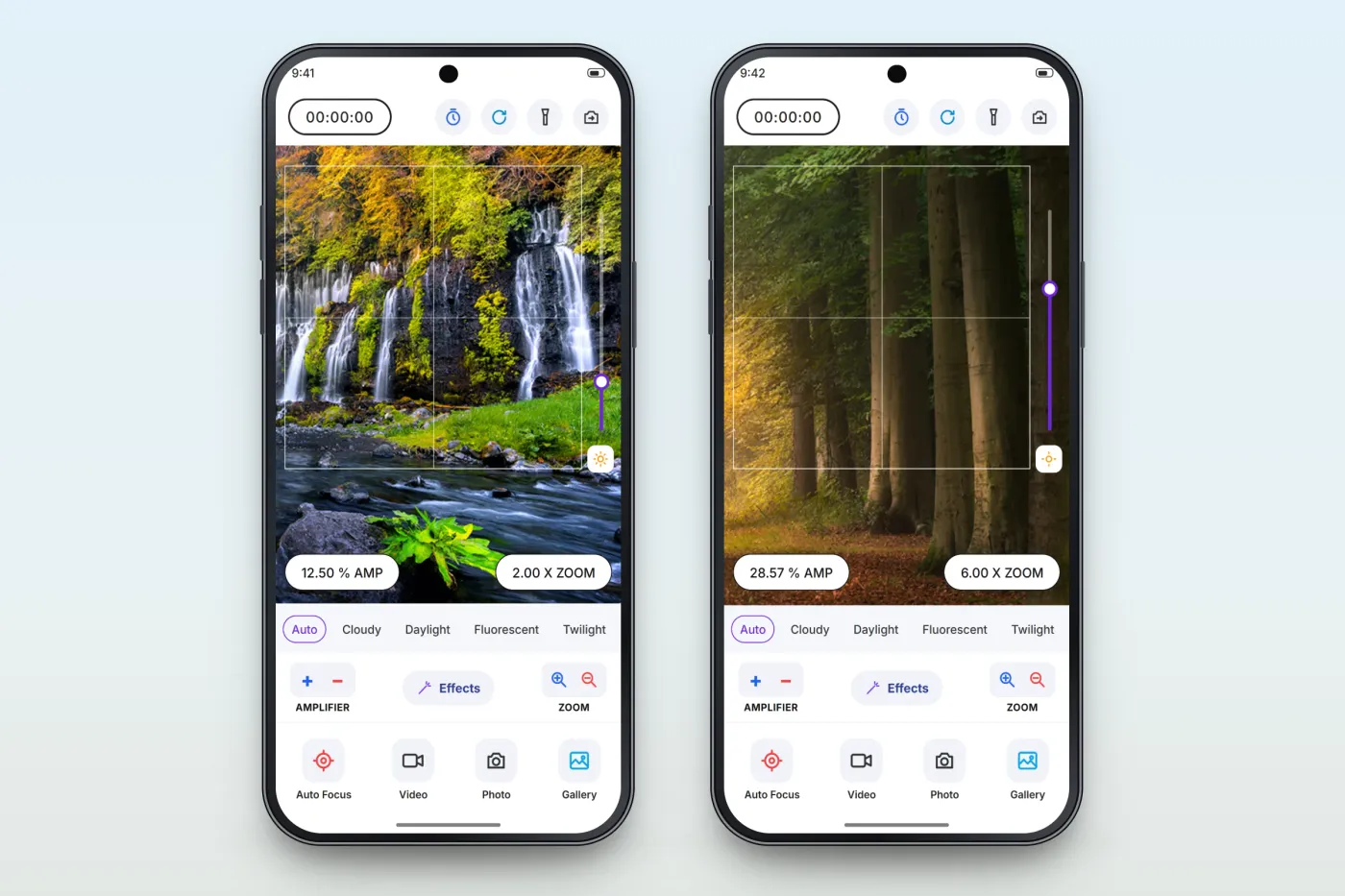
A vertical slider beside the viewfinder and plus/minus zoom buttons below it change the zoom in fine steps, and readouts show the zoom level and the amplifier, which adjusts brightness separately for dim scenes.
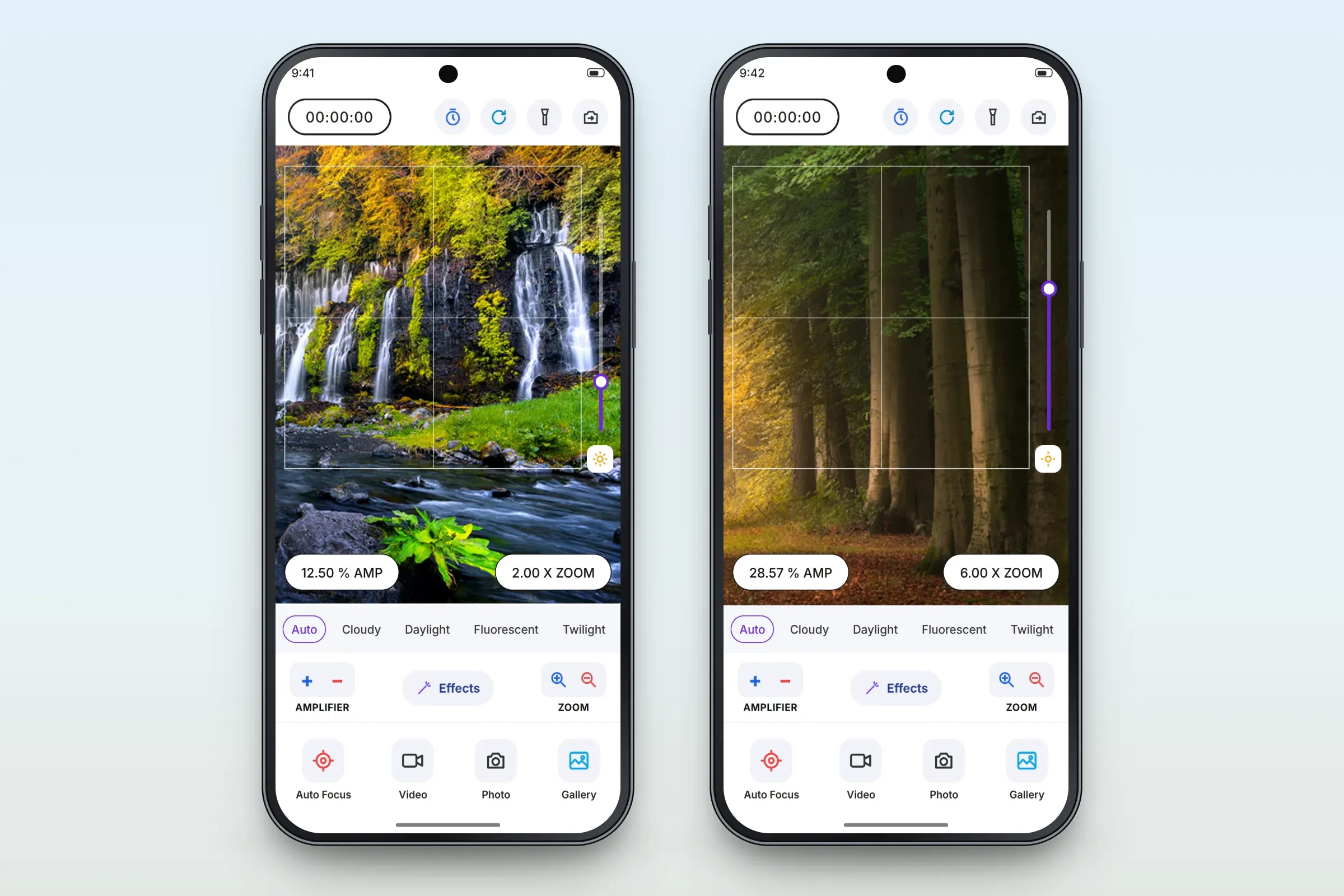
Readouts at two zoom levels (example values). Effects on the live image
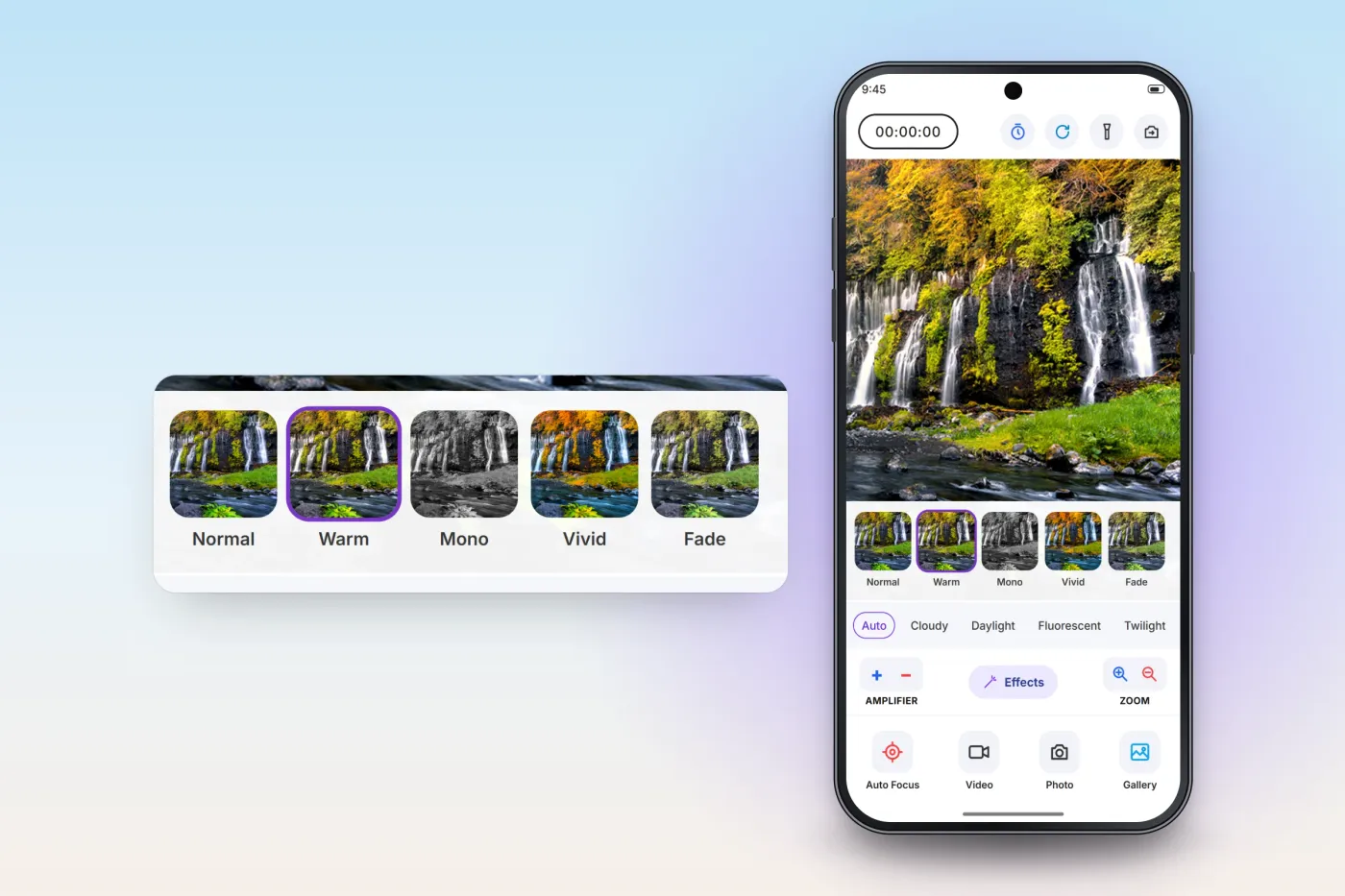
Filters, effects and adjustments preview on the live viewfinder, so the user sees the look before taking the shot.
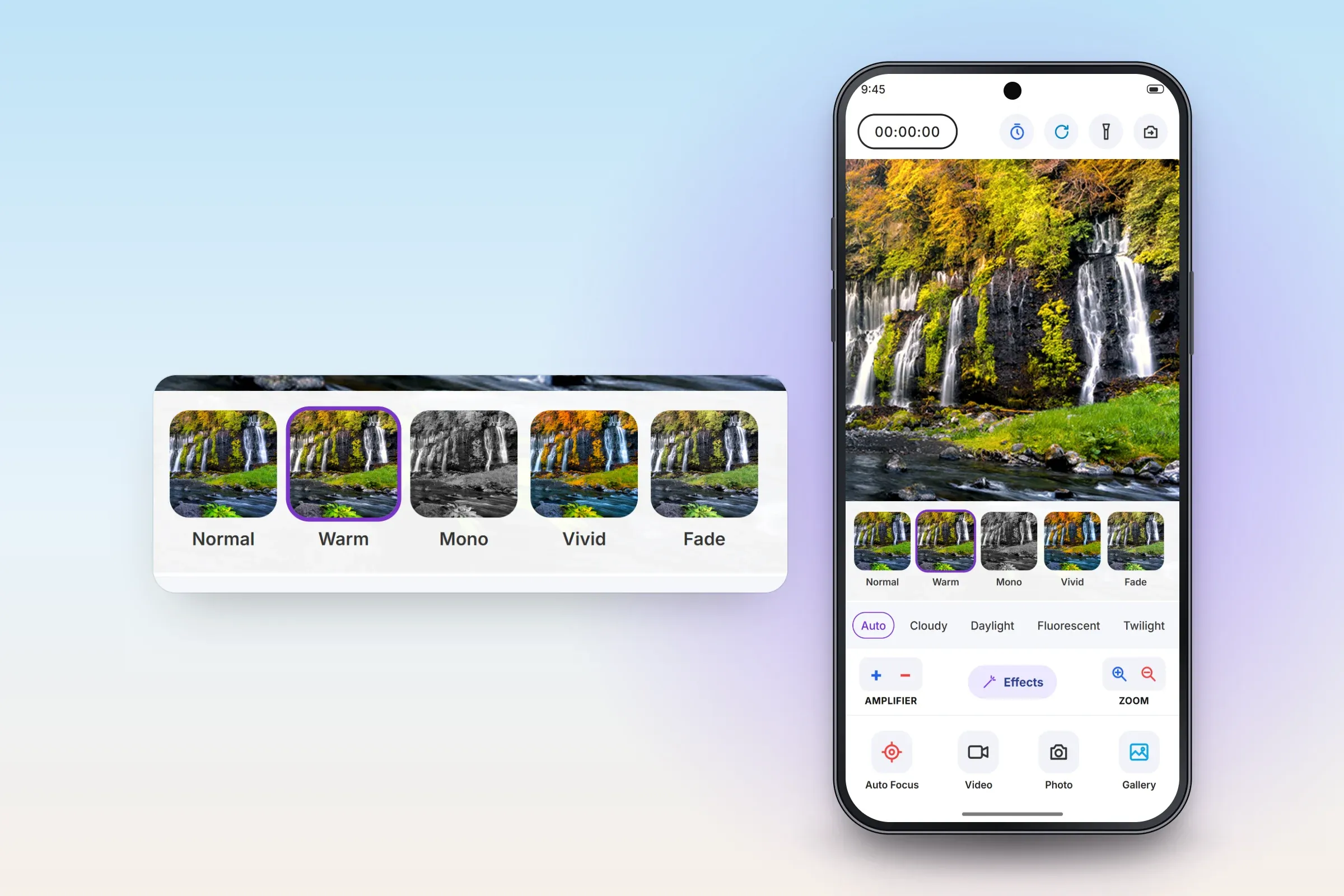
The effects strip, enlarged. Close-ups on phones: tap any image for the full screen. Video, white balance and the capture bar
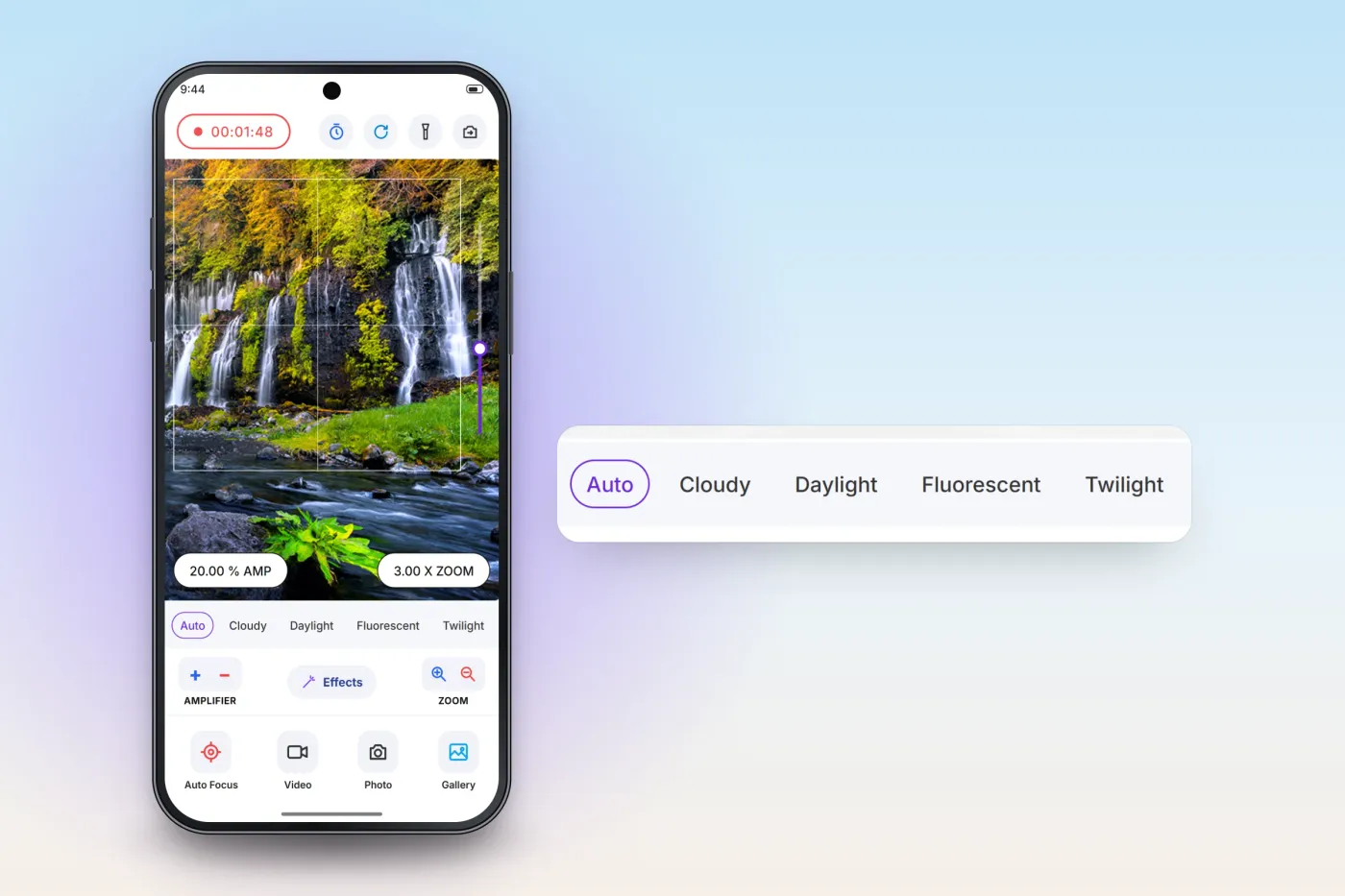
Zoom keeps working while recording video, with a running timer at the top. White-balance modes — Auto, Cloudy, Daylight, Fluorescent and Twilight — sit in one row under the viewfinder, with auto focus, video, photo and gallery in the capture bar.
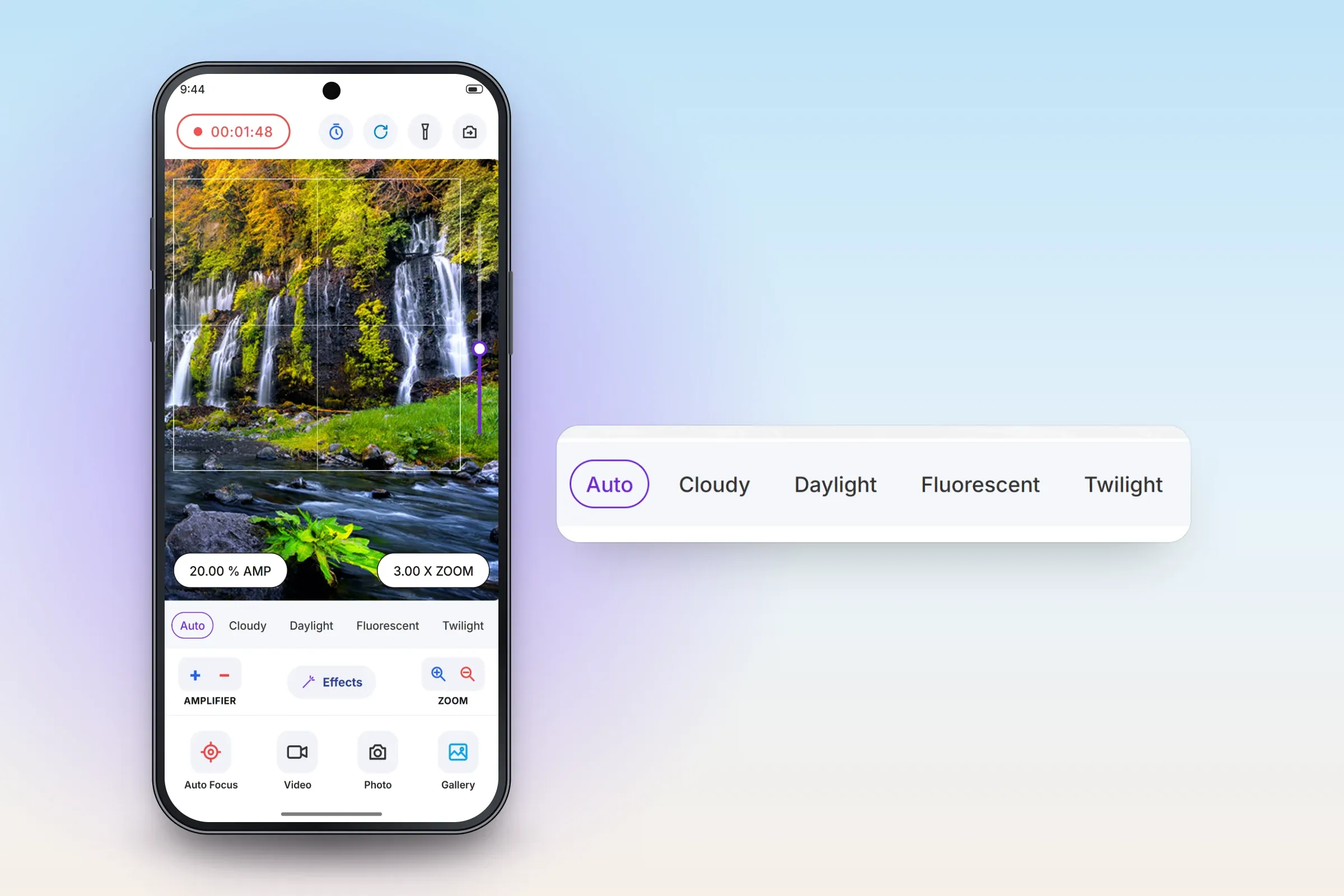
Recording video; white balance and controls enlarged. Close-ups on phones: tap any image for the full screen.
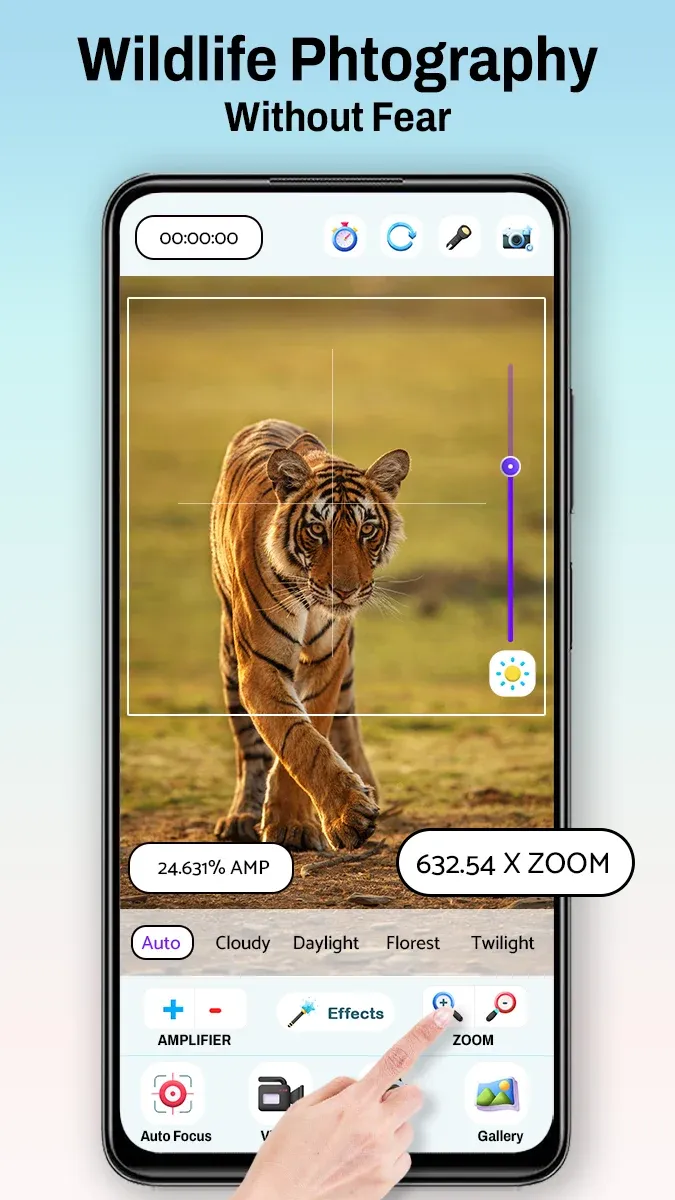
Google Play store image: wildlife. 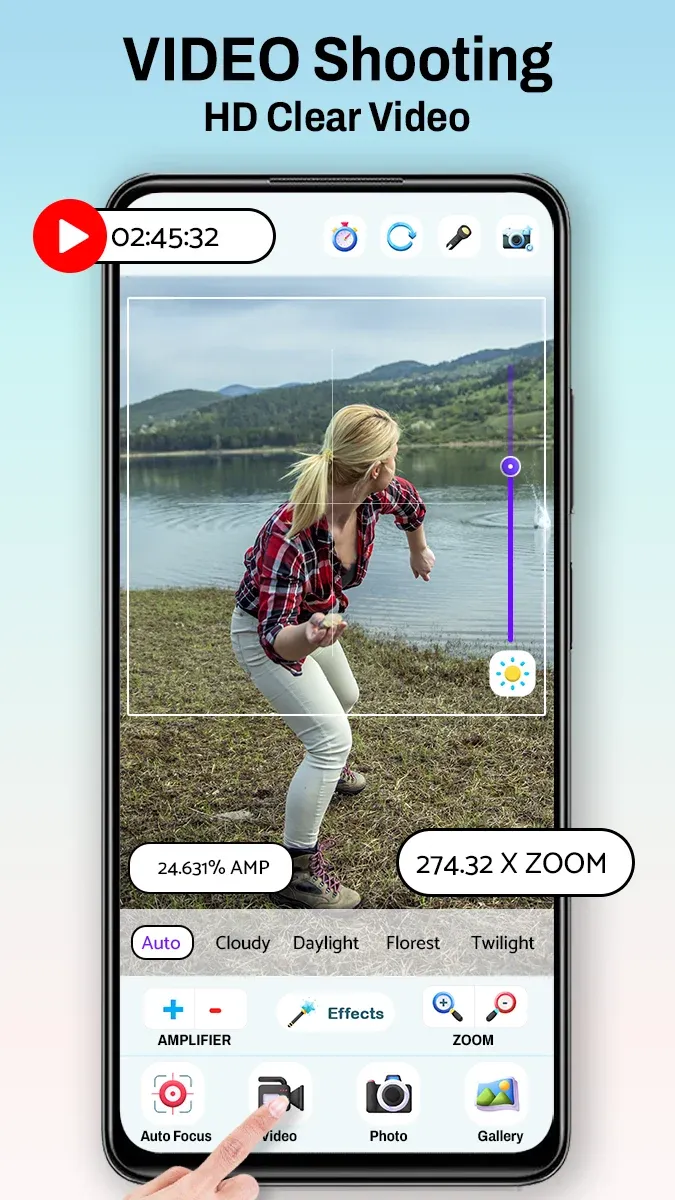
Google Play store image: video. 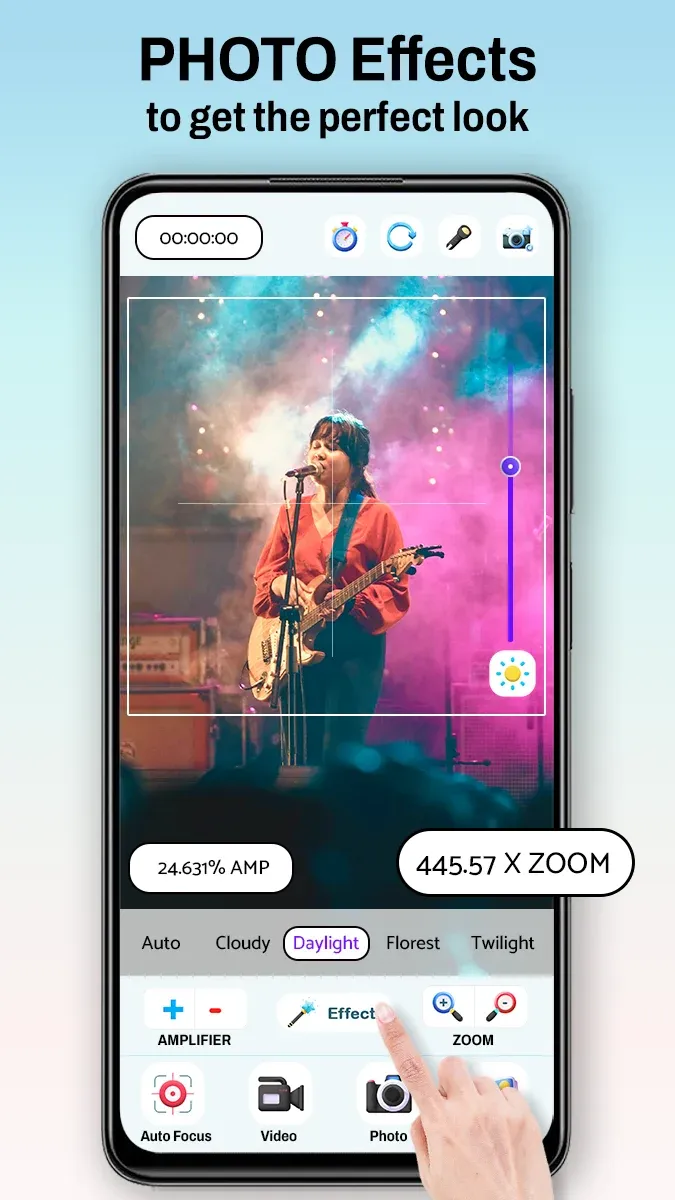
Google Play store image: effects. 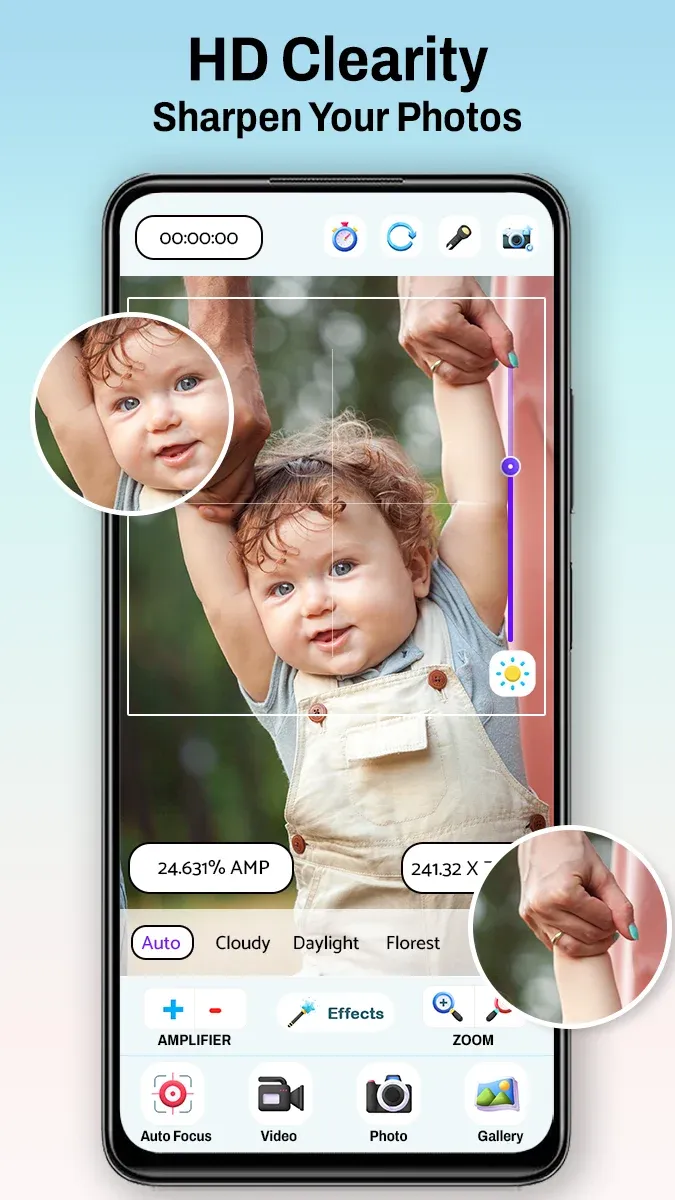
Google Play store image: close-ups.
About these images: the phone screens are recreated from the app's Google Play screenshots, with the app's real controls and layout; the viewfinder photos are taken from the app's own store images, and the zoom and amplifier values are examples. They are not screenshots, and they do not show what any particular phone can resolve. The gallery shows four store images as the client published them on Google Play.
Delivery
The engagement
- Live on Google Play since July 2024; version 1.7, updated June 2026.
- Over 500,000 downloads on Google Play (public install band, checked 31 Oct 2026).
- Runs on Android 6.0 and later. Zoom range depends on each phone's camera.
More delivered work
Other apps we developed that are on Google Play
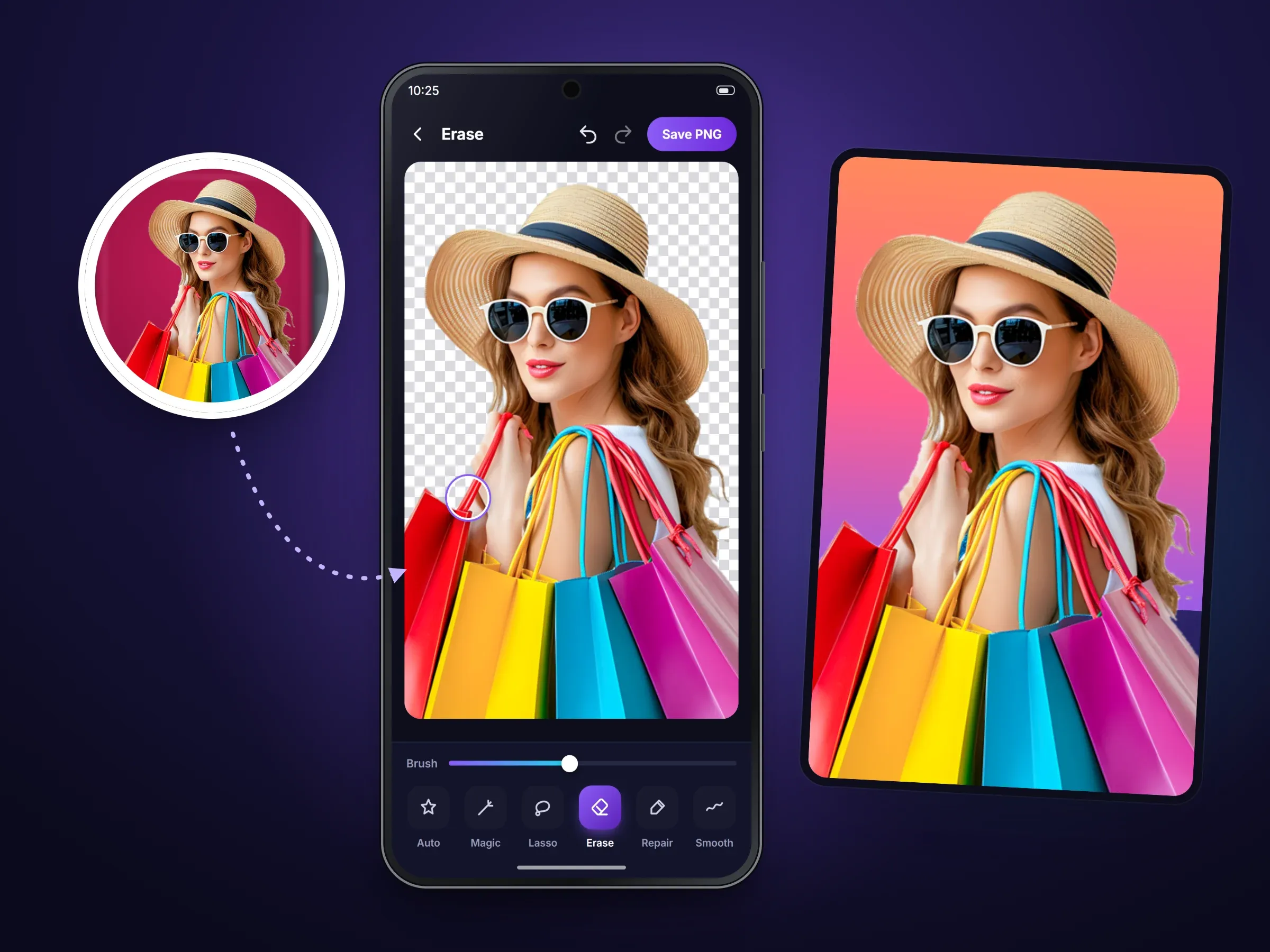 Mobile app · Android
Background Eraser Photo Editor
An Android photo editor that cuts people and objects out of photos and puts them on new backgrounds10M+ Google Play downloads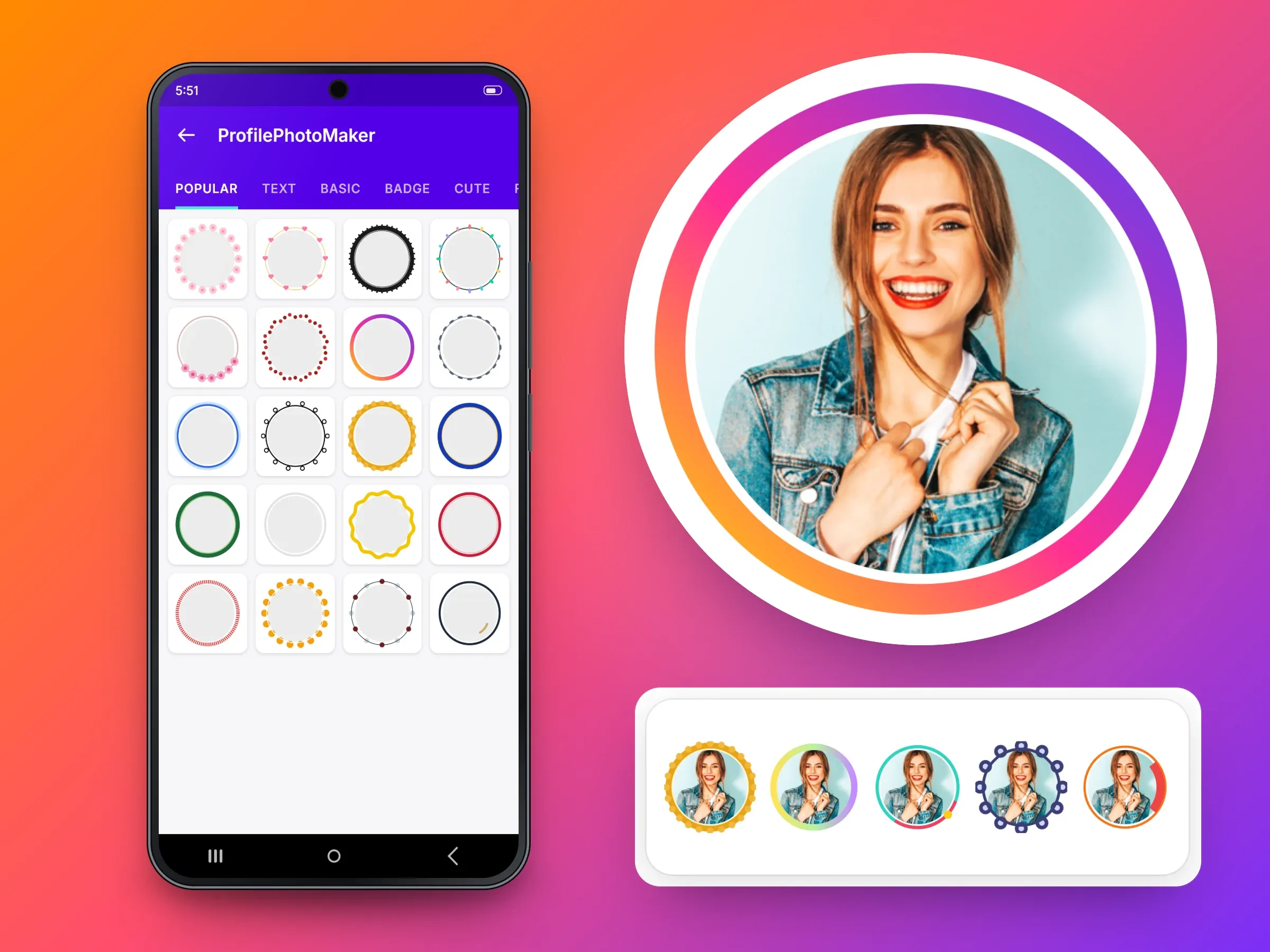 Mobile app · Android
Profile Picture Border Frames
An Android app that adds a designer border to a profile picture and crops it to a circle500K+ Google Play downloads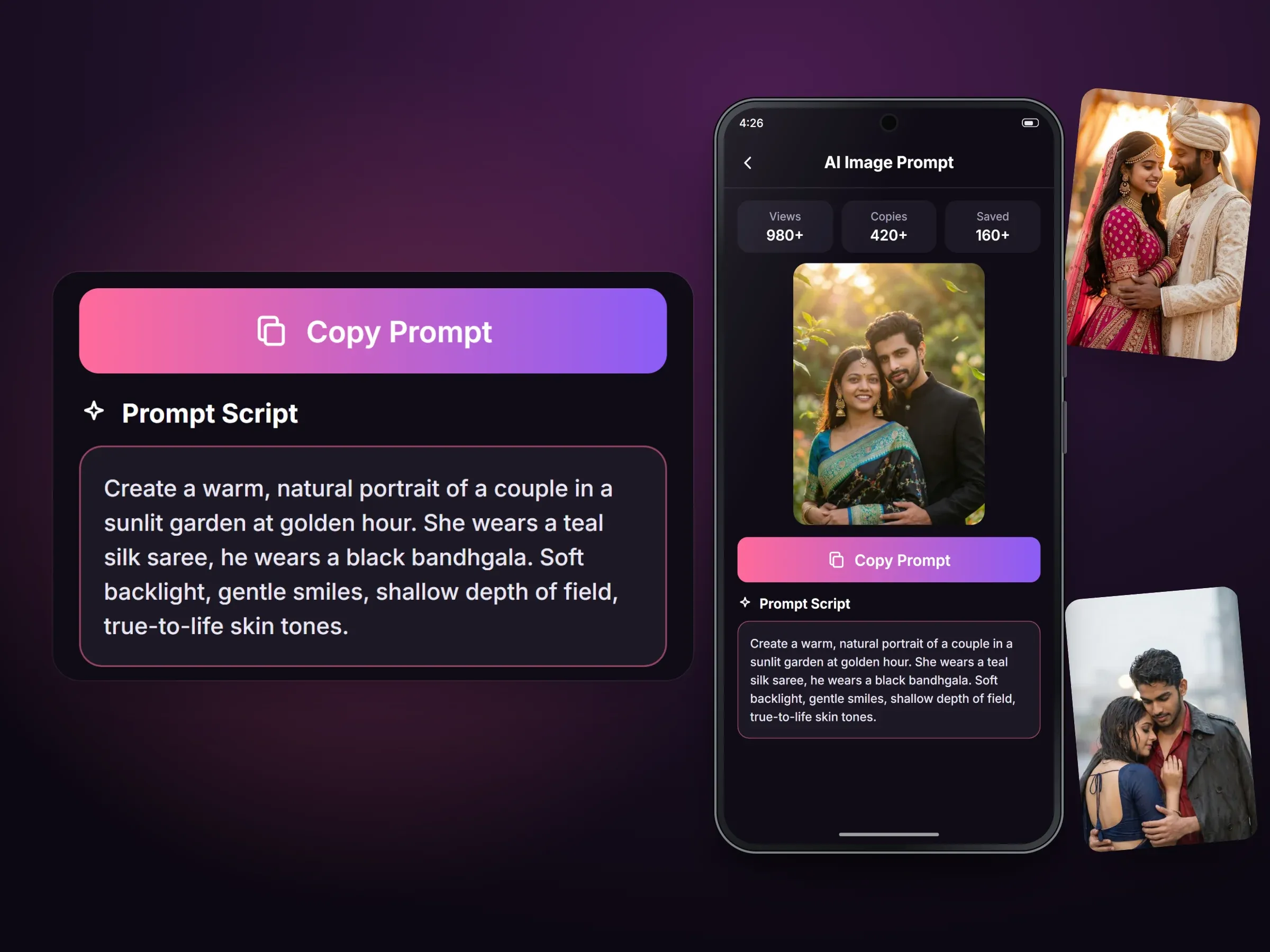 Mobile app · Android
AI Photo Prompt: Couple Photo
An Android library of ready-written prompts that people copy into the AI image tool they already use100K+ Google Play downloads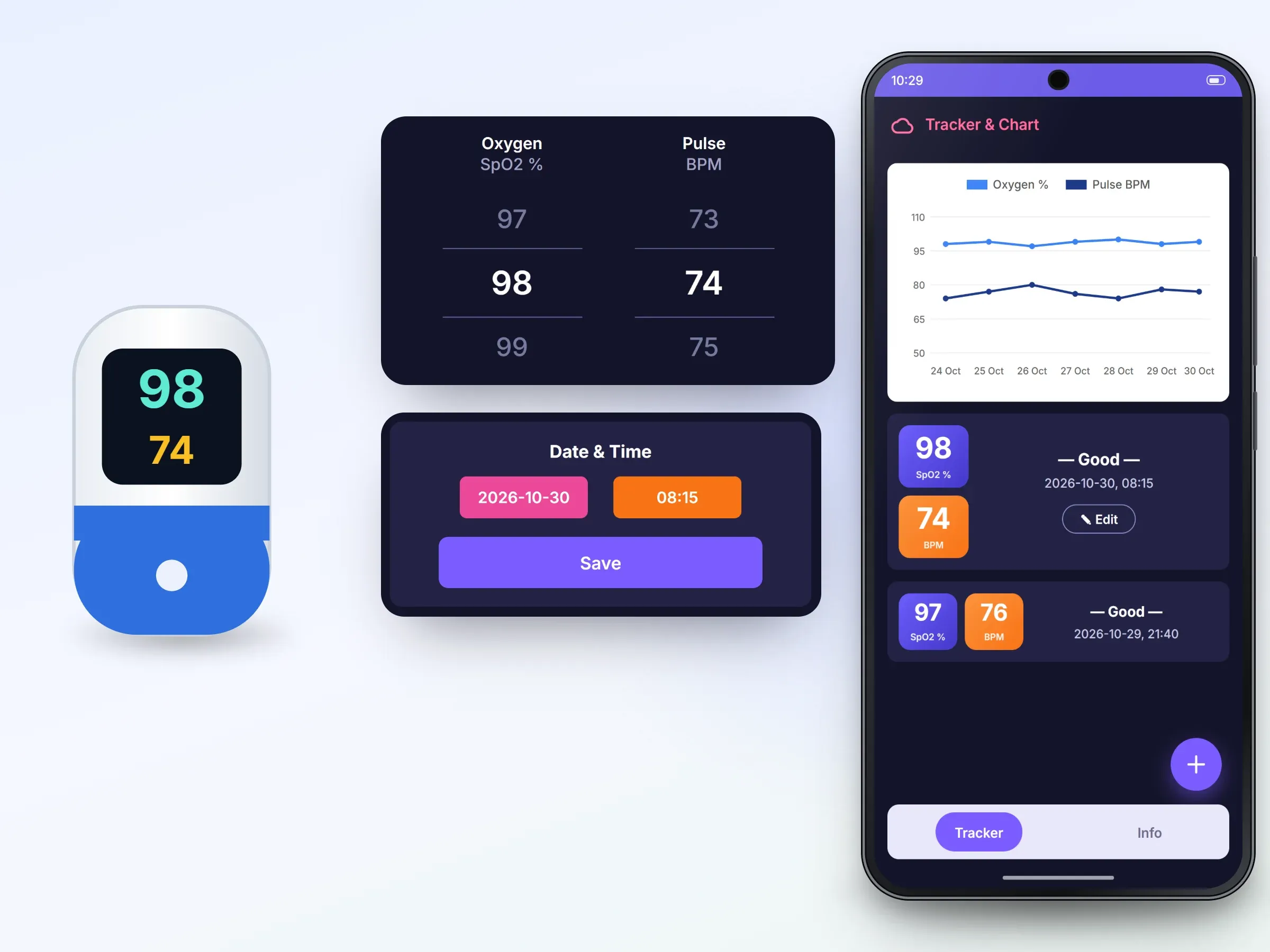 Mobile app · Android
Oxygen Level Tracker - Pulse
An Android log for oxygen and pulse readings that users enter by hand, with charts and history50K+ Google Play downloads
Related services