Case study
Background Eraser Photo Editor
An Android photo editor that cuts people and objects out of photos and puts them on new backgrounds
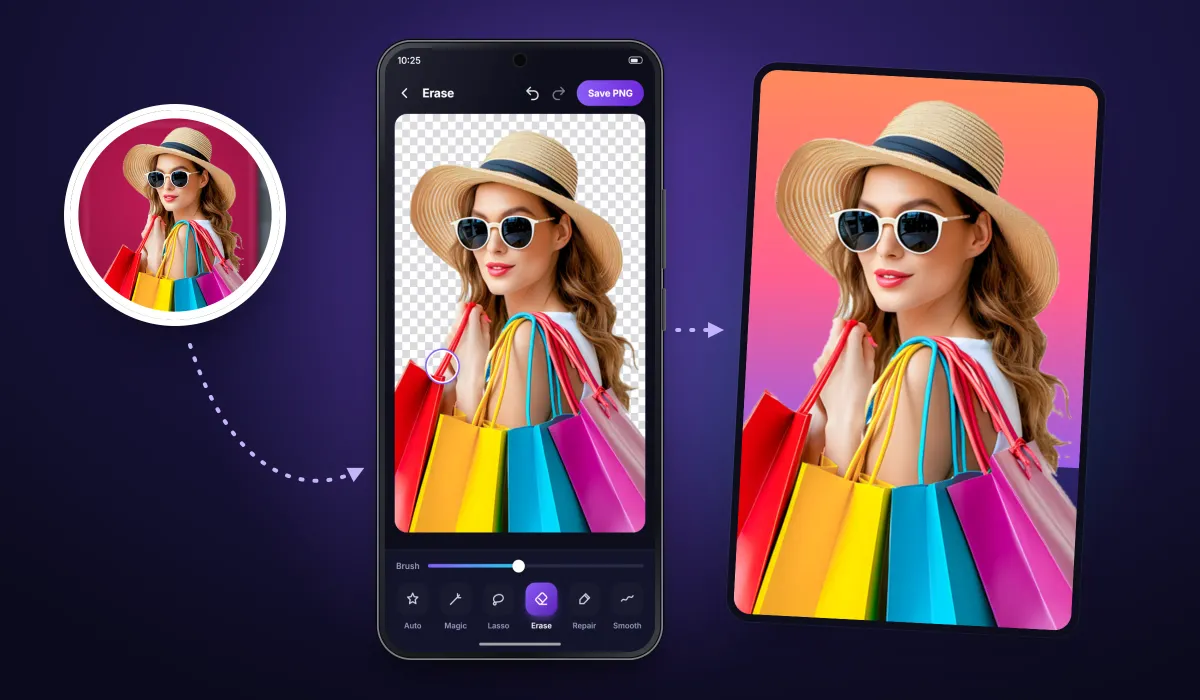
Remove the background from any photo, keep the subject as a transparent PNG and drop it onto a new scene. We built this Android photo editor from scratch for our client, and it has passed 10 million downloads on Google Play.

10M+ Google Play downloads
The public install band on the app’s Google Play listing, checked 31 Oct 2026.
- Client
- App publisher (client)
- Platforms
- Android
- Our scope
- Android app development
The product
What it does, and for whom
Cutting a person or object out of a photo used to mean careful erasing by hand. In this app the user picks a photo and the subject is cut out automatically in one tap. Manual tools then clean the edges, and the result can be saved as a transparent PNG or put on a new background, with a set of other photo editors around that core. The app has been on Google Play since October 2017 and is still updated (version 1.90, May 2026).
Scope The client publishes the app on Google Play and owns its brand, listing and background library. Our team developed the Android app. Google Play ratings rate the app, not Keshav Infotech.
Our contribution
What our team built
Android app development
The complete Android app, developed from scratch: automatic cut-out and the manual refine tools, transparent PNG export, background changer with its library, and the photo blender, collage, mirror, template, profile-picture, poster and blur editors.
User flow
From photo to new background in three steps
The core flow, in the order a user meets it.
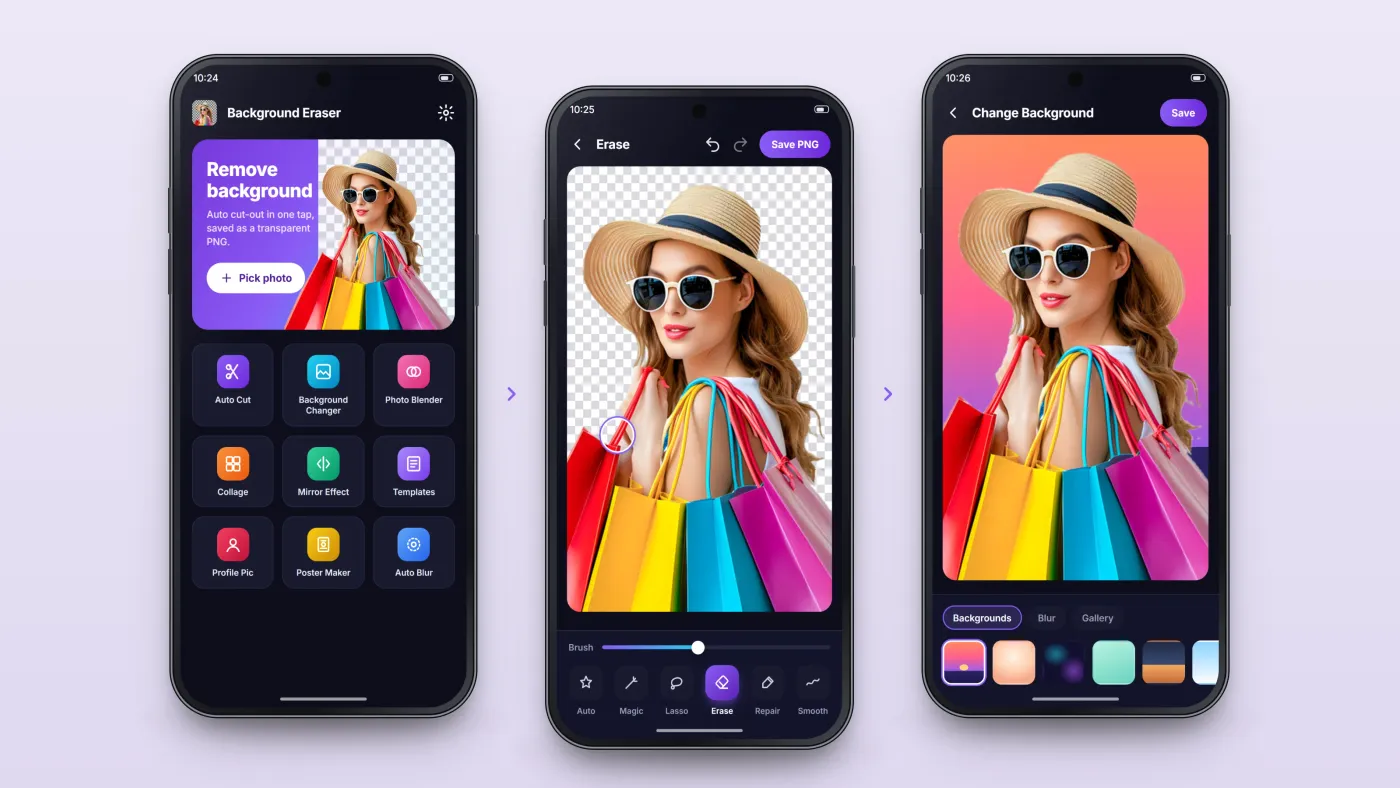
Pick a photo
Start from a gallery photo or a selfie; the tool menu covers cutting out and the other editors.
Cut out and refine
Auto cut-out in one tap, then lasso, erase, repair and smooth for the edges.
New background, save
Choose a background or blur, then save — or keep the transparent PNG.
The product in use
Inside the app
Automatic cut-out, with manual tools for the edges
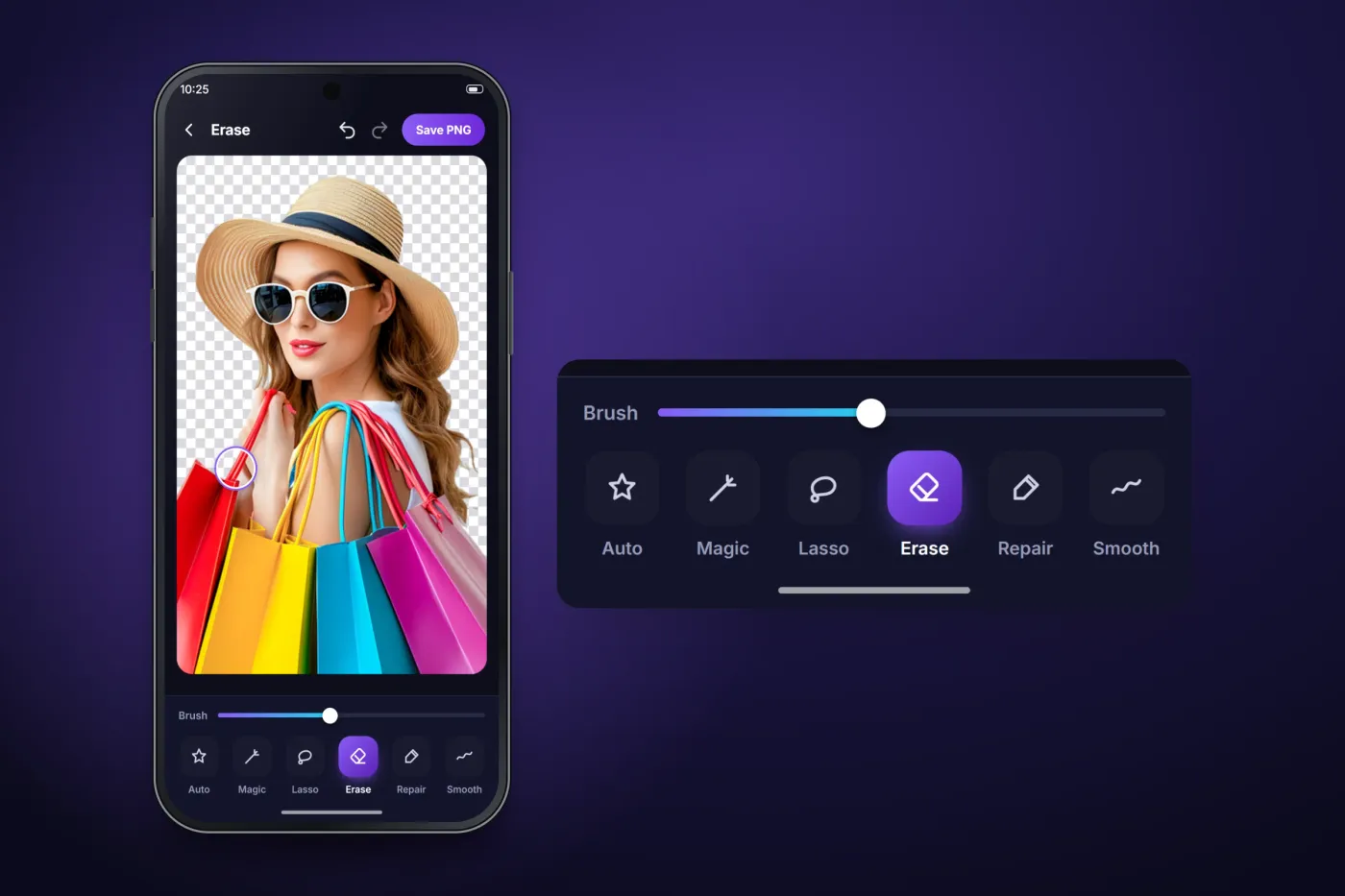
The auto cut-out finds people, animals and objects in one tap. Where an edge needs work, the user switches to magic cut, lasso, eraser, repair or smooth. The result saves as a PNG with a transparent background, ready to use as a sticker or in another design.
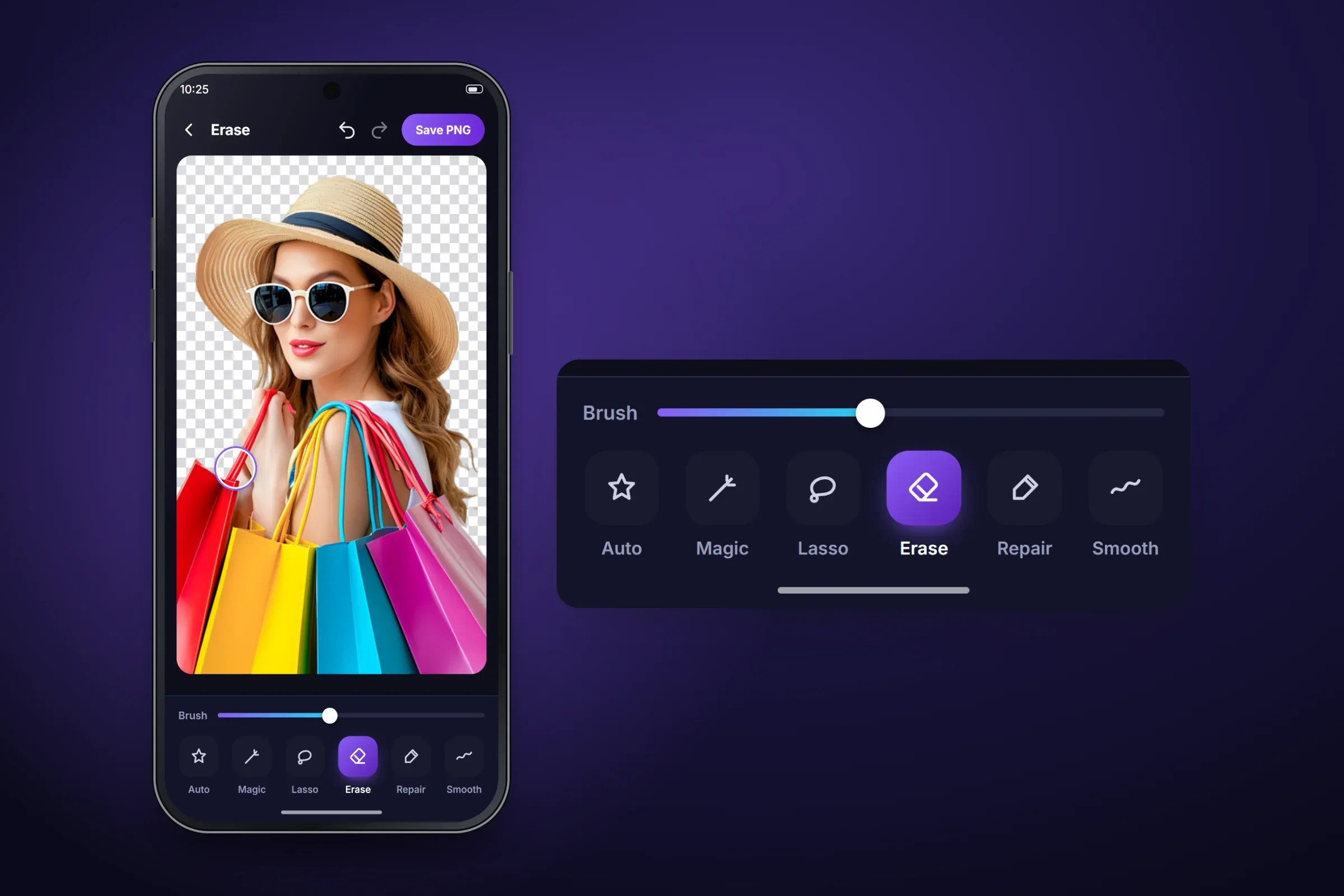
Cut-out on transparency, with the refine tools enlarged. Close-ups on phones: tap any image for the full screen. Backgrounds, colours and blur
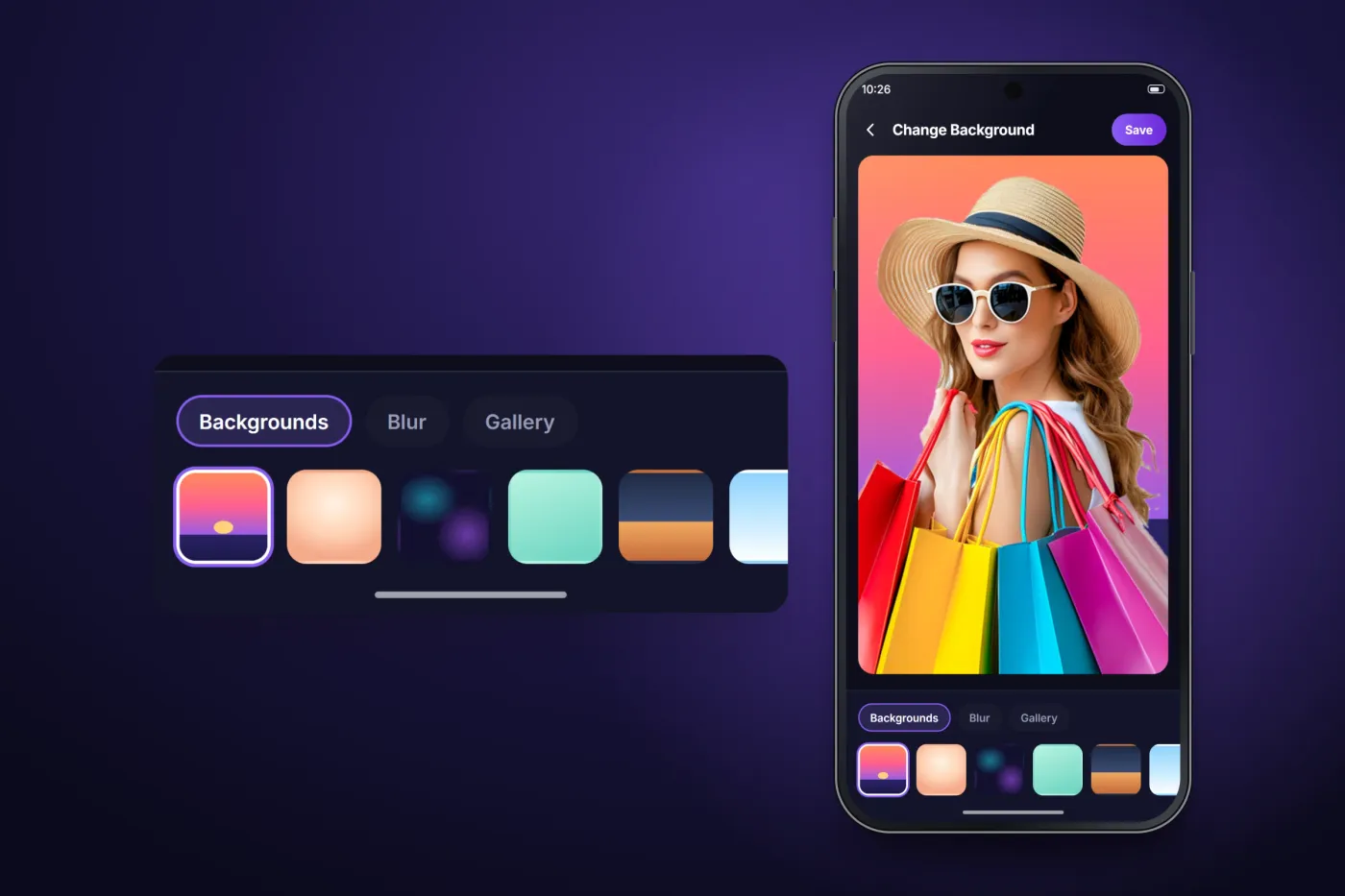
Once the subject is cut out, the background changer puts it on a new scene: one of the more than 100 HD and artistic backgrounds in the app, or another photo from the gallery. Auto blur keeps the original scene but softens it behind the subject.
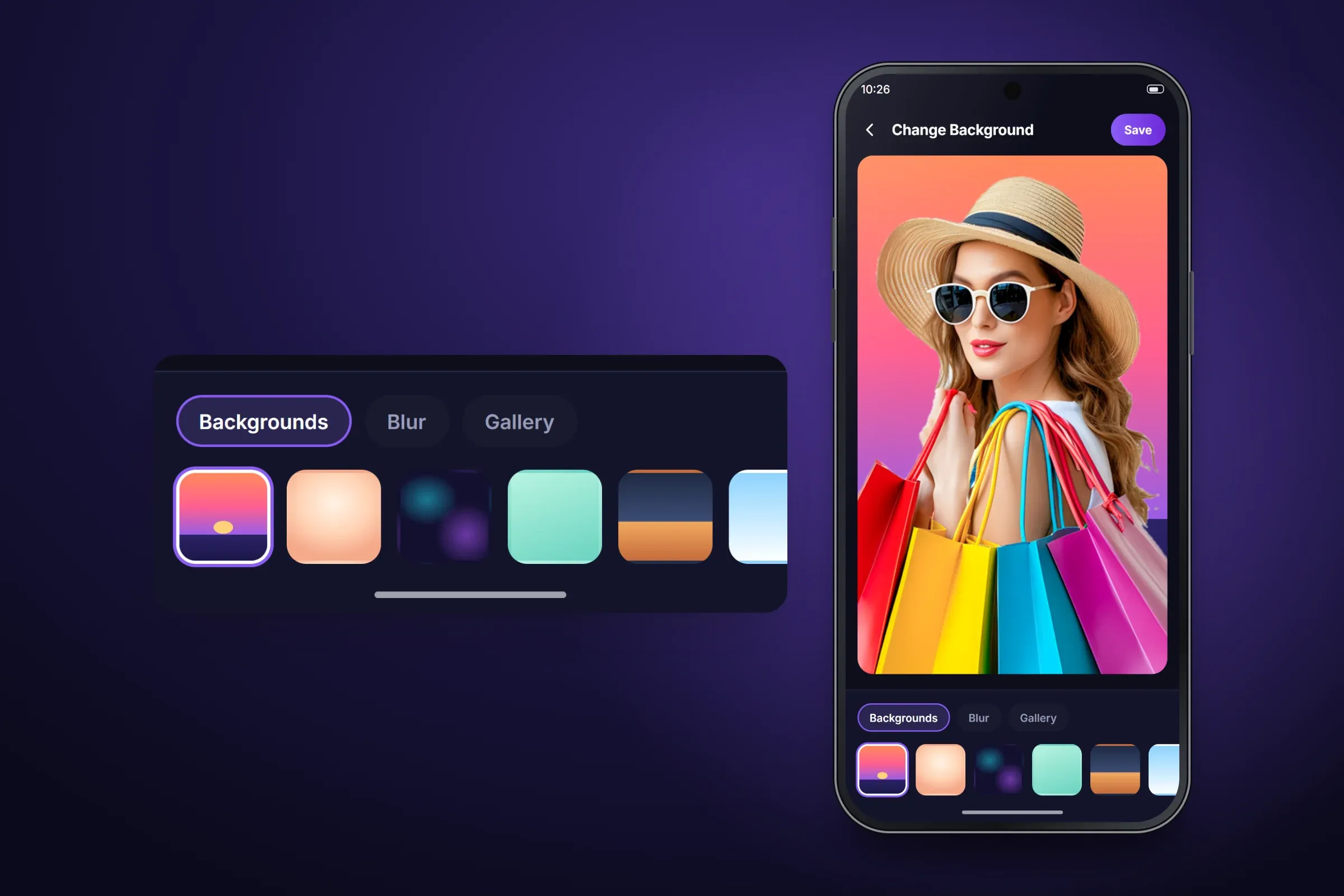
Background picker: library, blur or the user's own photo. Close-ups on phones: tap any image for the full screen. A full set of photo tools around the cut-out
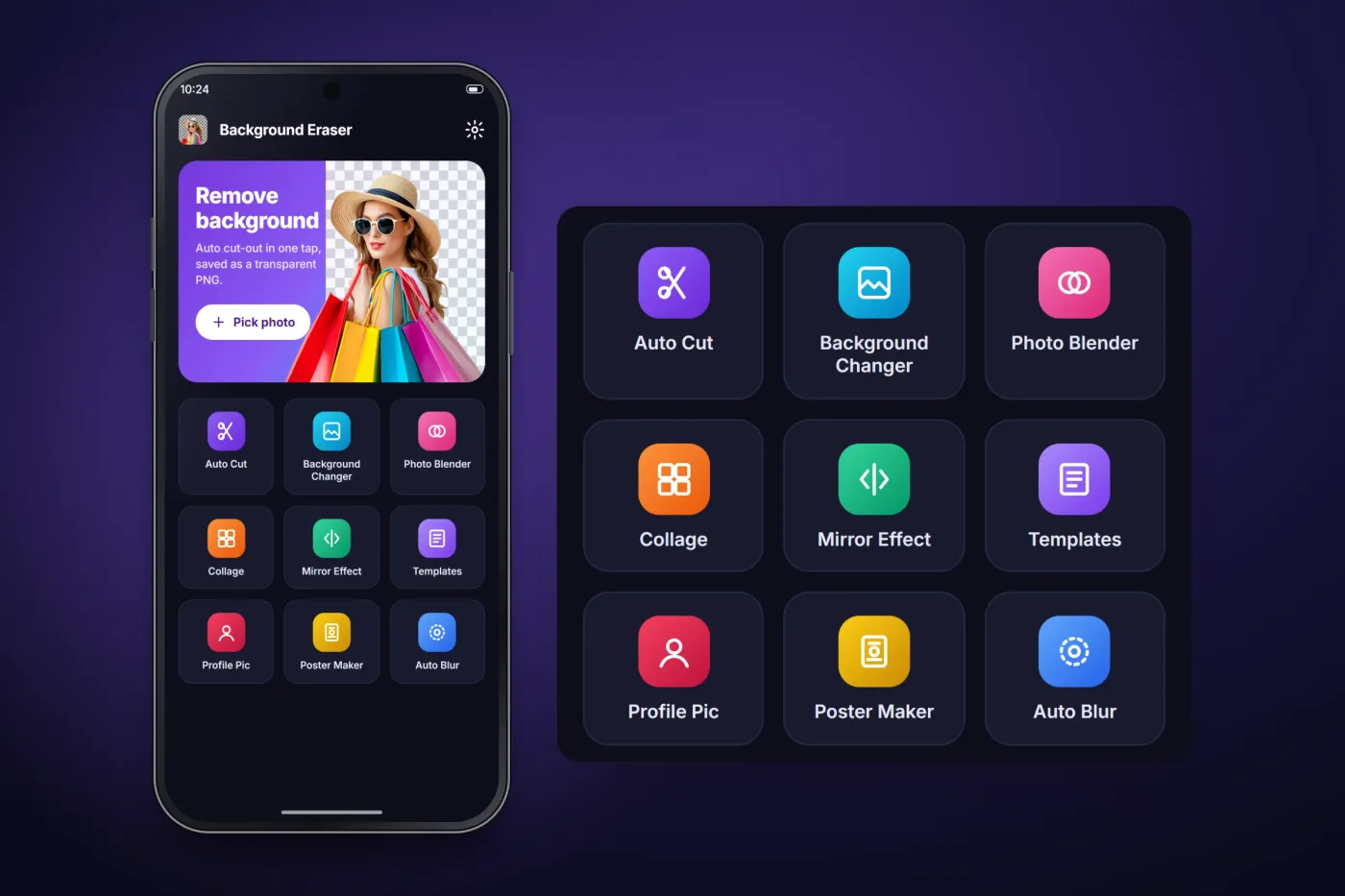
The cut-out comes first and the other editors are one tap away: background changer, photo blender, collage, echo mirror effect, cut-out templates, profile pictures, poster maker and auto blur.
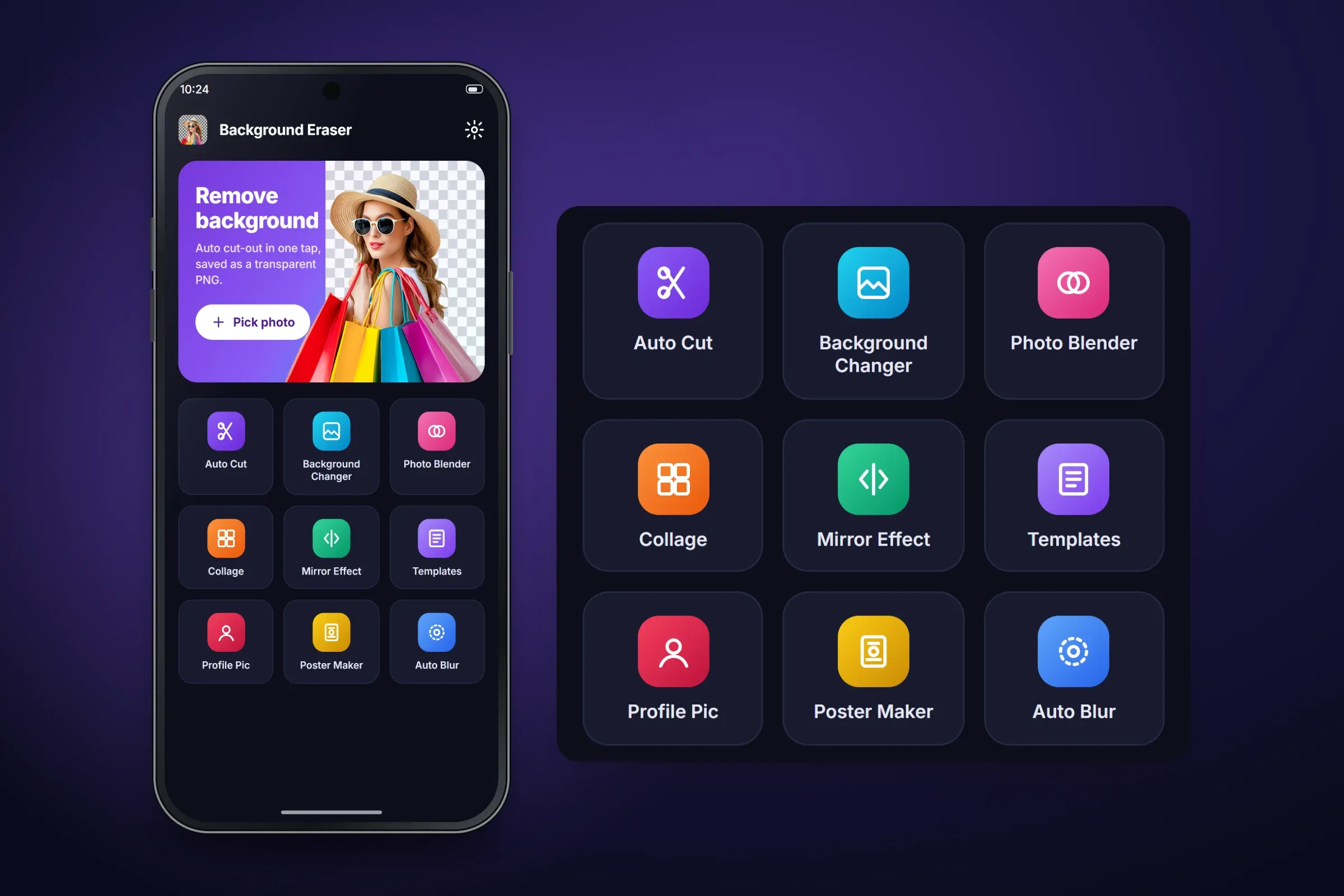
The tool menu on the home screen. Close-ups on phones: tap any image for the full screen.
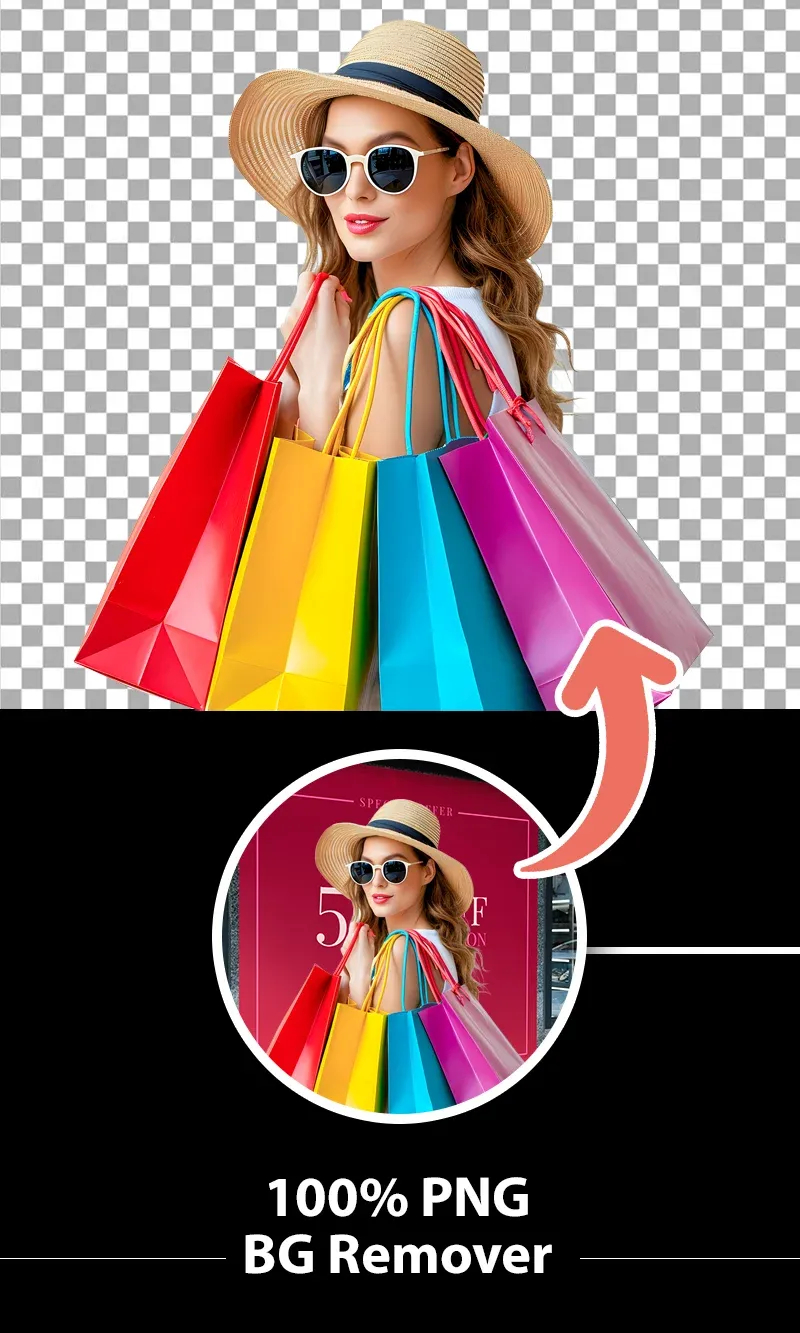
Google Play store image: one-tap background removal. 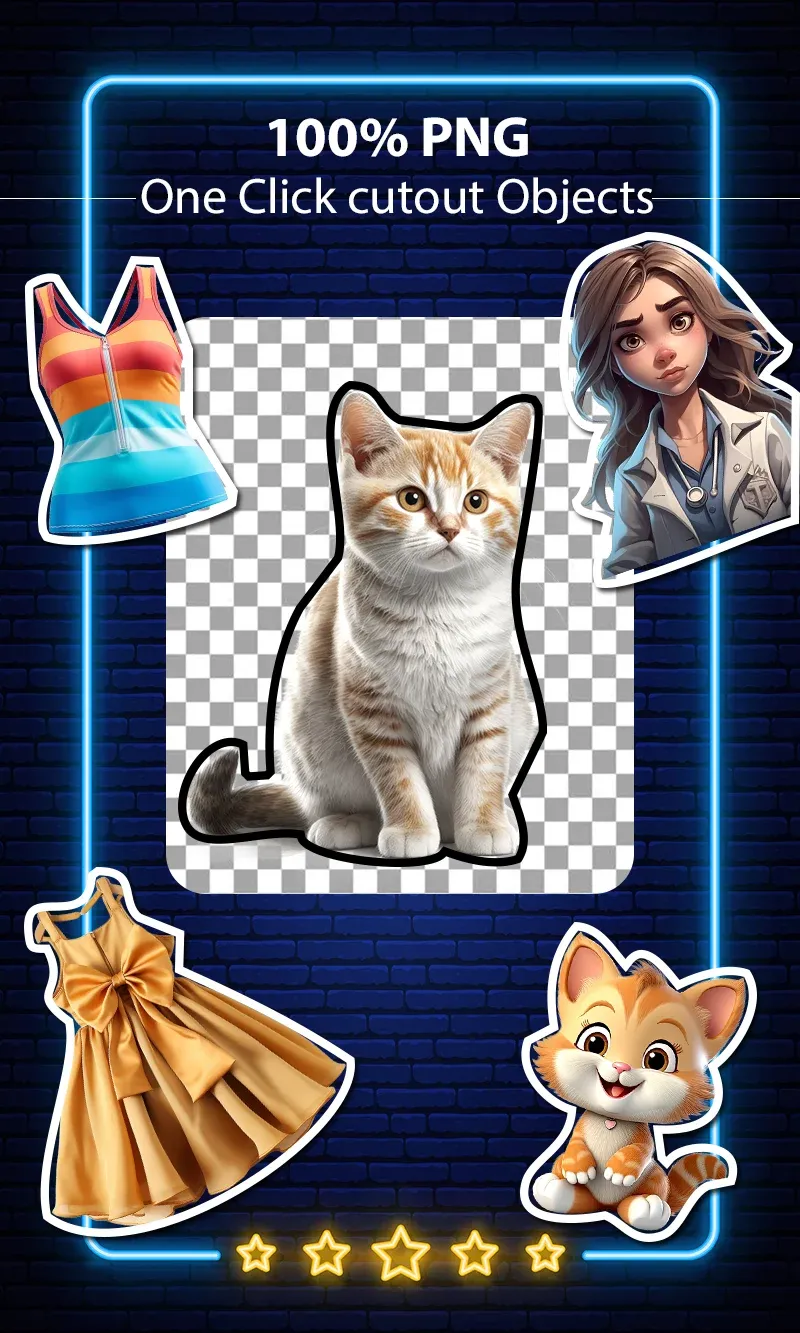
Google Play store image: objects cut out as stickers. 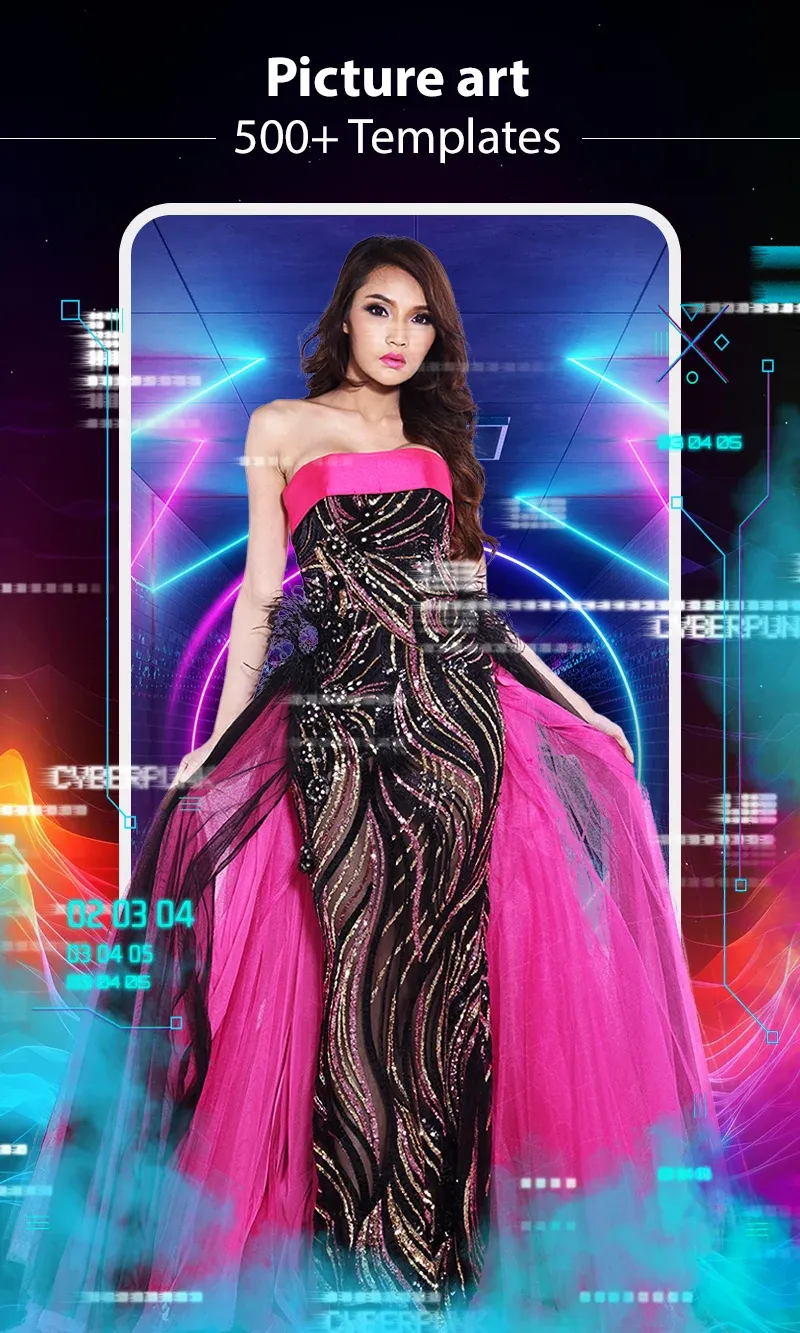
Google Play store image: picture-art templates. 
Google Play store image: poster maker.
About these images: the phone screens are an illustration of the app built from its listed tools; they are not screenshots. The woman's photo comes from the app's own Google Play images; the shop-window backdrop of the original and the new backgrounds are drawn. The four store images in the gallery are shown as the client published them on Google Play.
Delivery
The engagement
- Live on Google Play since October 2017; version 1.90, updated May 2026.
- Over 10 million downloads on Google Play (public install band, checked 31 Oct 2026).
- Runs on Android 7.0 and later.
More delivered work
Other apps we developed that are on Google Play
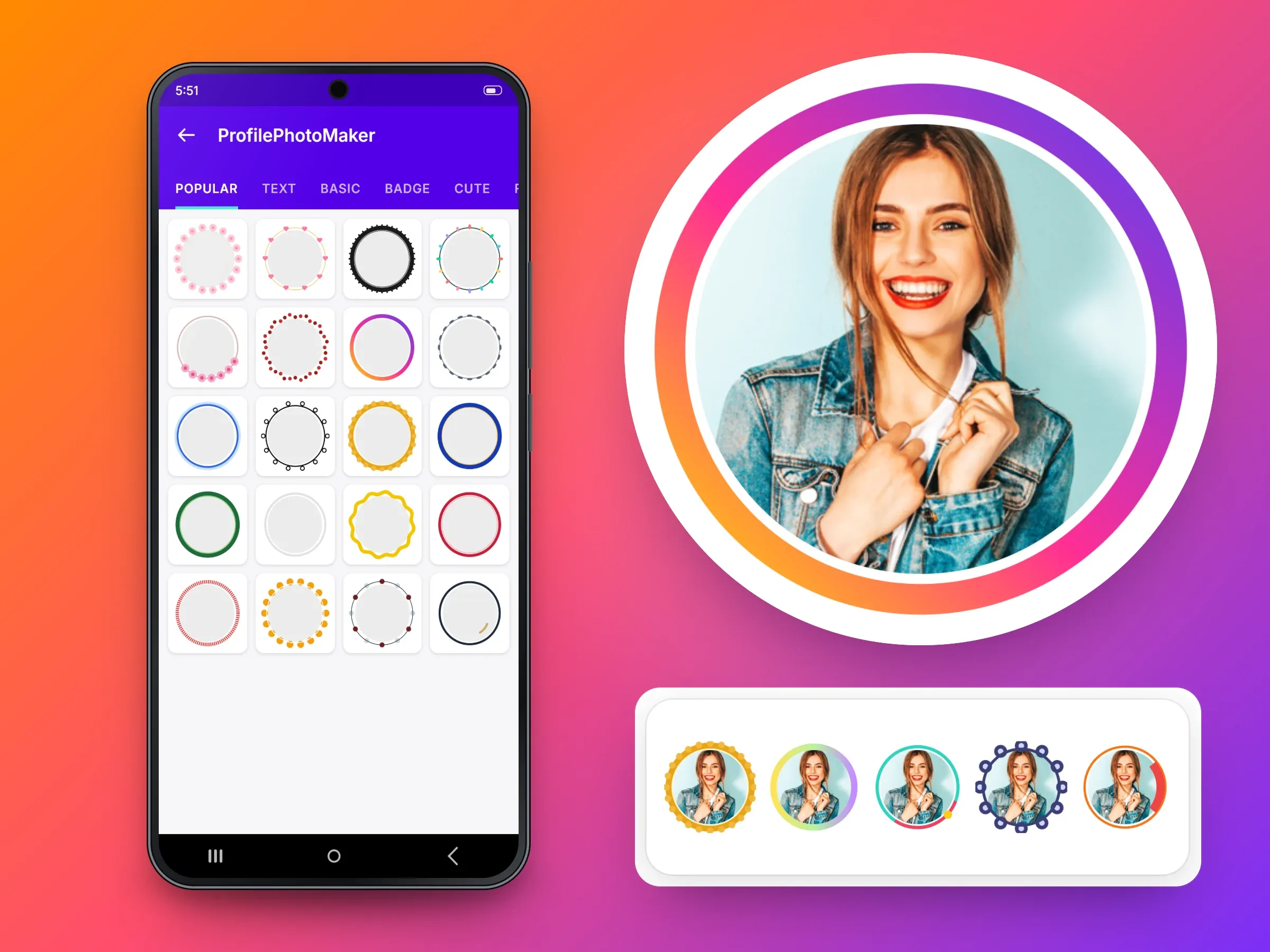 Mobile app · Android
Profile Picture Border Frames
An Android app that adds a designer border to a profile picture and crops it to a circle500K+ Google Play downloads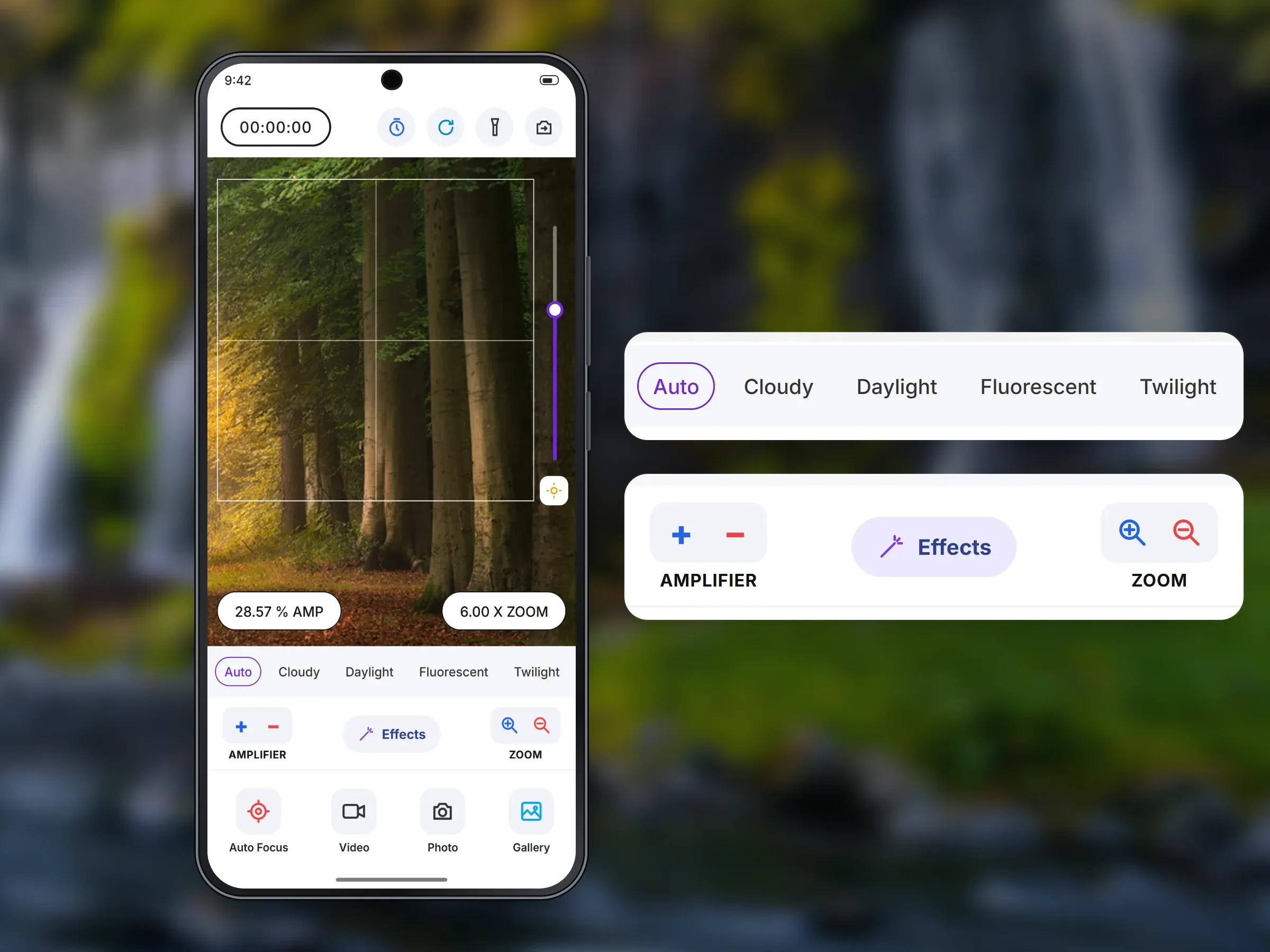 Mobile app · Android
1000x Zoom: Ultra Zoom Camera
An Android camera app built around zoom, with focus, white balance, effects and video500K+ Google Play downloads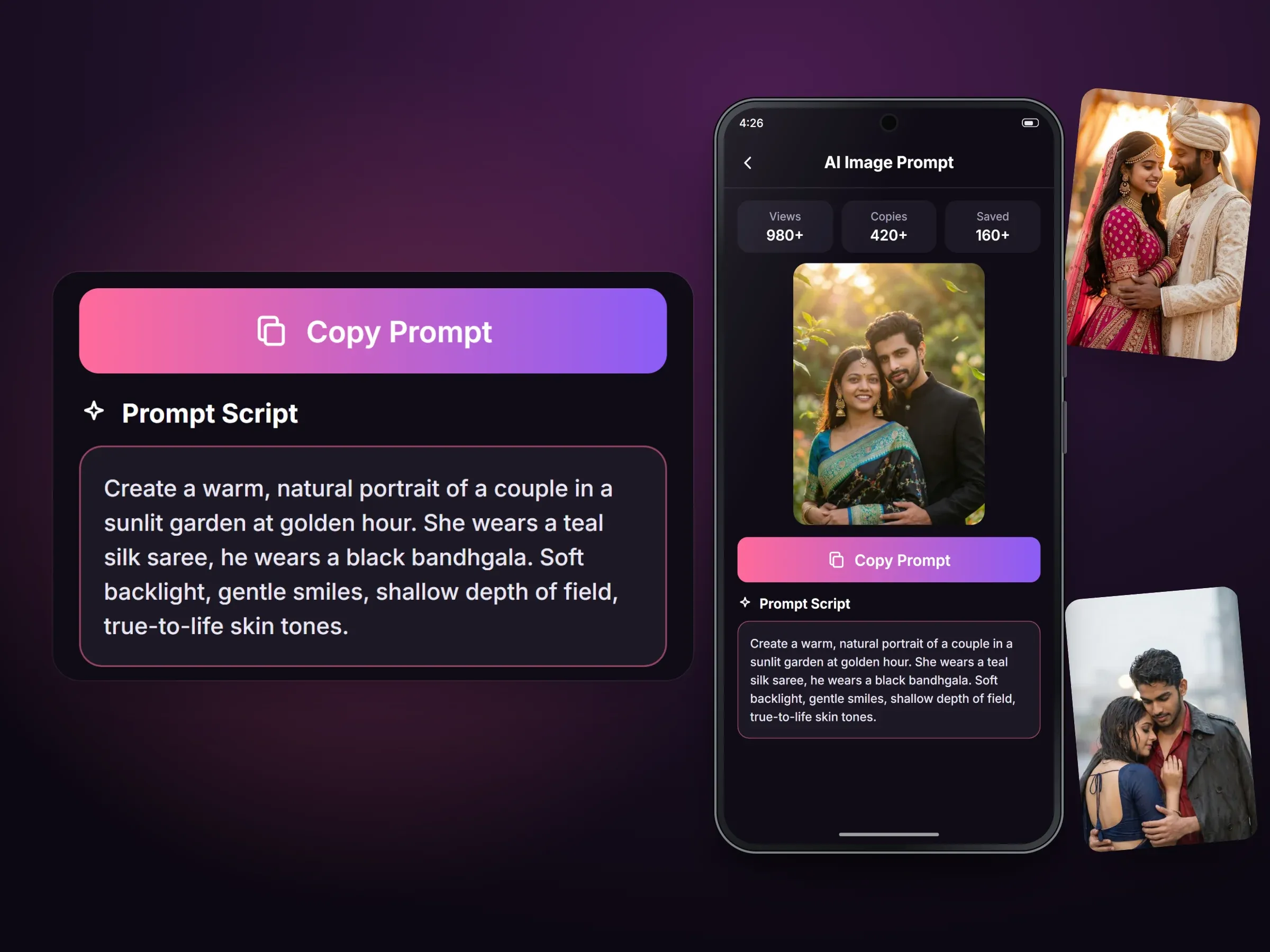 Mobile app · Android
AI Photo Prompt: Couple Photo
An Android library of ready-written prompts that people copy into the AI image tool they already use100K+ Google Play downloads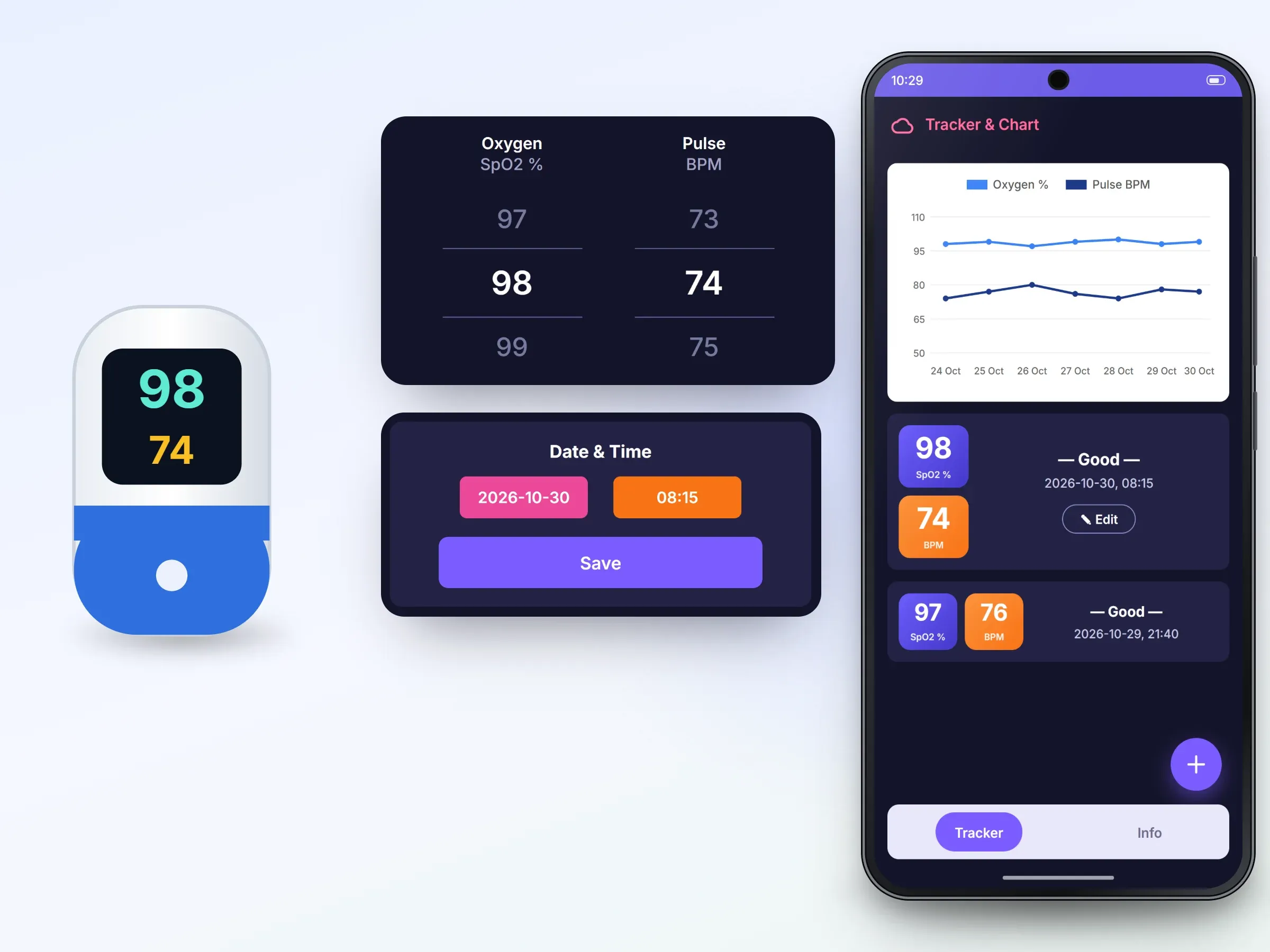 Mobile app · Android
Oxygen Level Tracker - Pulse
An Android log for oxygen and pulse readings that users enter by hand, with charts and history50K+ Google Play downloads
Related services