Case study
Profile Picture Border Frames
An Android app that adds a designer border to a profile picture and crops it to a circle
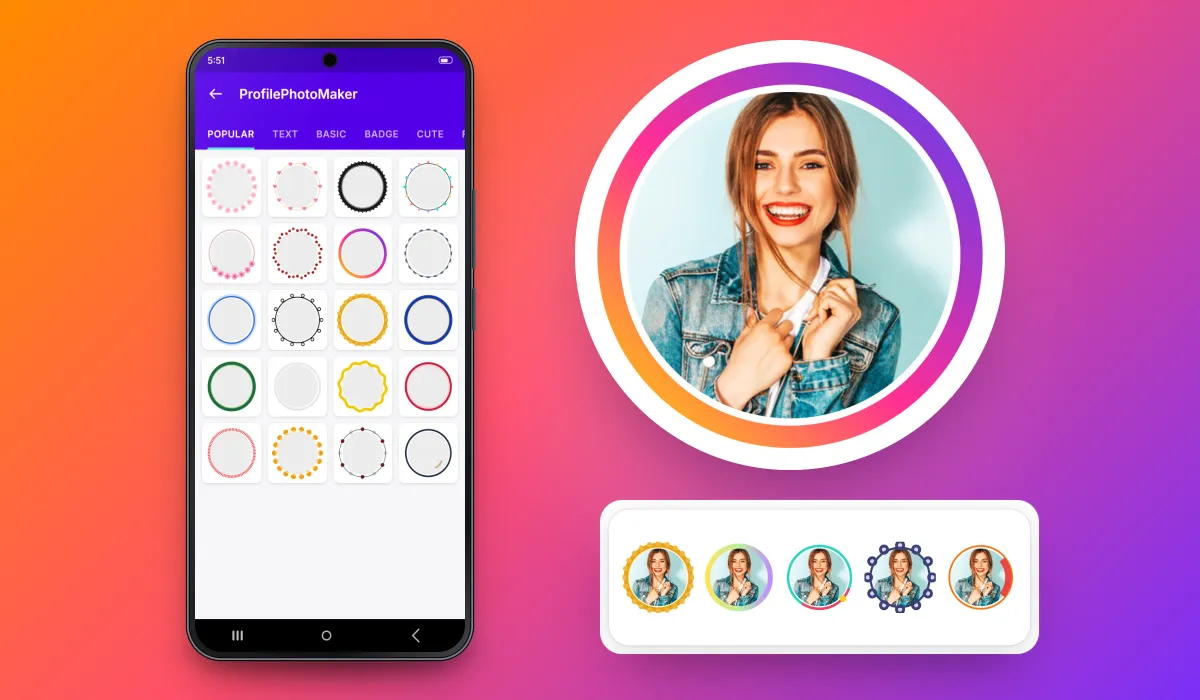
Profile Picture Border Frames turns any photo into a framed, circle-cropped profile picture in a few taps. Our team developed the Android app from scratch for the client who publishes it; more than 500,000 people have installed it from Google Play.

500K+ Google Play downloads
The public install band on the app’s Google Play listing, checked 31 Oct 2026.
- Client
- App publisher (client)
- Platforms
- Android
- Our scope
- Android app development
The product
What it does, and for whom
Profile pictures are shown as small circles, so a photo cropped carelessly loses the face, and a plain photo is easy to scroll past. The app solves both: the user takes a photo from the gallery, picks a border from a catalogue organised by style, positions the photo in a circular crop, previews it in the frame and saves it at full size. The app has been on Google Play since January 2021 (version 1.58, March 2026).
Scope The client publishes the app on Google Play and owns its brand, listing and frame artwork. Our team developed the Android app. Google Play ratings rate the app, not Keshav Infotech.
Our contribution
What our team built
Android app development
The complete Android app, developed from scratch: photo selection, the categorised frame catalogue, circular crop with rotate, live frame preview, full-size save, saved creations and sharing.
User flow
Photo, frame, crop, save
The four screens a user moves through, in order.
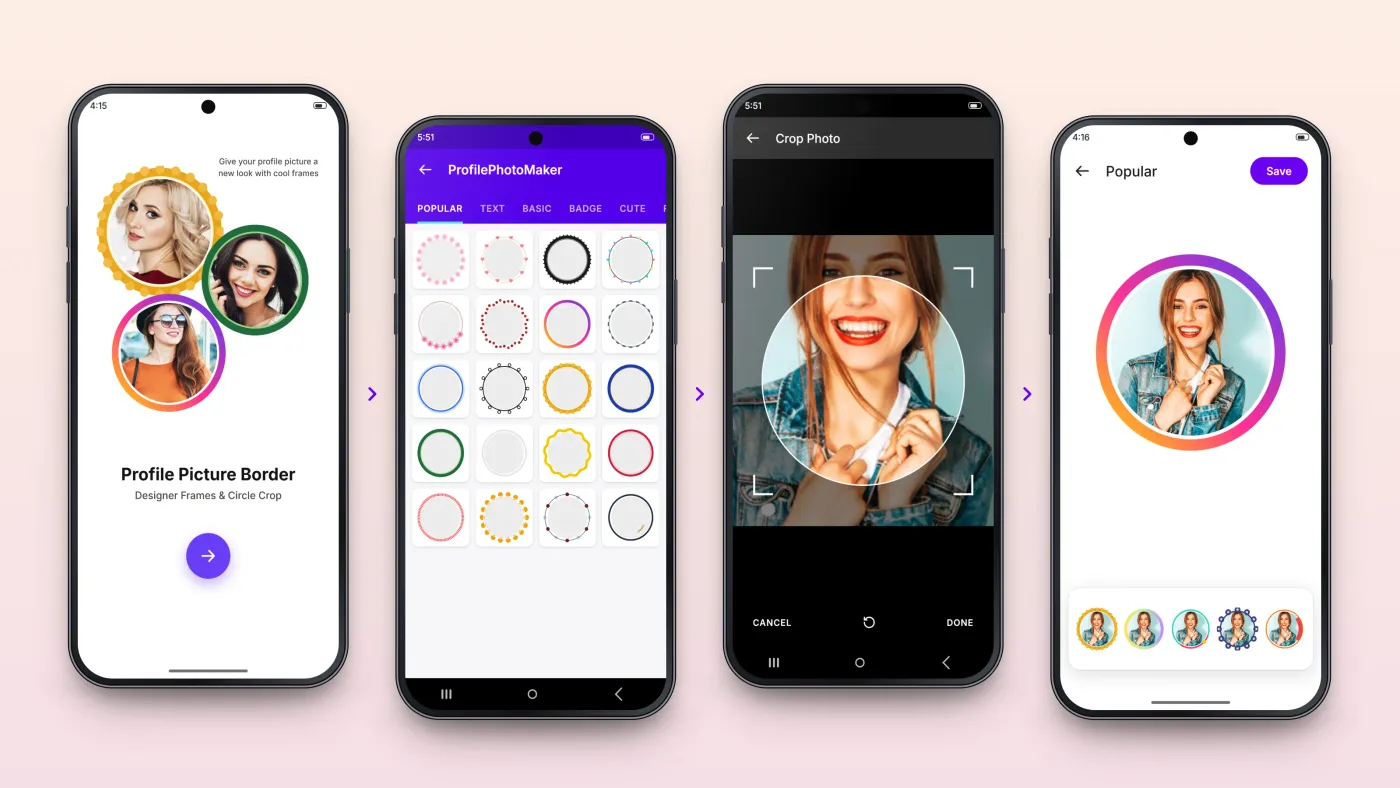
Start
One button from the welcome screen to the gallery.
Choose a frame
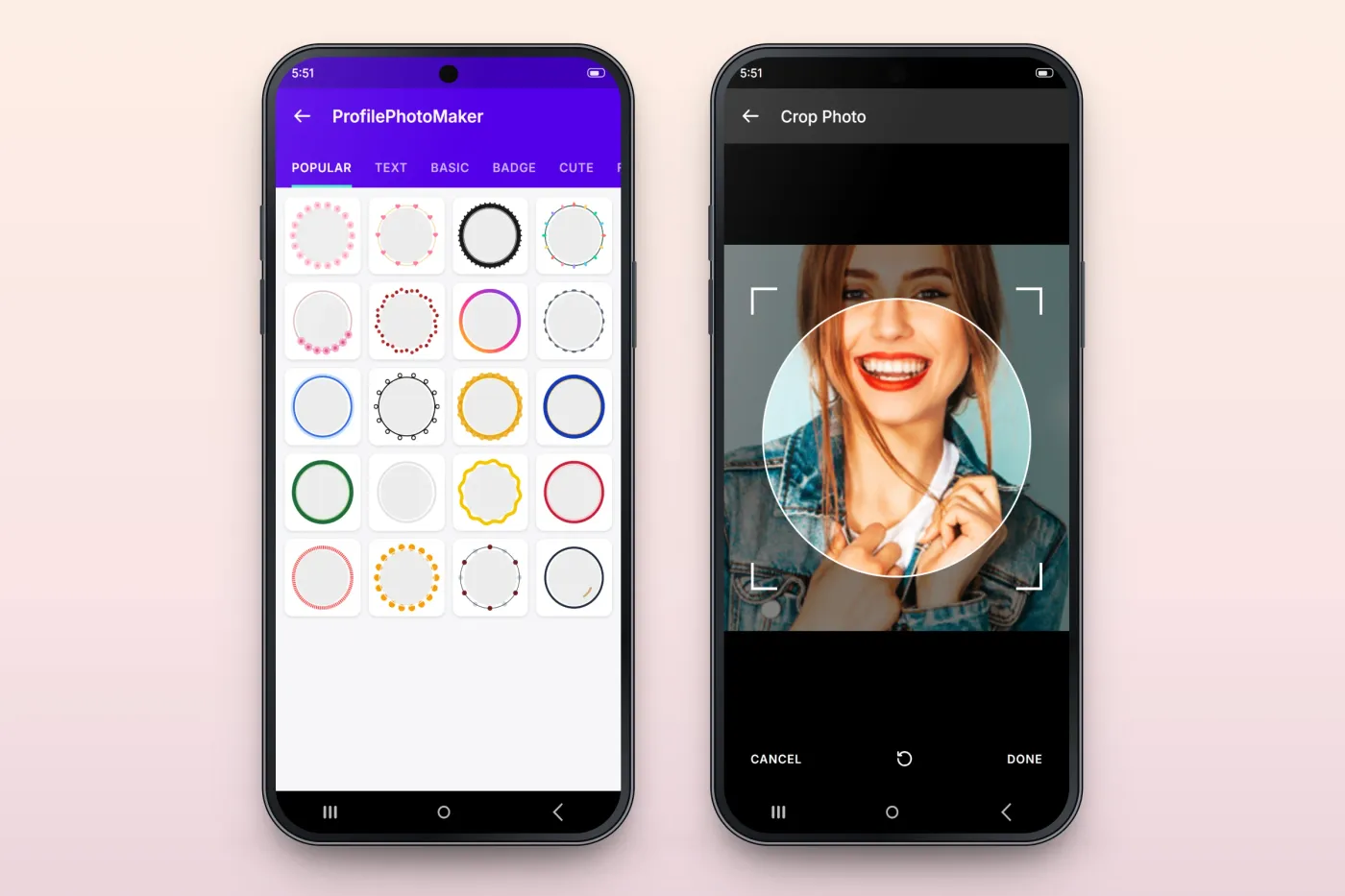
Frames grouped as Popular, Text, Basic, Badge, Cute and Floral.
Crop to a circle
Move and zoom the photo inside the circular crop.
Preview and save
Try other frames on the same photo, then save.
The product in use
Inside the app
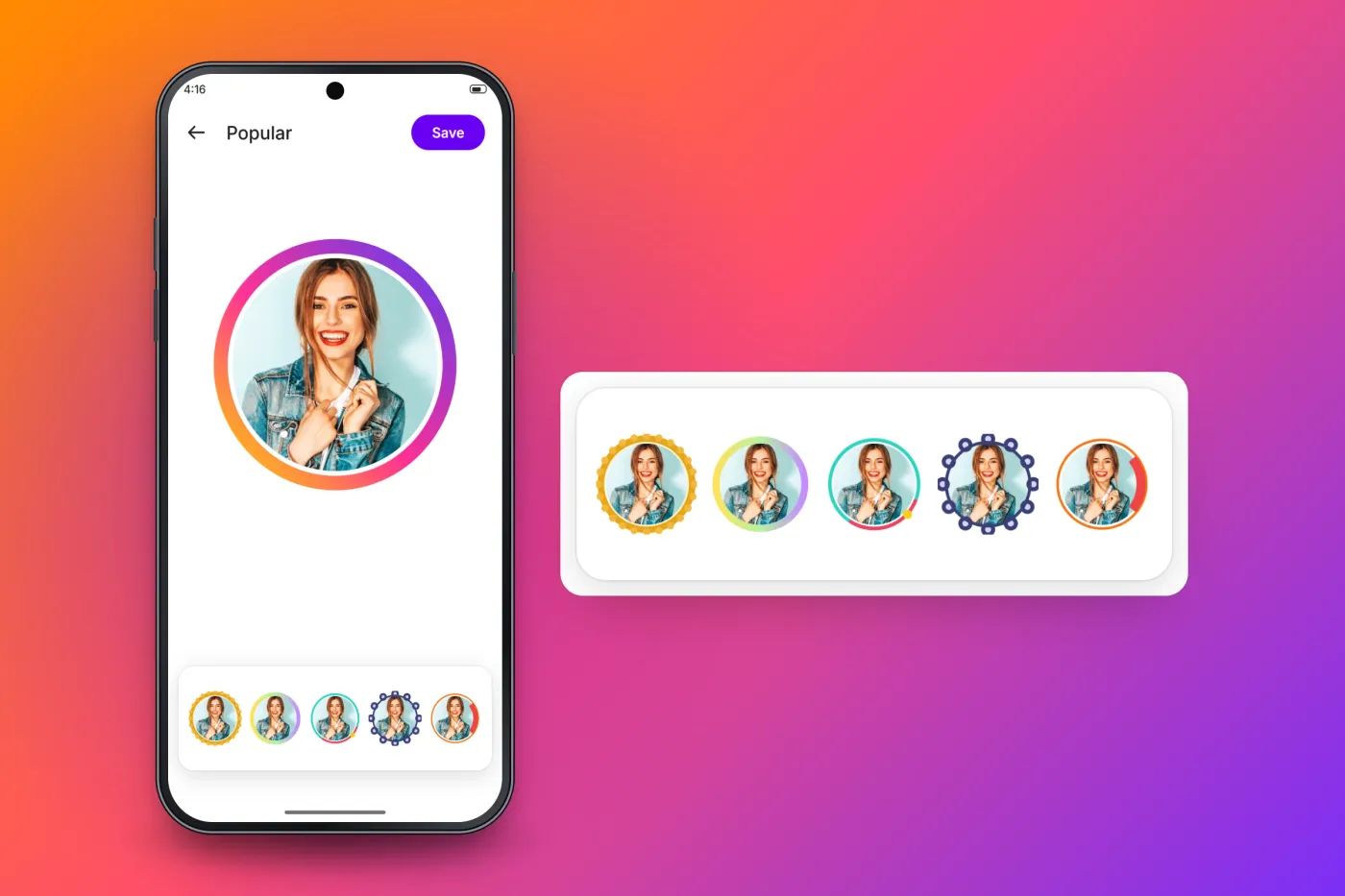
Try frames on the photo before saving
The editor keeps the user's photo in the chosen frame and lines up alternatives underneath, so switching styles is one tap and the preview always shows the real result. Save writes the framed picture at full size, ready to set as a profile picture.
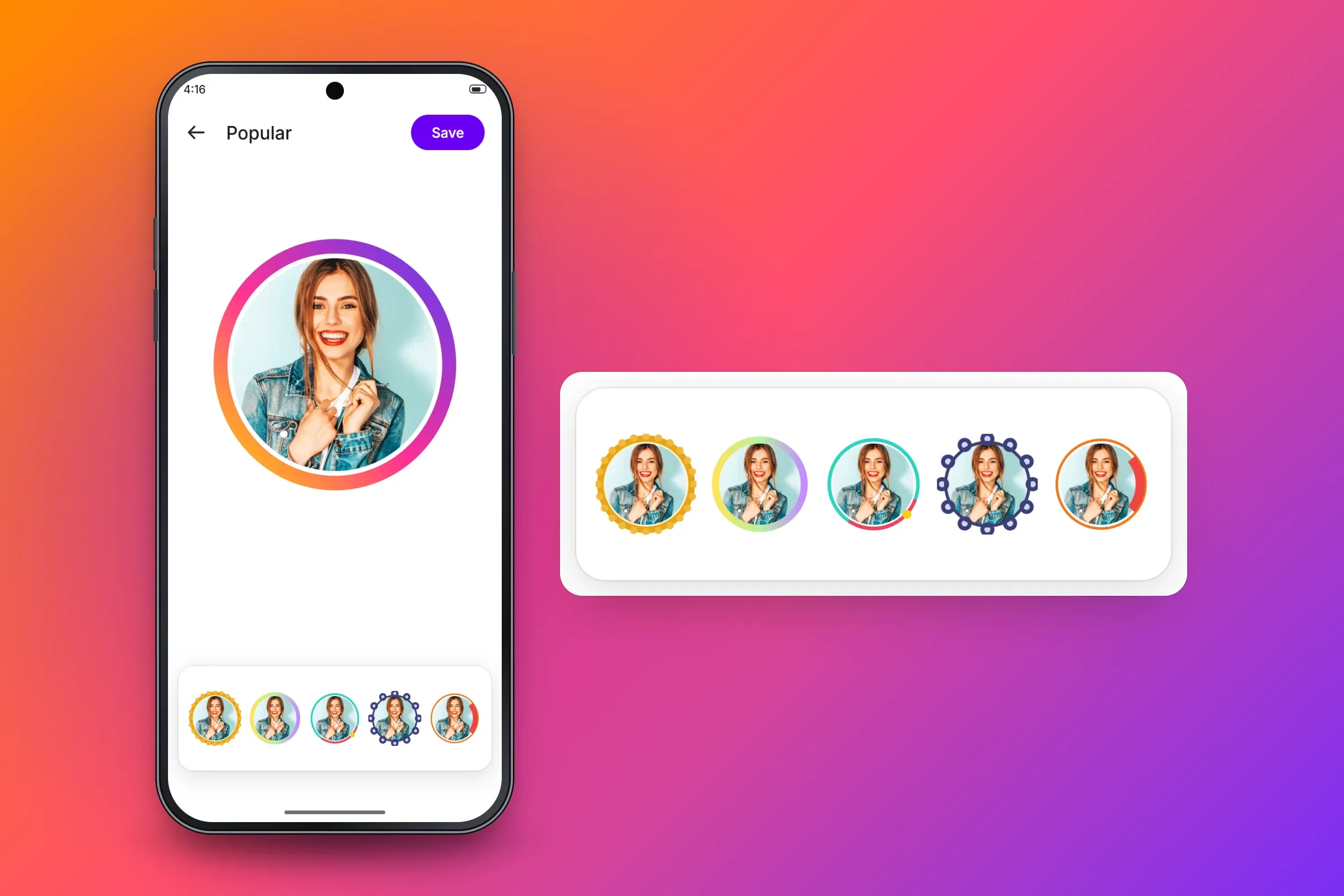
Live preview with alternative frames on the same photo. Close-ups on phones: tap any image for the full screen. A frame catalogue and a true circular crop
Frames are grouped into tabs so users can browse by style. The crop screen shows the circle that will become the profile picture over the dimmed photo, with rotate, cancel and done, so the face lands in the centre of the circle.
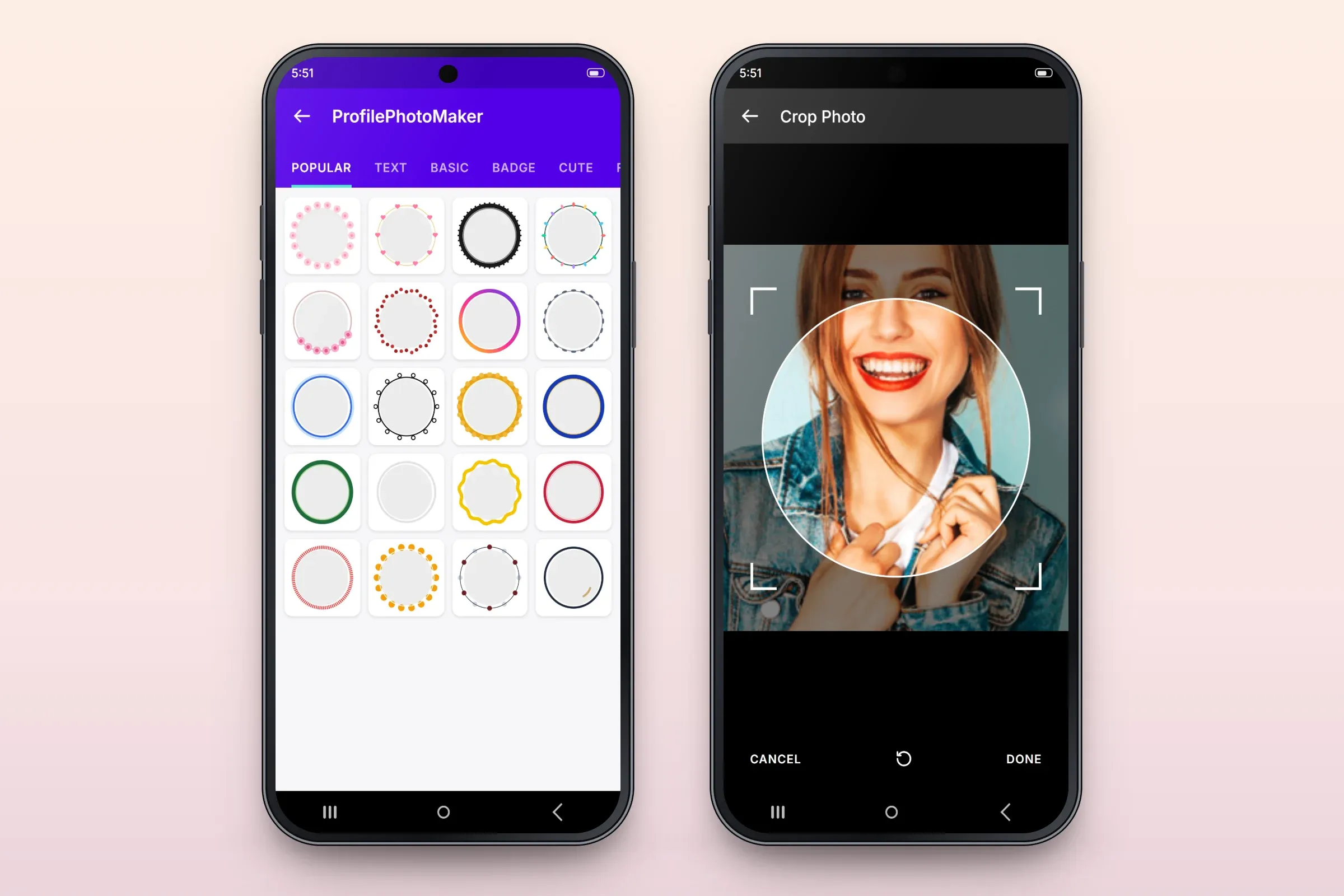
Frame catalogue and circular crop. Saved creations in one place
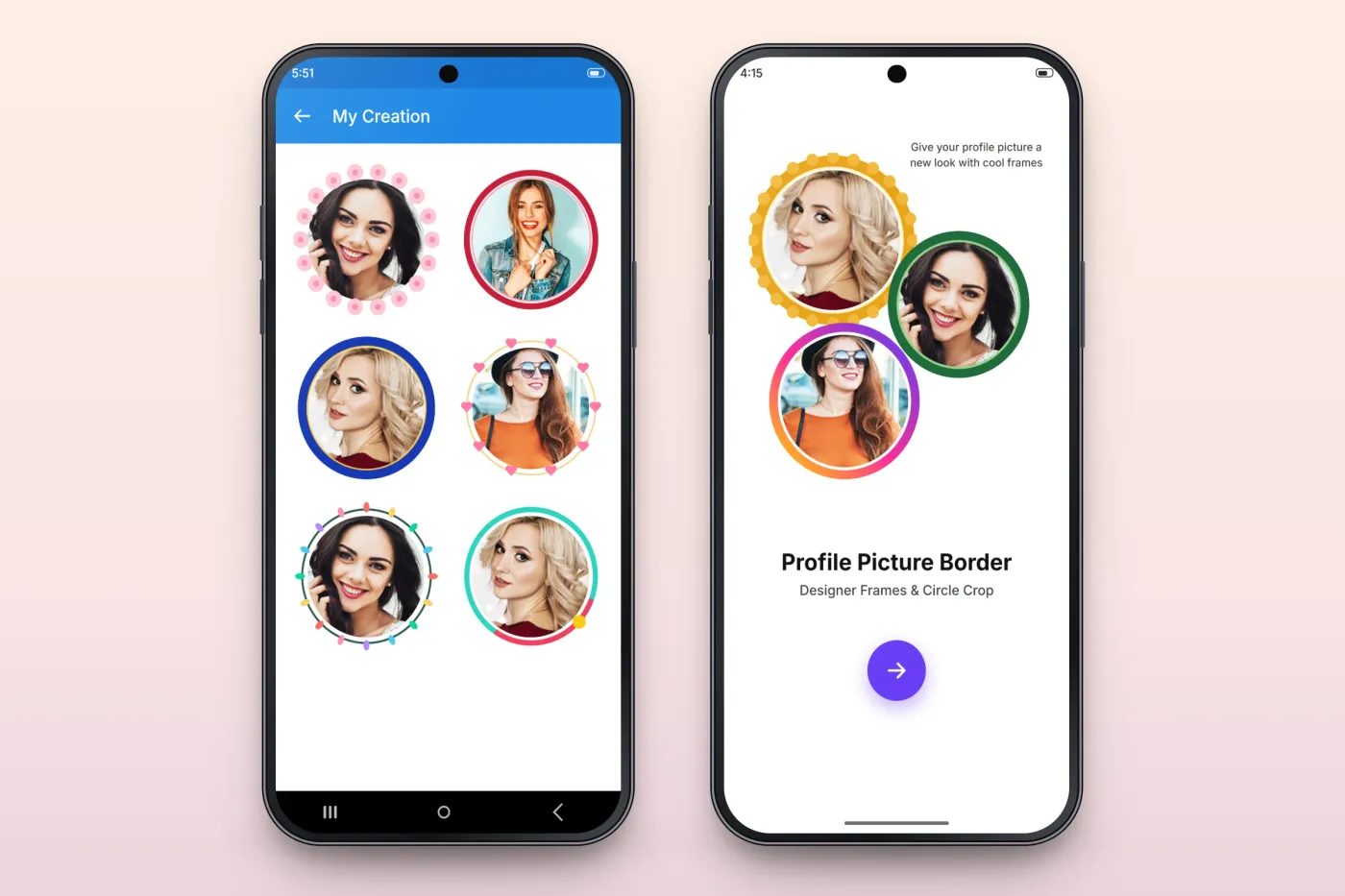
Finished pictures collect under My Creation, so a user can come back to a favourite frame or share it again later.
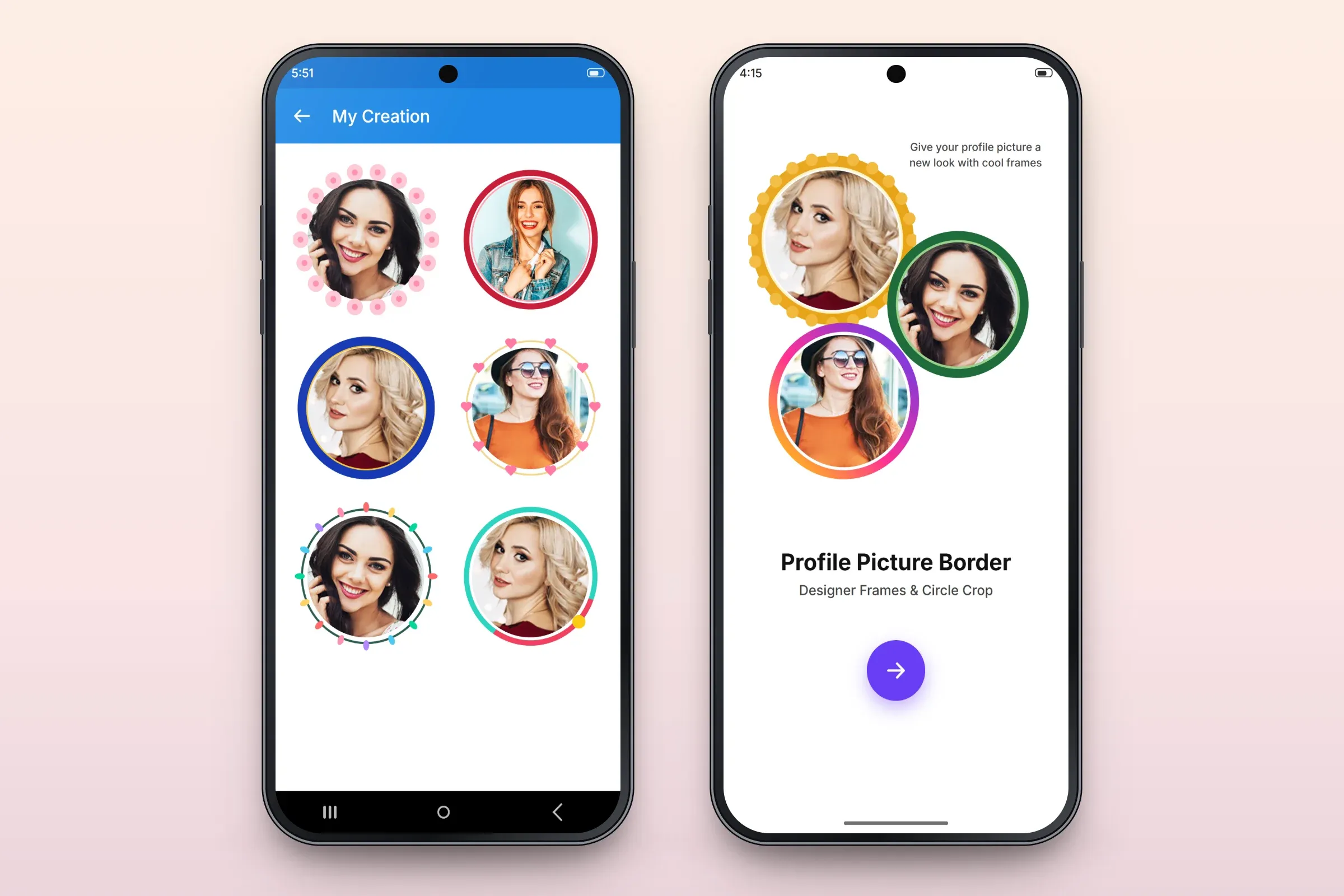
Saved creations and the start screen.
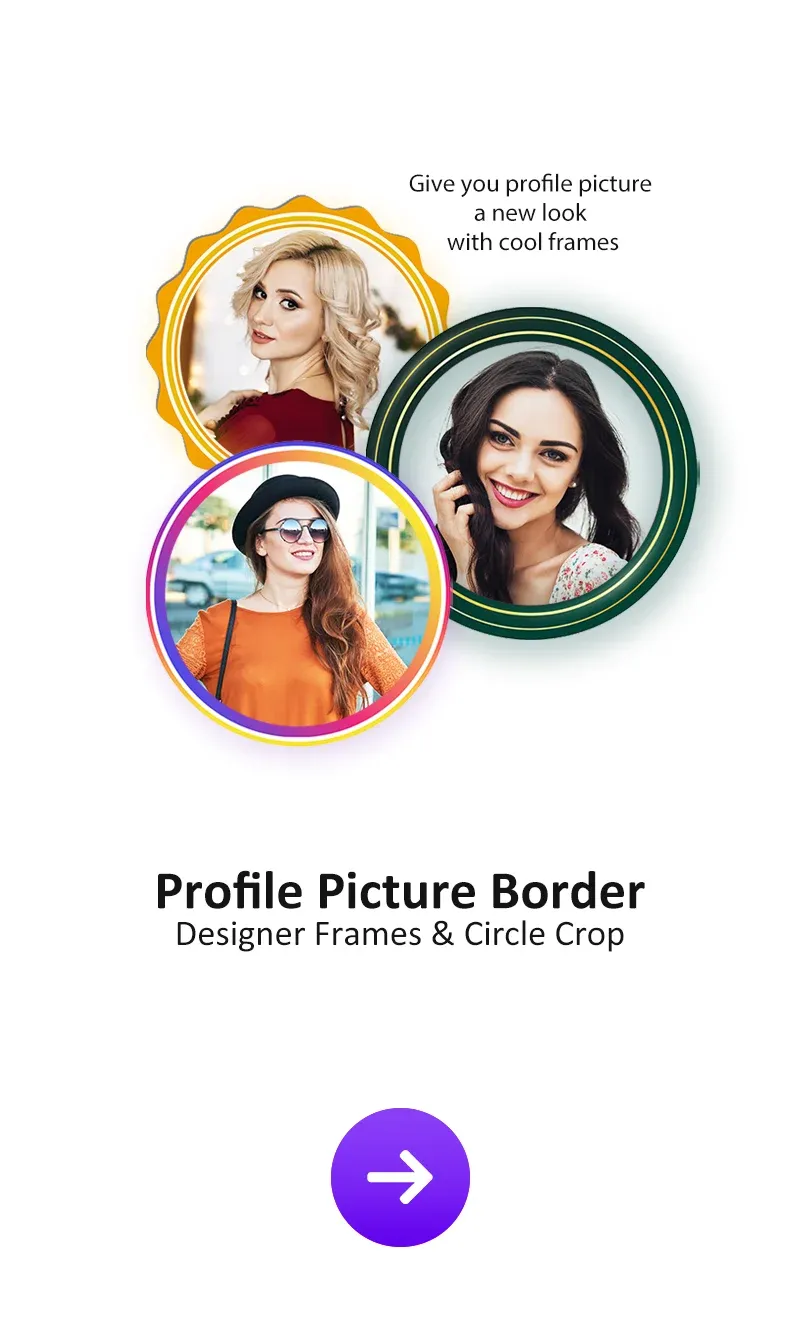
Google Play store image: start screen. 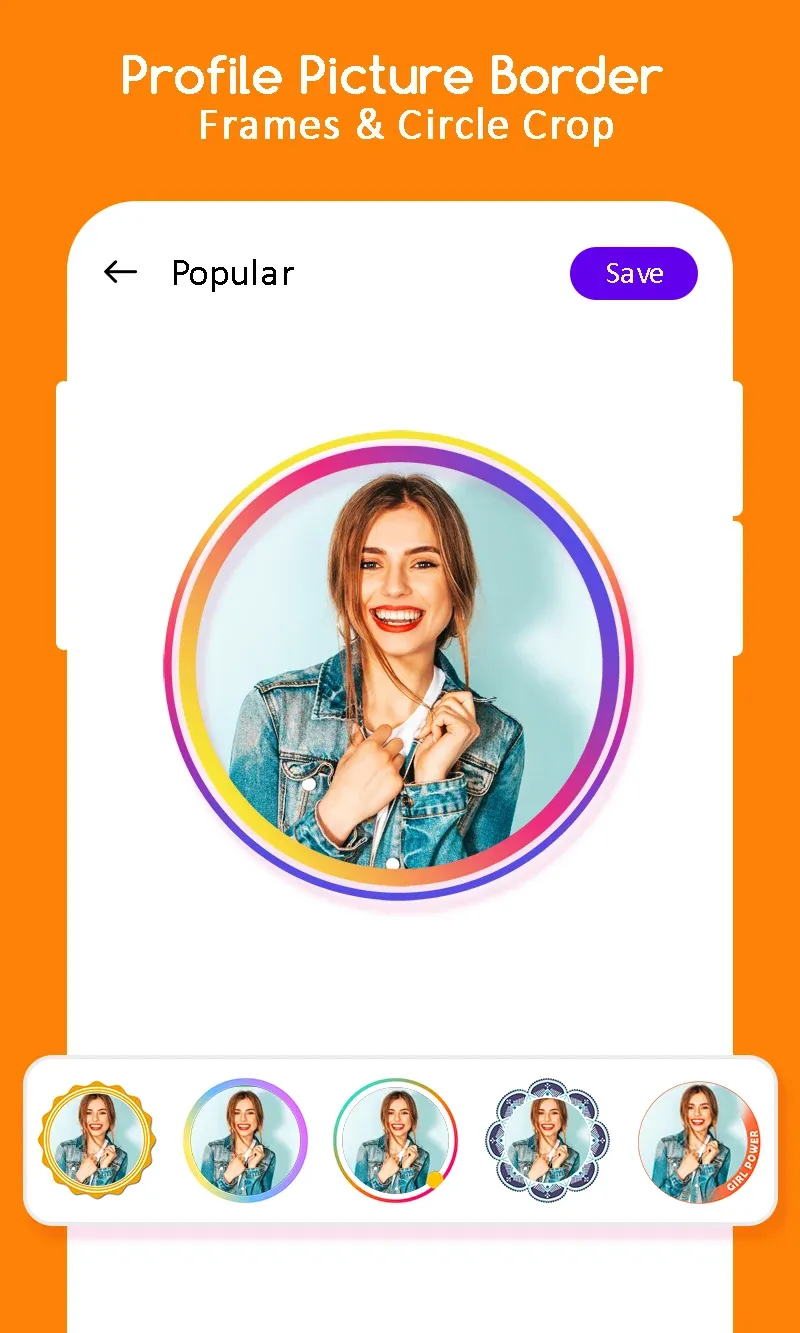
Google Play store image: the frame editor. 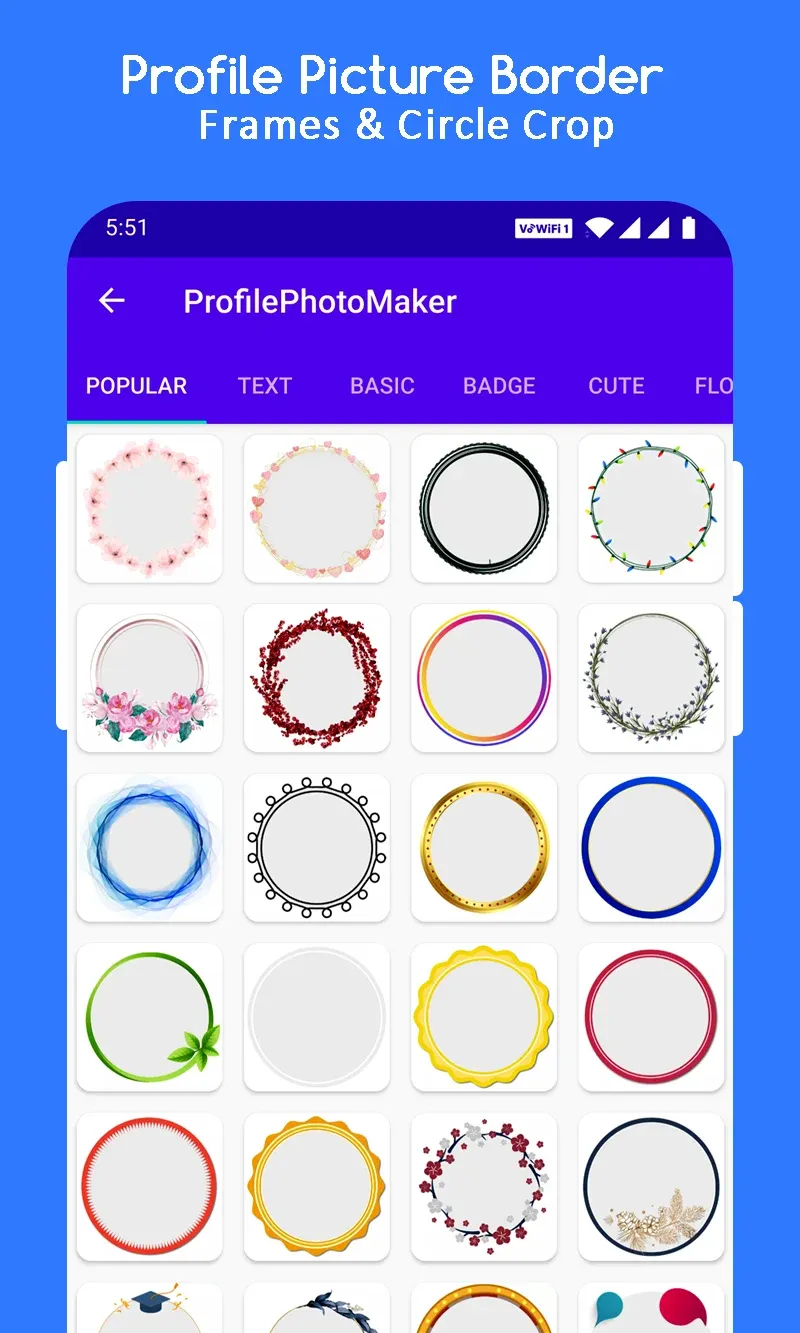
Google Play store image: the frame catalogue. 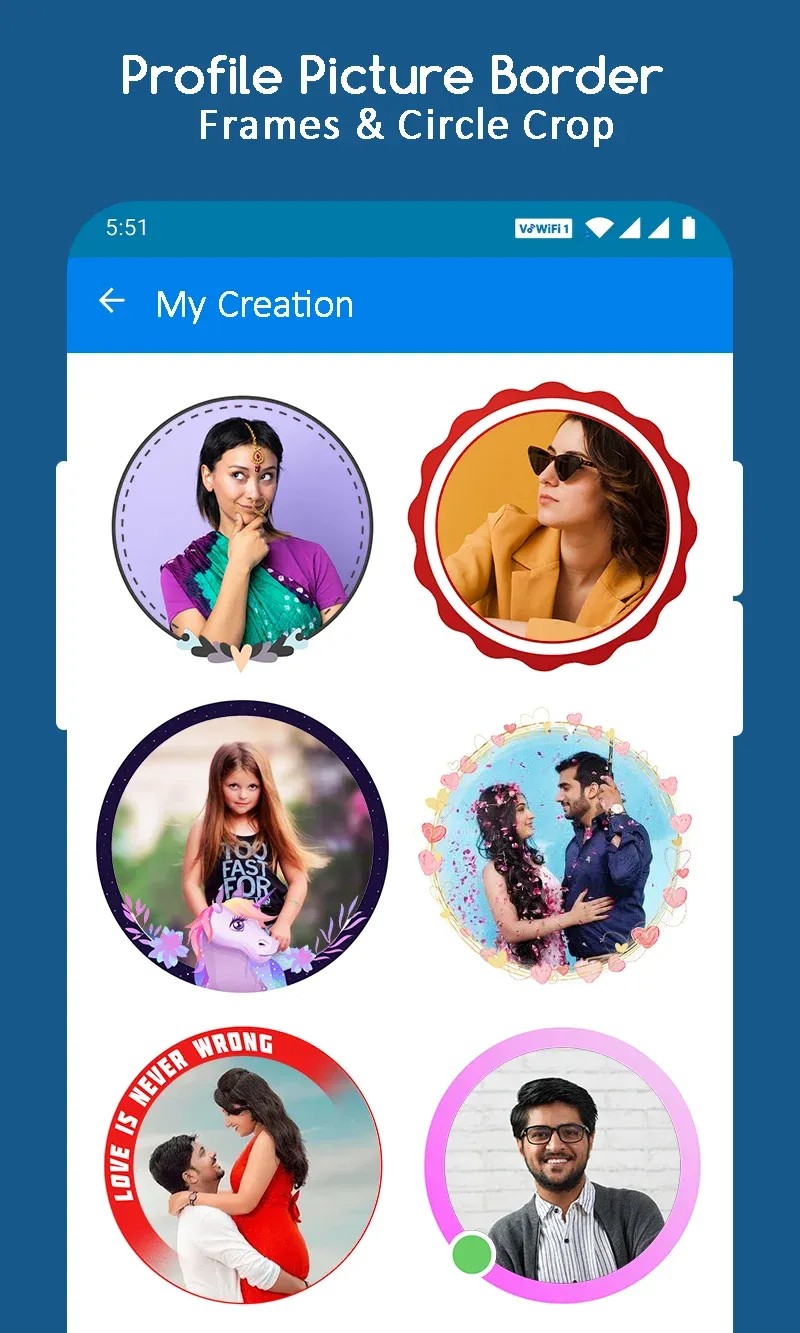
Google Play store image: saved creations.
About these images: the phone screens are recreated from the app's Google Play screenshots — layout, tabs and controls follow the real app; the frames are redrawn and the portraits are taken from the app's own store images. They are not screenshots. The gallery shows four store images as the client published them on Google Play.
Delivery
The engagement
- Live on Google Play since January 2021; version 1.58, updated March 2026.
- Over 500,000 downloads on Google Play (public install band, checked 31 Oct 2026).
- Runs on Android 7.0 and later.
More delivered work
Other apps we developed that are on Google Play
 Mobile app · Android
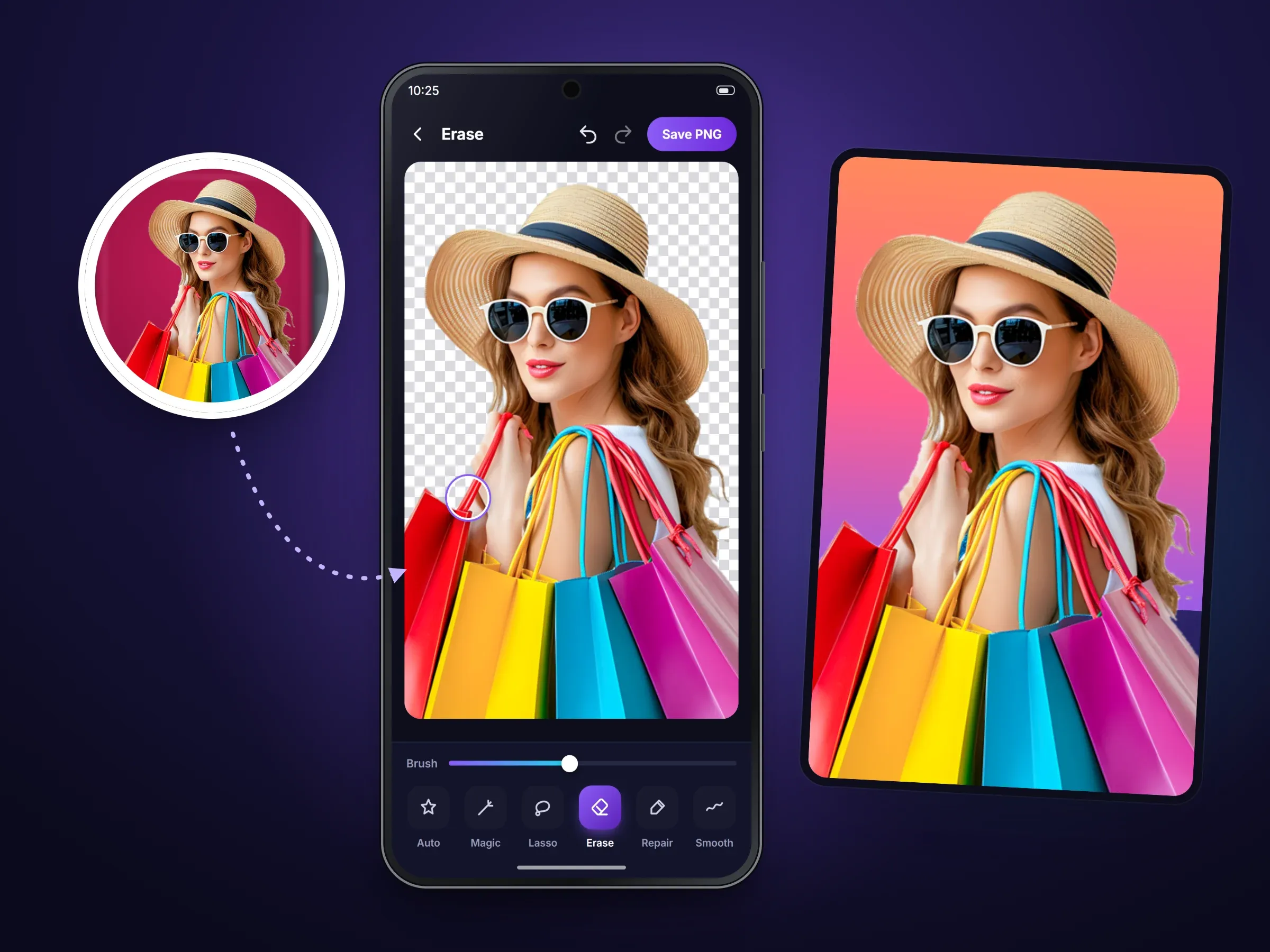
Background Eraser Photo Editor
An Android photo editor that cuts people and objects out of photos and puts them on new backgrounds10M+ Google Play downloads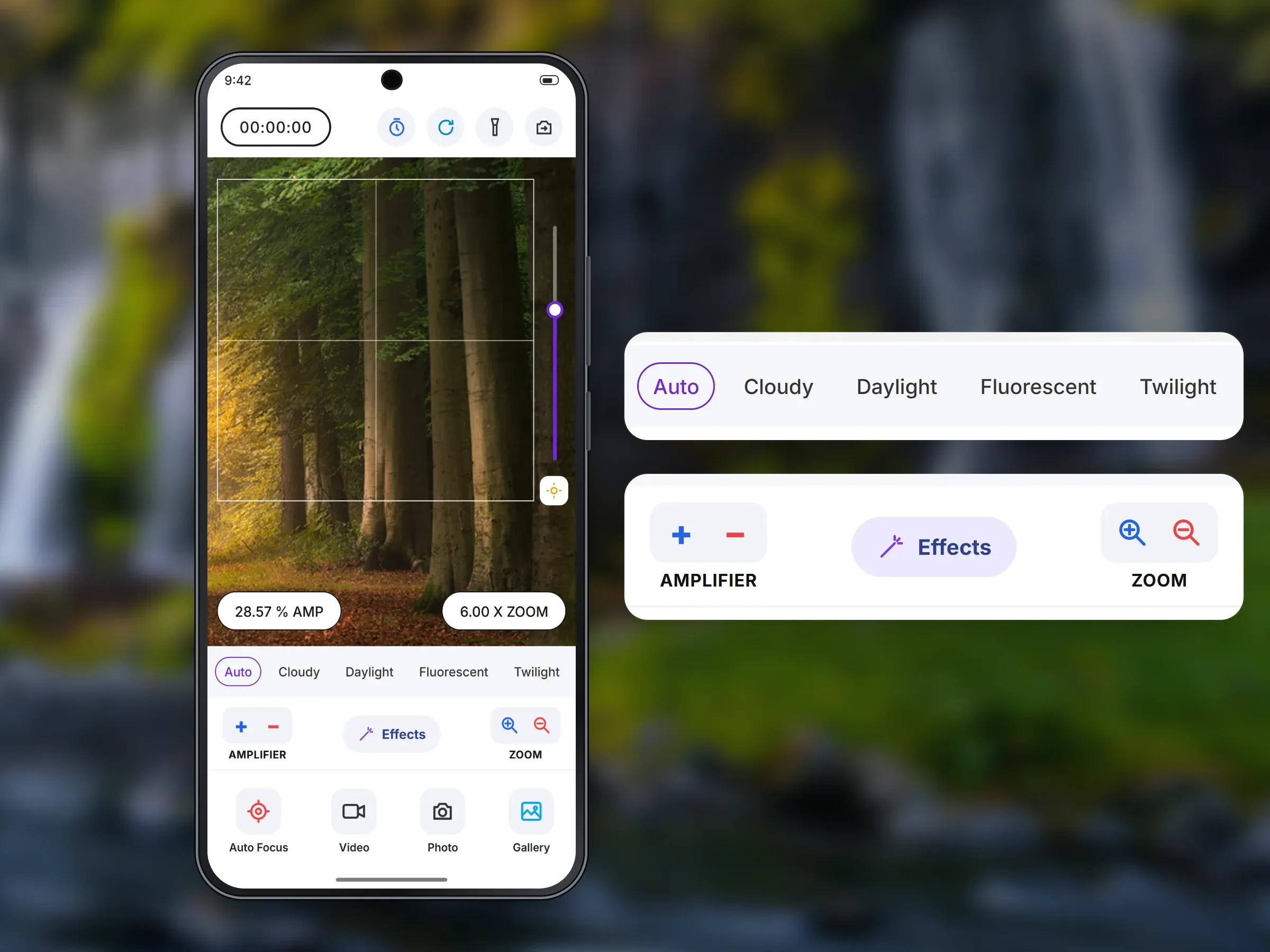 Mobile app · Android
1000x Zoom: Ultra Zoom Camera
An Android camera app built around zoom, with focus, white balance, effects and video500K+ Google Play downloads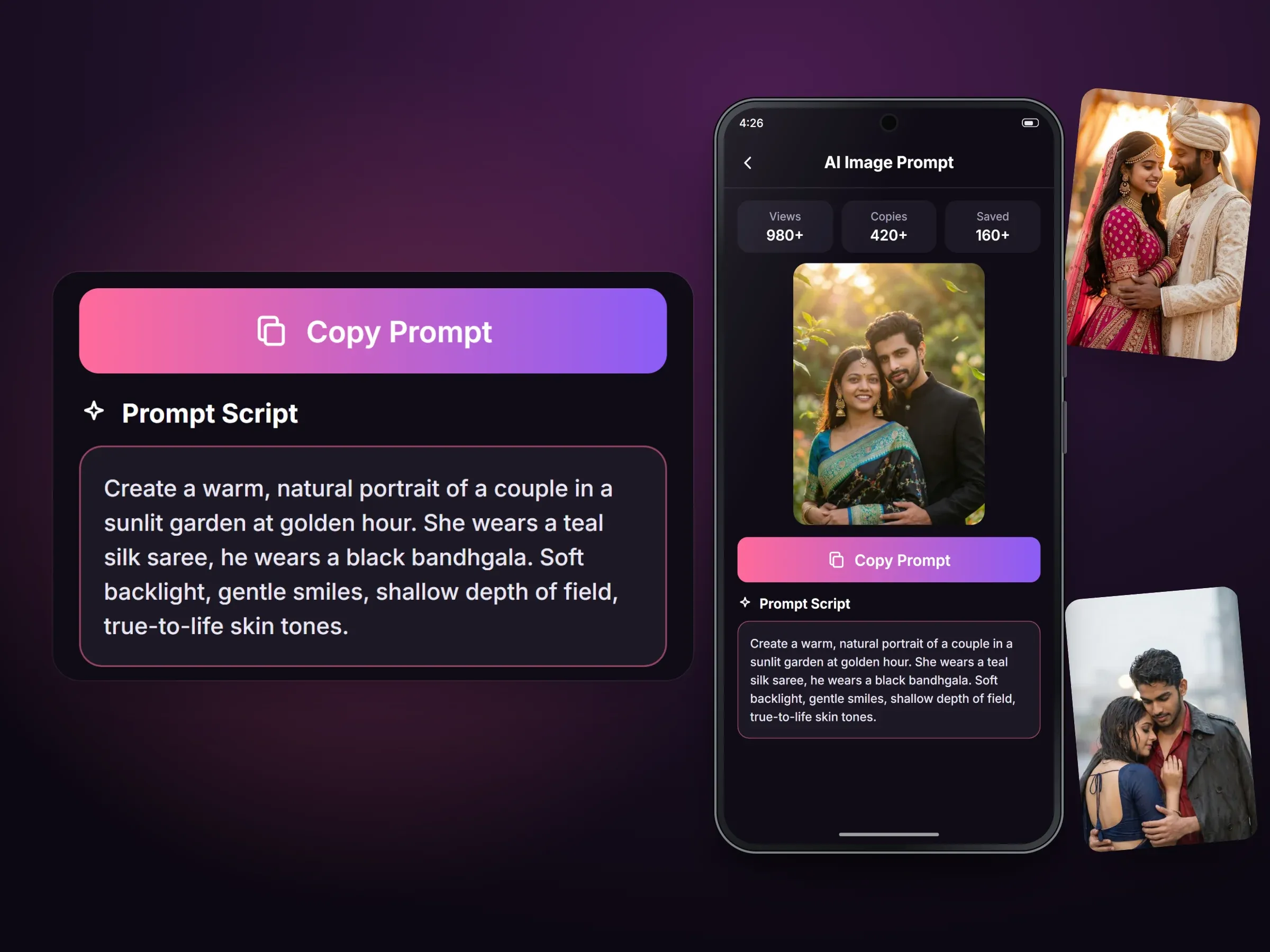 Mobile app · Android
AI Photo Prompt: Couple Photo
An Android library of ready-written prompts that people copy into the AI image tool they already use100K+ Google Play downloads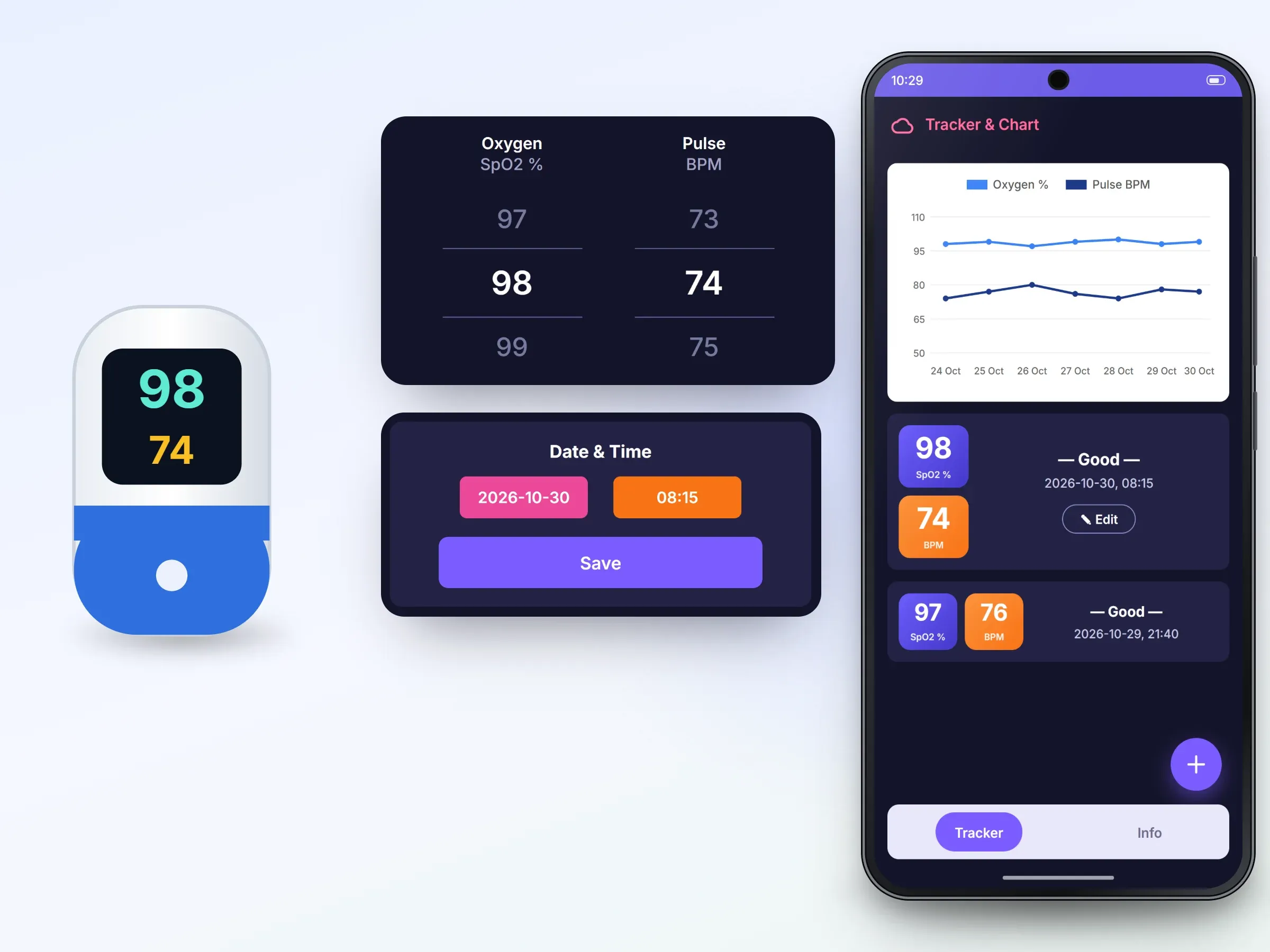 Mobile app · Android
Oxygen Level Tracker - Pulse
An Android log for oxygen and pulse readings that users enter by hand, with charts and history50K+ Google Play downloads
Related services