Case study · Client name withheld
News and Video Content App
Breaking news, entertainment and topic stories in one personal feed
The client wanted one place for breaking news, entertainment and stories from around the world. Our team developed the mobile app: readers sign in, choose the topics they care about and then follow a personal feed, browse categories, watch videos and follow the people behind the stories.
- Client
- Digital media publisher
- Platforms
- Android
- Our scope
- Mobile app development
The product
What it does, and for whom
News readers jump between quick headlines and topics they want to explore in depth. The app opens with a language choice and a sign-in, asks for the reader's interests, and then shapes a For You feed around them, with a Following feed, eleven categories, a video player and search across stories, people and topics.
Scope The news content, editorial work and the client's business are the client's. Our work was the mobile app described here. To keep the client confidential, the screens on this page are recreated from the delivered app with neutral naming, invented example stories and drawn illustrations in place of the client's brand and photographs.
Our contribution
What our team built
Mobile app development
Sign-in, topic preferences, the For You and Following feeds with likes, comments and bookmarks, the categories, the video player, and search across stories, people and topics with following.
User flow
From interests to a personal feed
Readers choose what they care about, then read and watch.
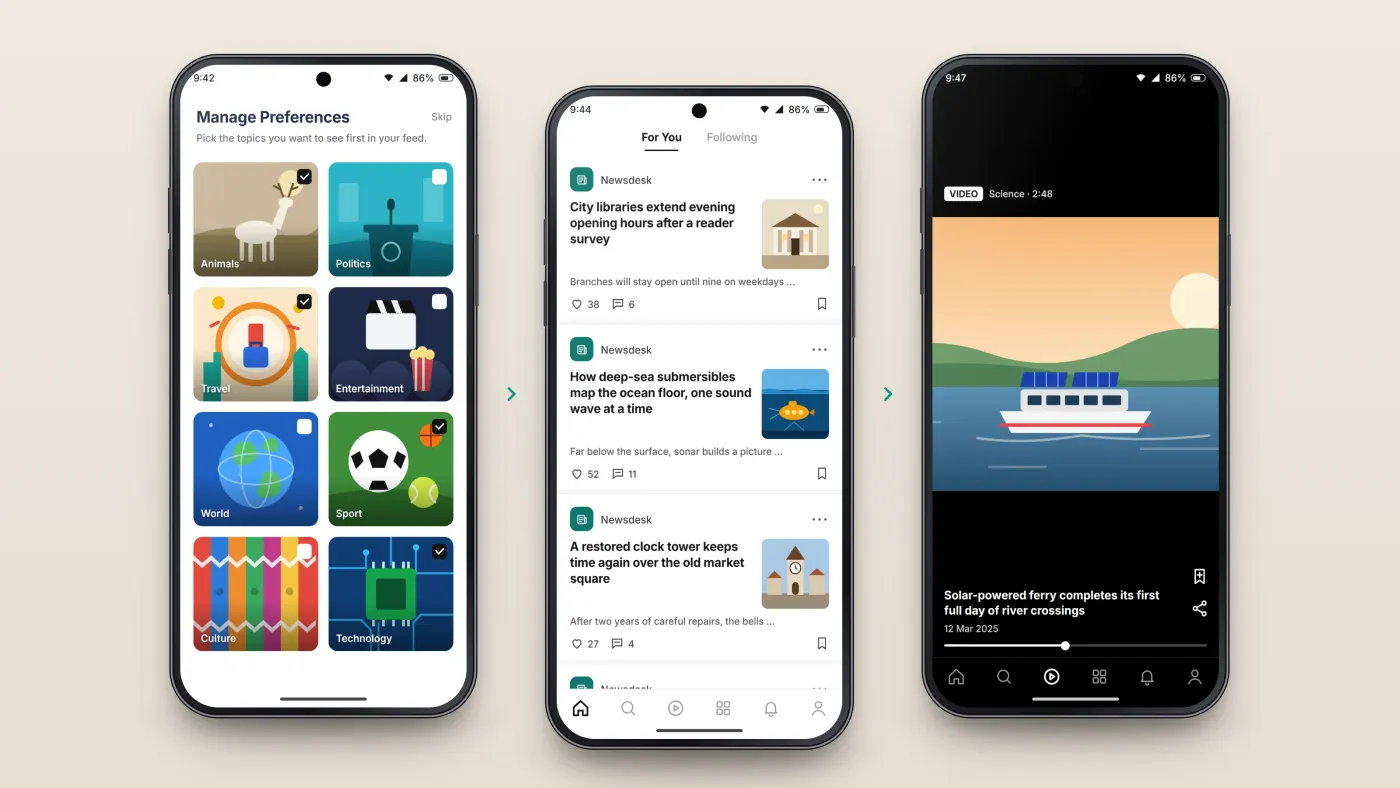
Choose interests
Topic tiles set what the feed shows.
Read the feed
Articles from the chosen topics.
Watch
Video stories play in the app.
The product in use
Inside the app
Sign-in and interests
Readers sign in with a Google account, email or phone number, then pick the topics they want to see first — animals, politics, travel, entertainment, sport, technology and more — or skip the step.
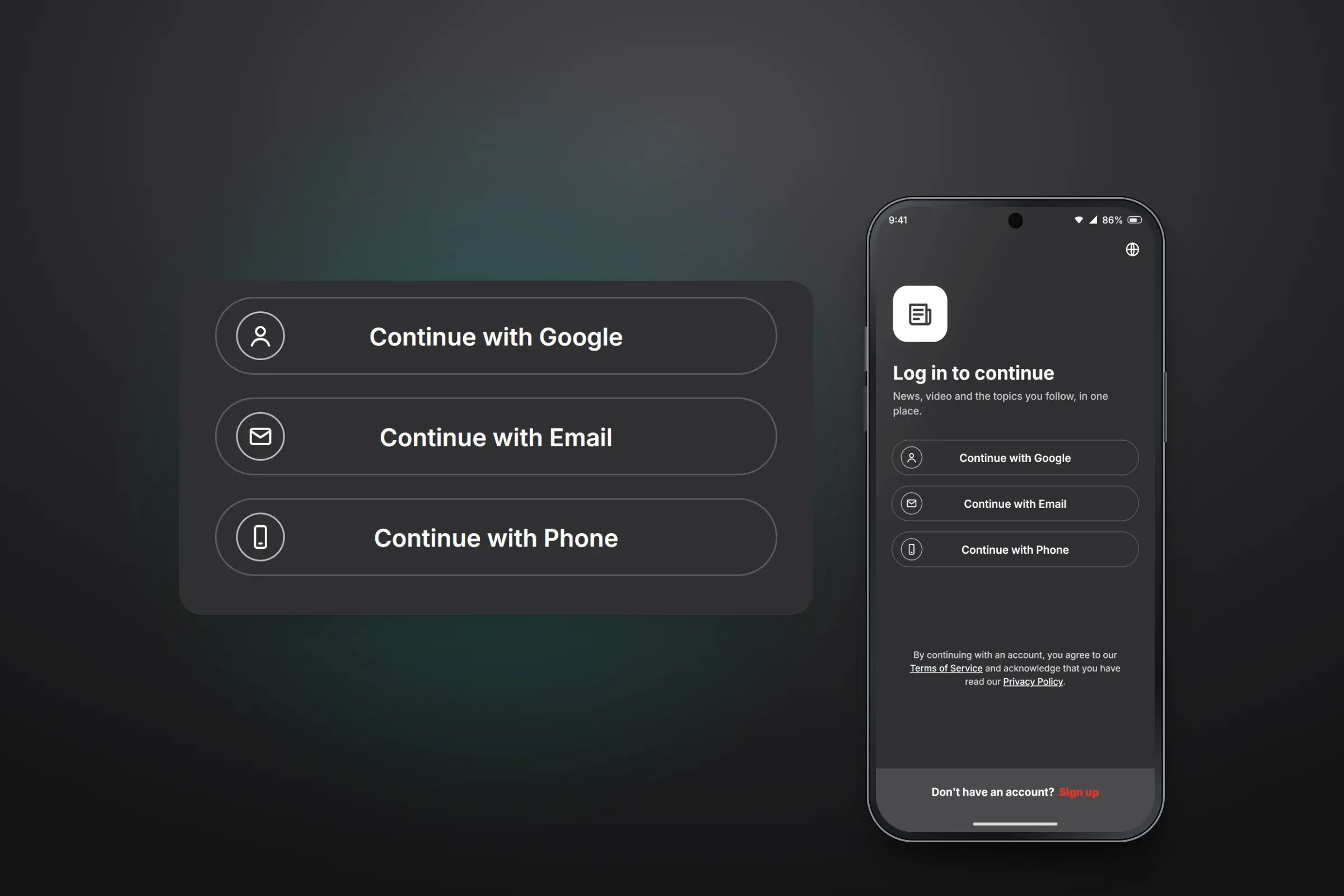
Sign-in options. Close-ups on phones: tap any image for the full screen. A personal feed and categories
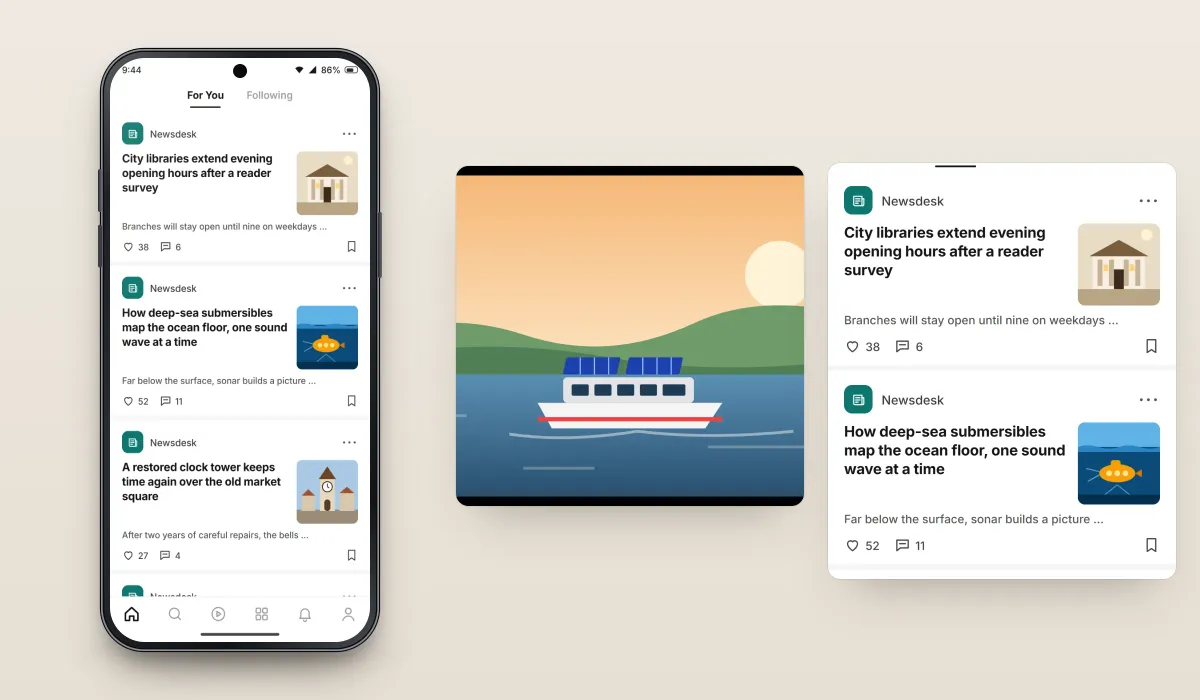
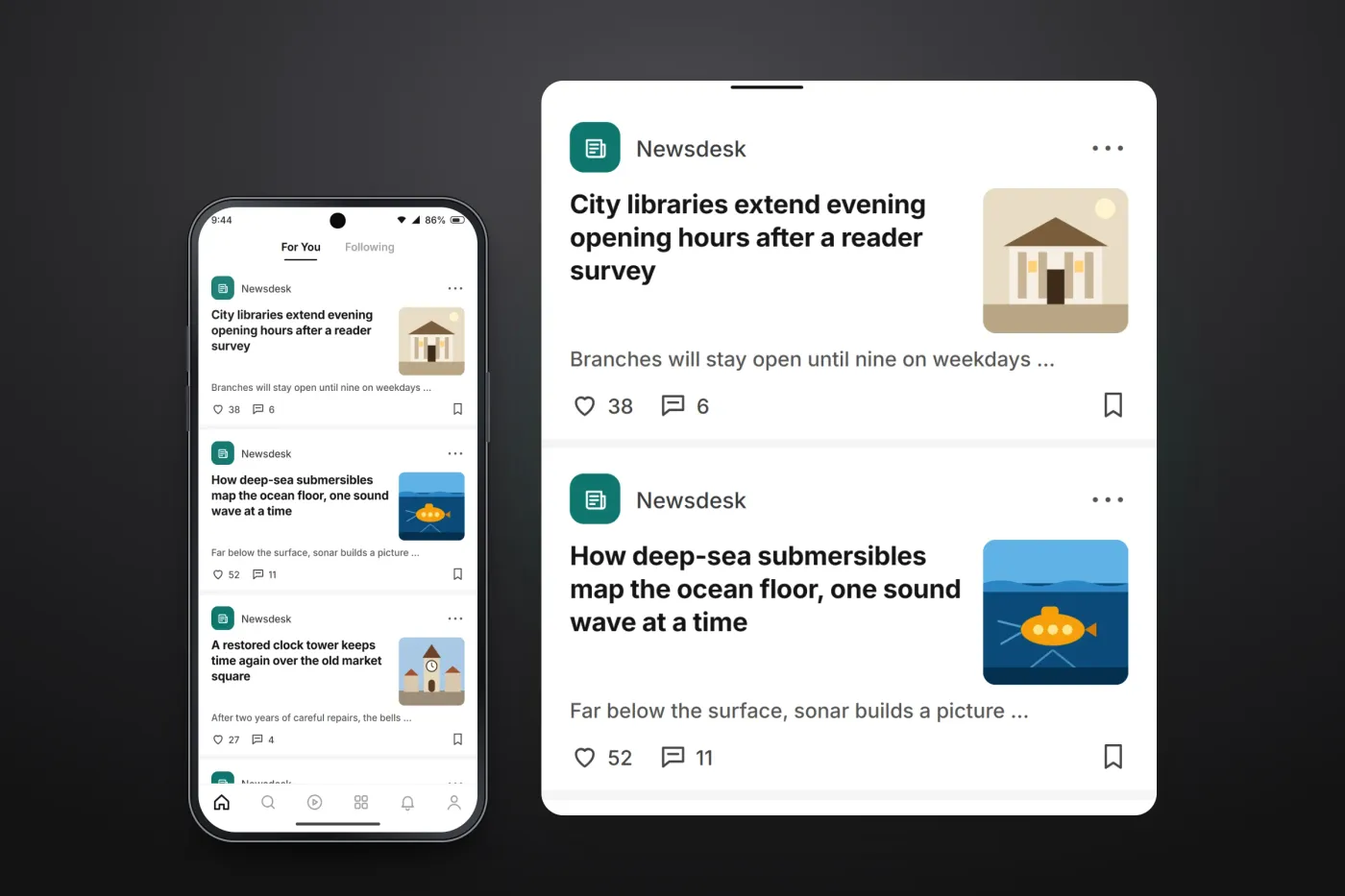
The For You feed lists stories with a headline, a short excerpt and a thumbnail, and readers can like, comment on and bookmark each one. A Following tab sits beside it, and a categories screen opens every topic from one grid.
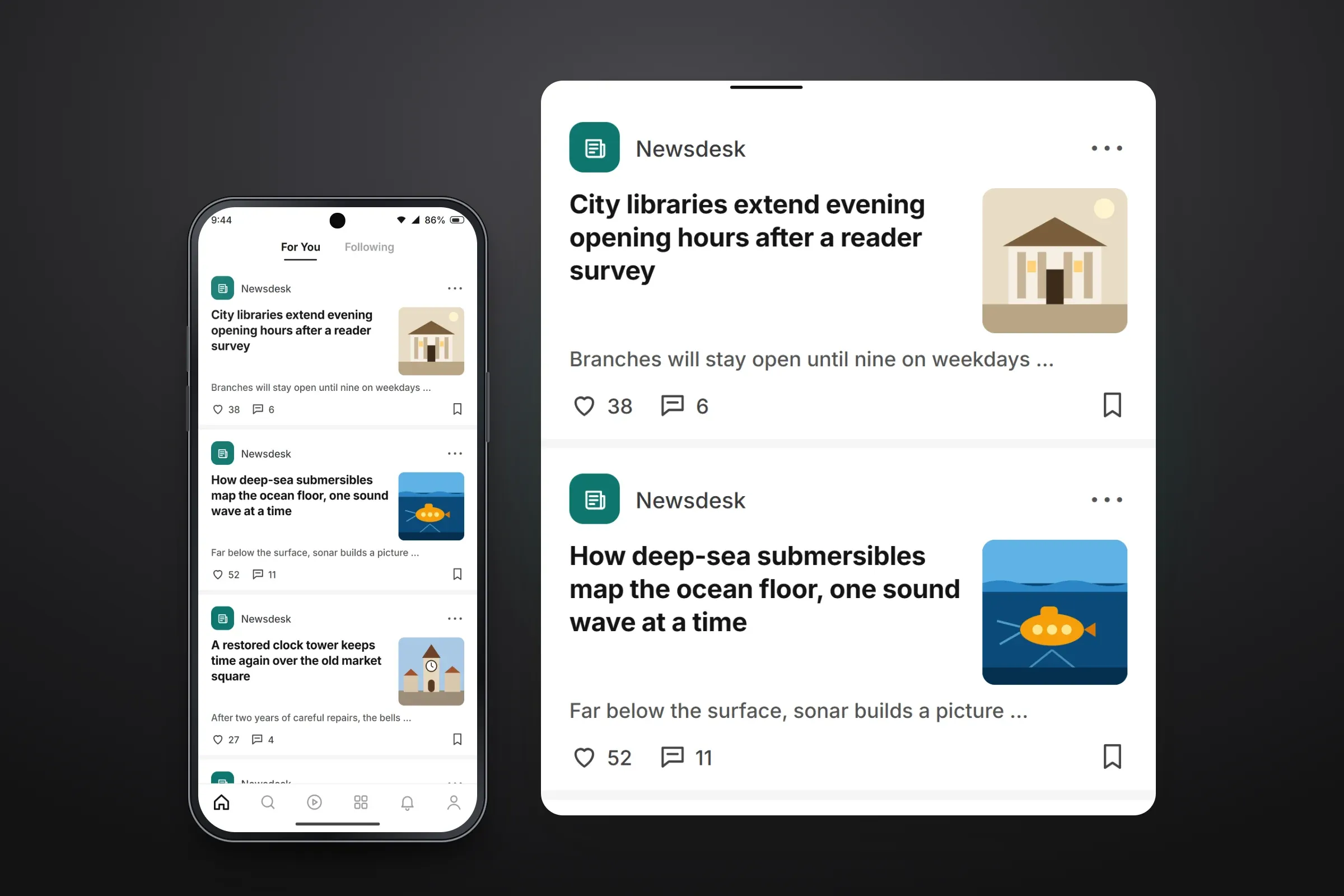
The For You feed. Close-ups on phones: tap any image for the full screen. Video and people to follow
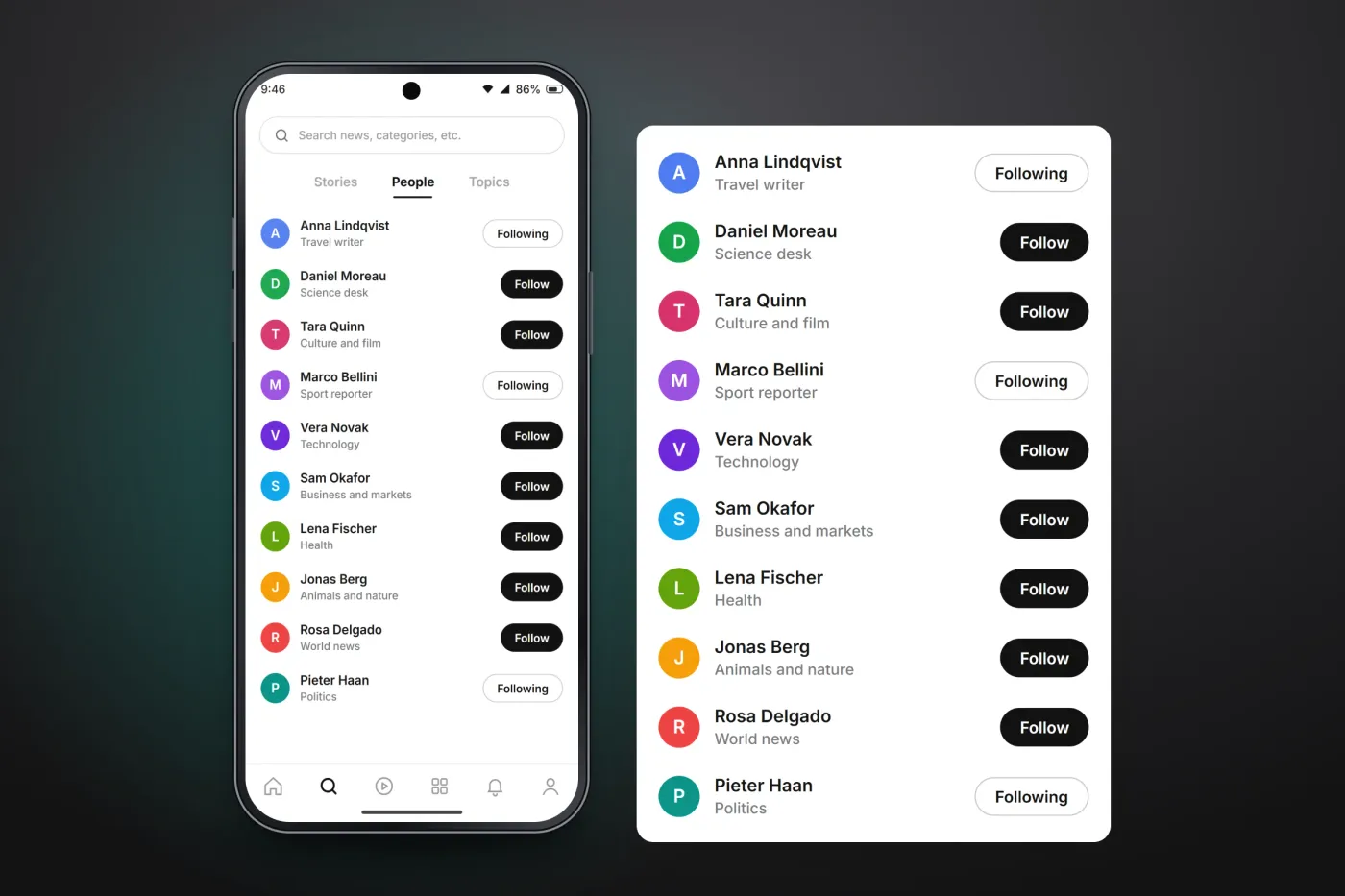
Videos play full screen with the headline and date, a progress bar and buttons to save or share. Search covers stories, people and topics, and readers can follow the people whose stories they like.
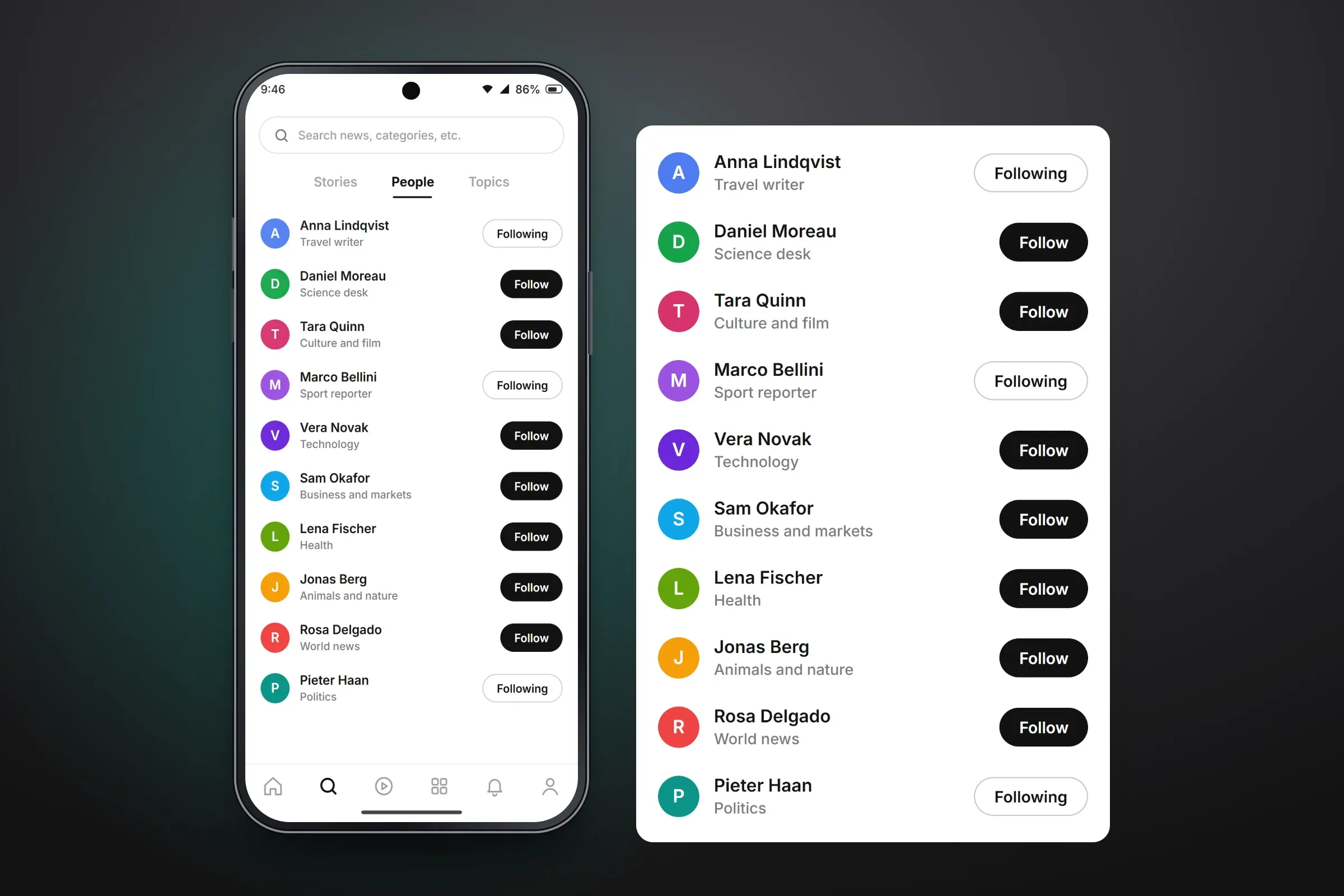
Following people from search. Close-ups on phones: tap any image for the full screen.

About these images: the screens are recreated from the delivered app for this case study, with neutral naming, invented example stories and drawn illustrations in place of the client's brand and photographs. They follow the app's real screens and functions, but they are not screenshots of it.
Related services