Case study · Client name withheld
Hindu Culture Flashcards App for Children
Illustrated flashcards that introduce children to Hindu deities and their stories
The client wanted a modern, engaging way to introduce children to Hindu culture and its deities. Our team developed the iPhone app: illustrated flashcards grouped into decks, which children browse and flip to learn the story behind each figure.
- Client
- Children's education
- Platforms
- iOS
- Our scope
- Mobile app development
The product
What it does, and for whom
The aim was to move beyond traditional learning methods with bright, friendly visuals and interaction that children enjoy, in a way that is inclusive and respectful of different backgrounds. From the main menu, children open the flash cards, pick a deck, swipe through its cards and flip any card to read about it.
Scope The illustrations, card texts and the wider content of the app are the client's. Our work was the mobile app. To keep the client confidential, the screens on this page are recreated from the delivered app with neutral naming, and the client's artwork is replaced with simple original illustrations.
Our contribution
What our team built
Mobile app development
The iPhone app: the main menu, the flash-card decks, the card carousel and the two-sided cards that flip to show each figure's description.
User flow
Learning with a deck
The four screens below, in the order a user meets them.
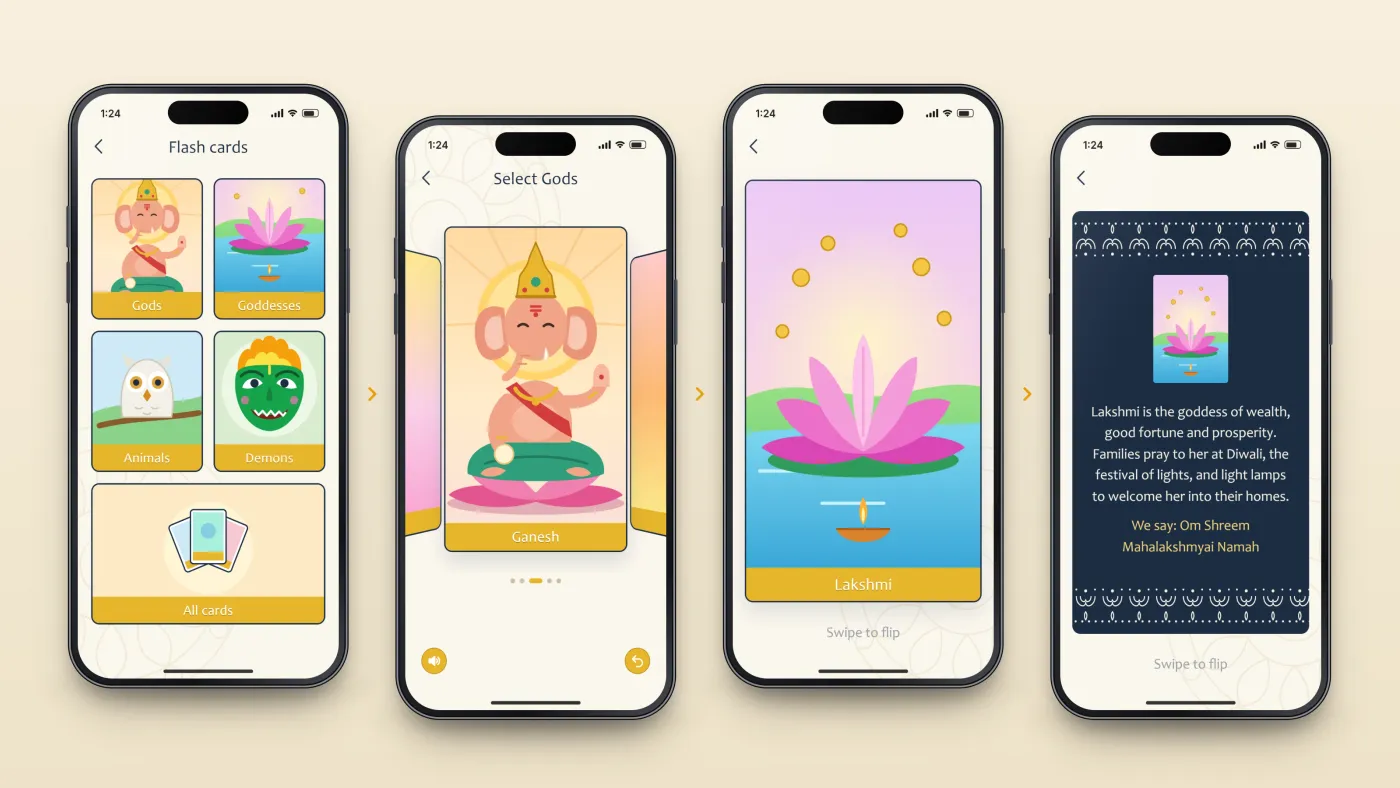
Choose a deck
Decks by theme.
Swipe through
Cards in a carousel.
See the front
An illustrated card.
Flip it
A description on the back.
The product in use
Inside the app
Menu and decks
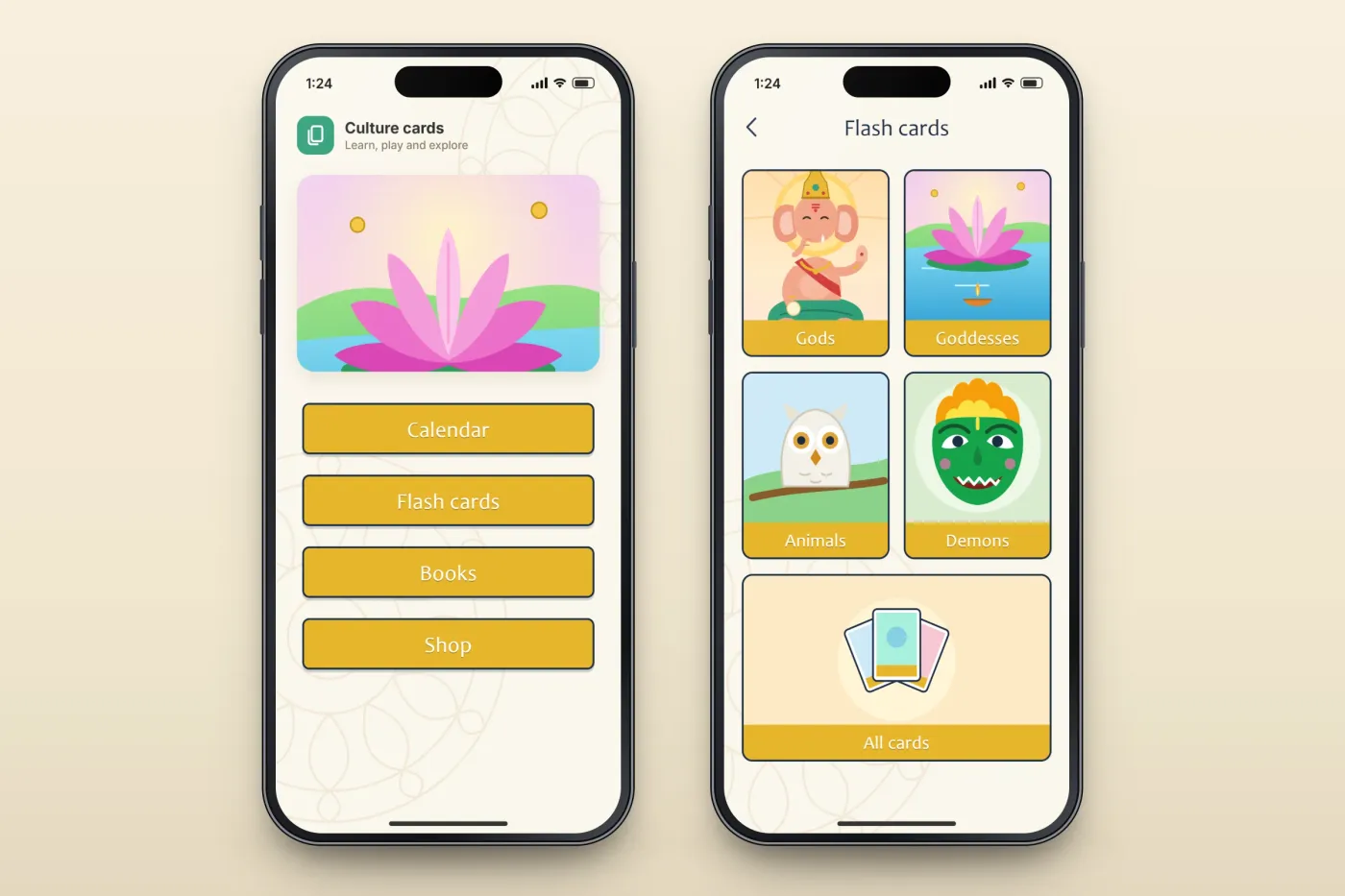
The main menu has buttons for a calendar, the flash cards, books and a shop. The flash cards are grouped into illustrated decks — gods, goddesses, animals and demons — with one more deck that holds all the cards.
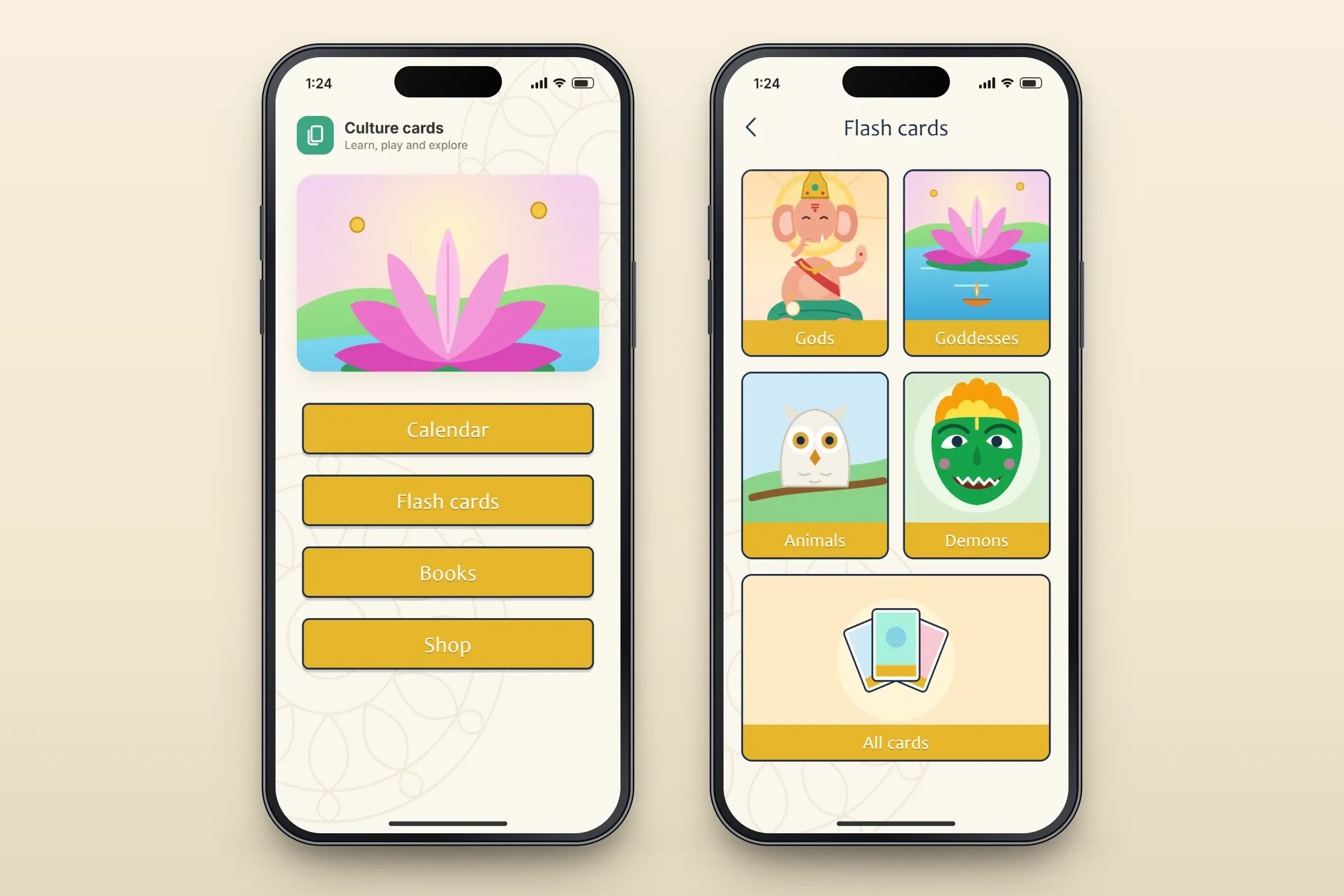
The main menu and the flash-card decks. Close-ups on phones: tap any image for the full screen. Swiping through a deck
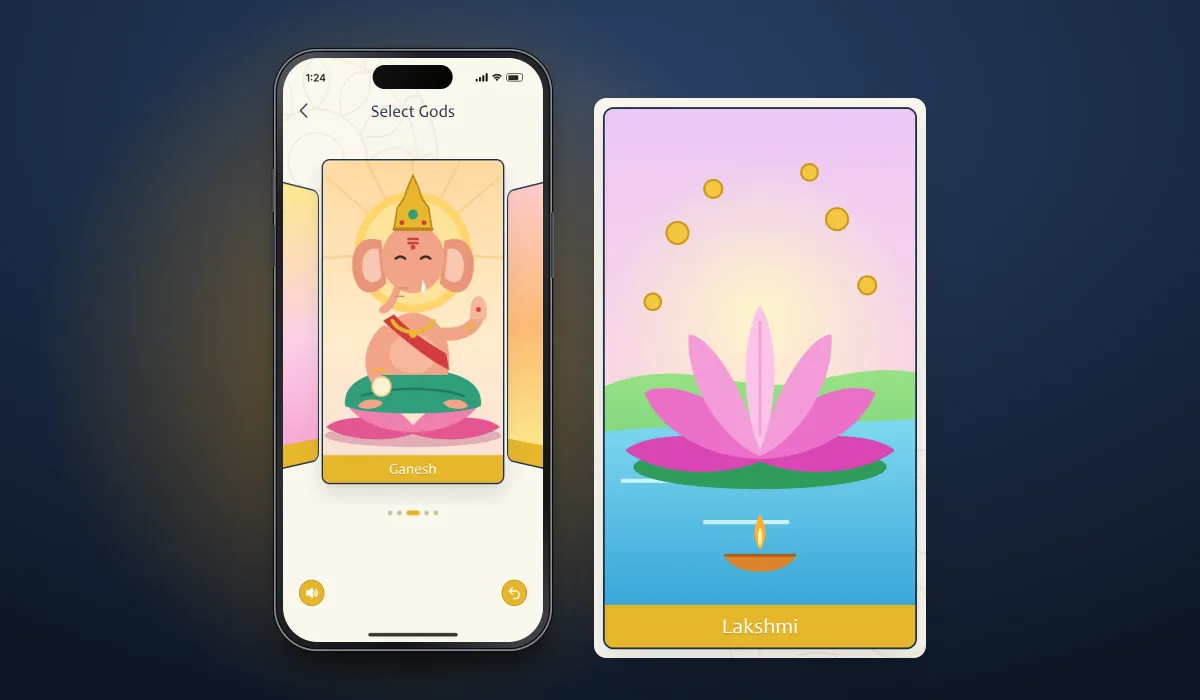
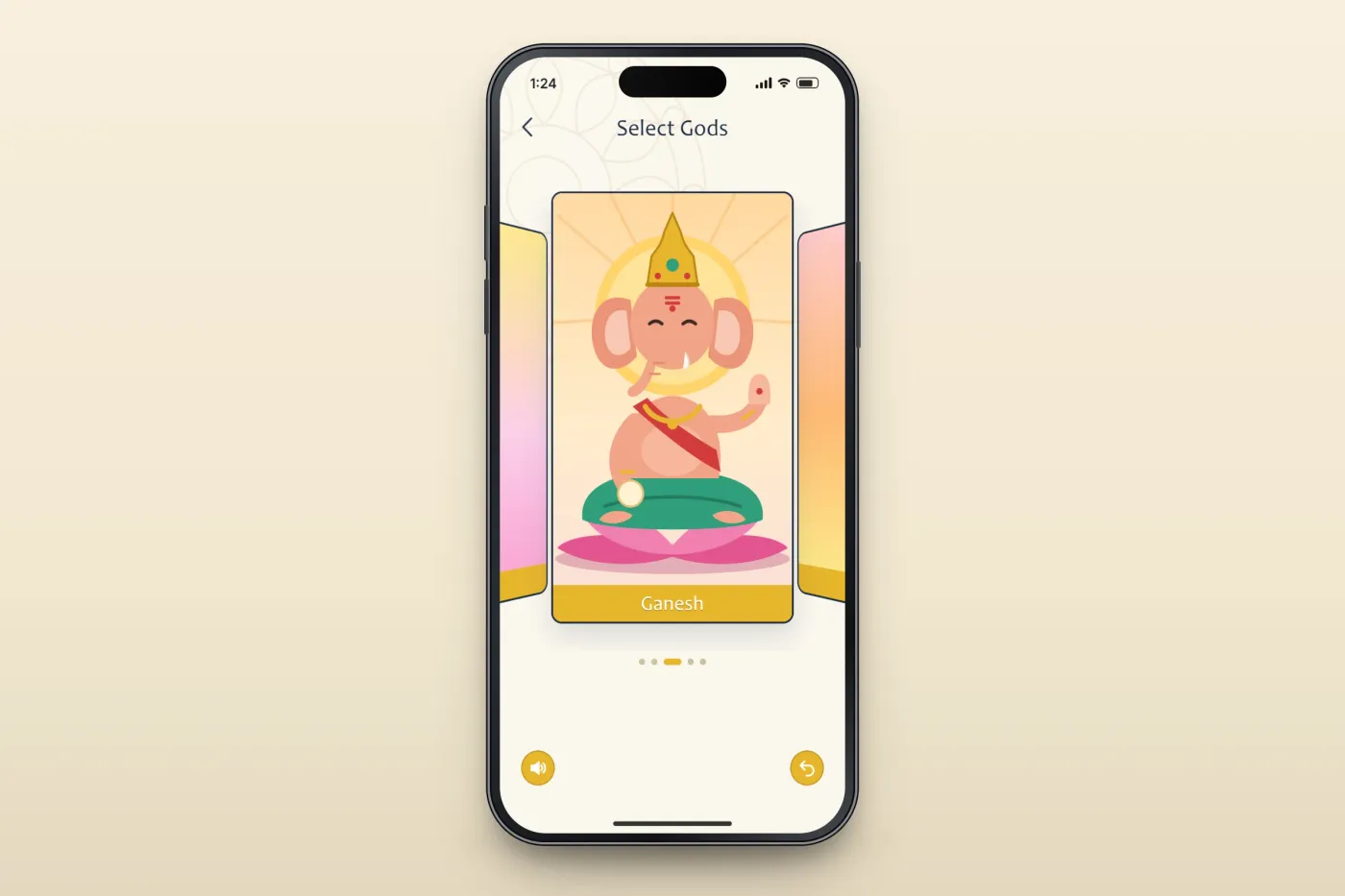
Inside a deck the cards sit in a carousel: the current card large in the centre, the next ones waiting at the sides. A sound button and a back button sit below the cards.
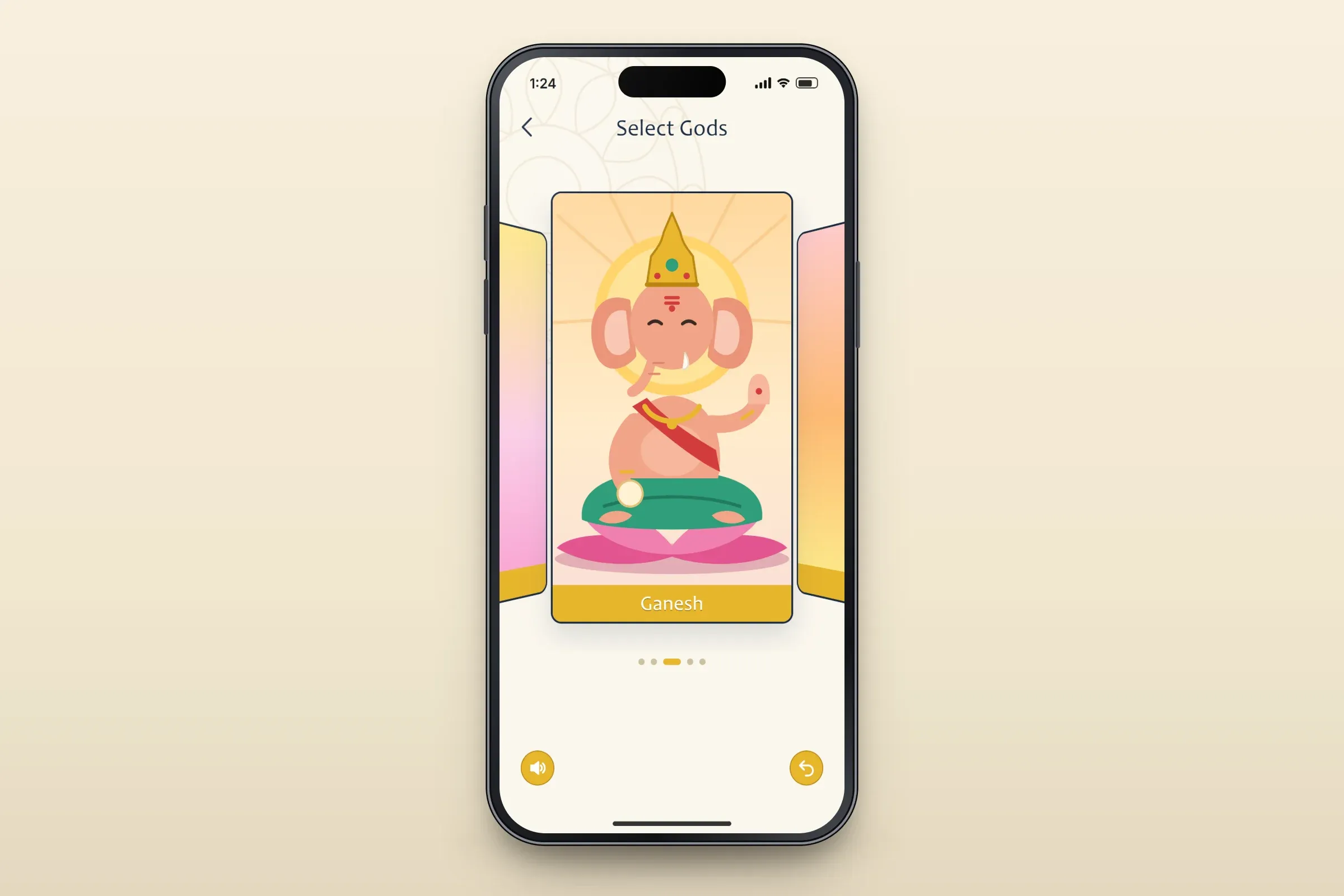
A deck as a card carousel. Close-ups on phones: tap any image for the full screen. Flip to learn
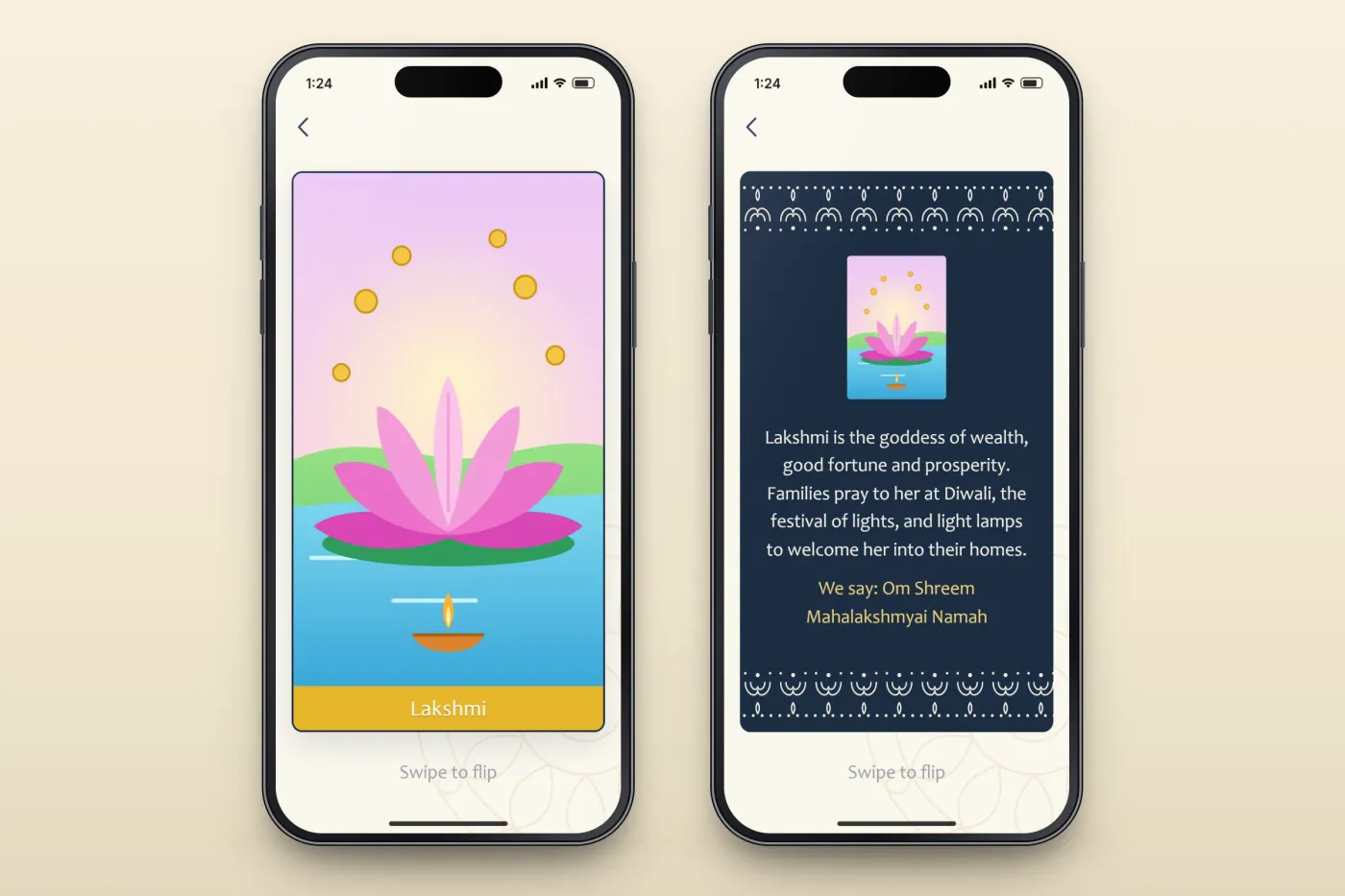
Each card has two sides. The front shows the illustration and name; swiping flips it to the back, which explains who the figure is, when families pray to them and the words they say.
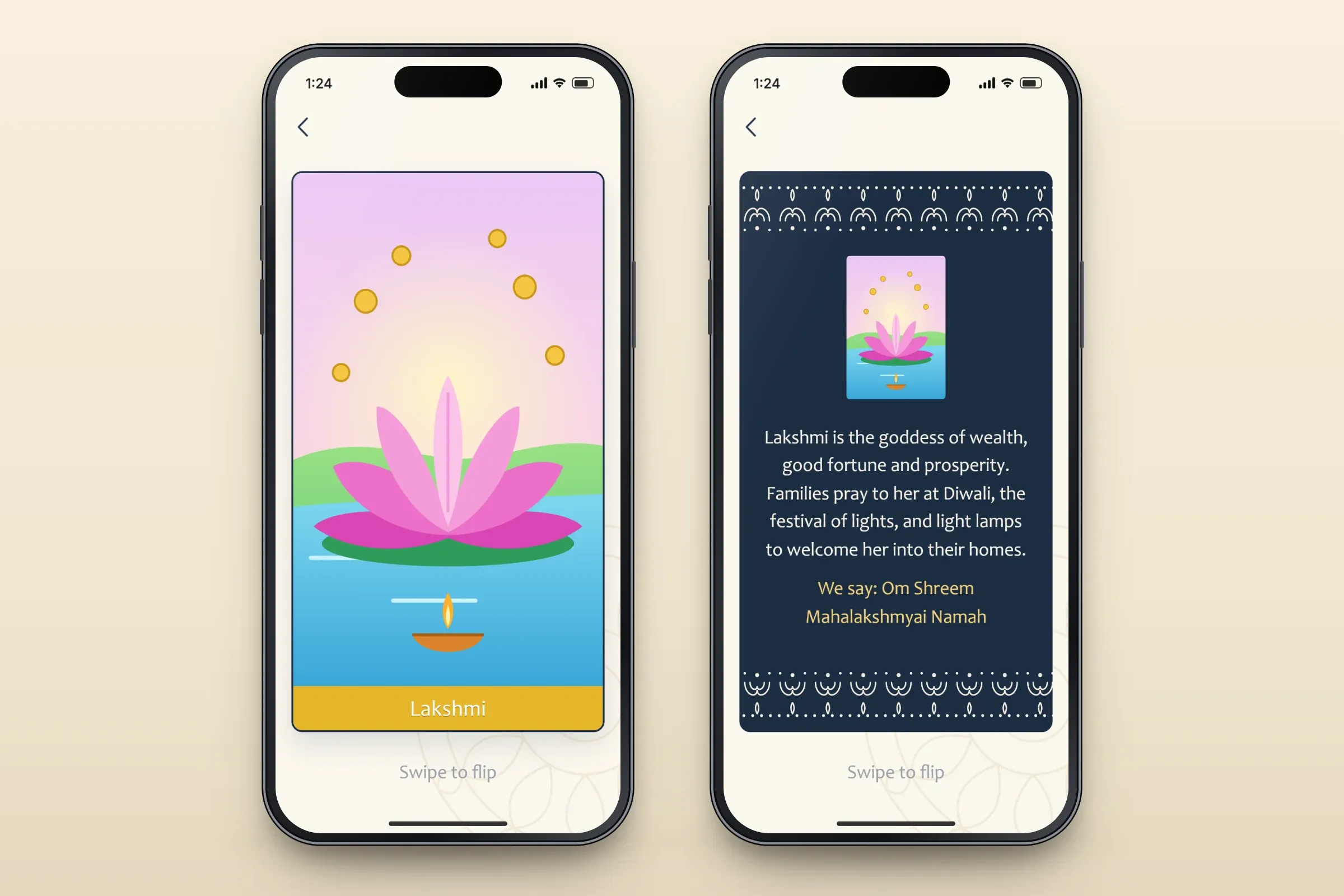
The front and back of a card. Close-ups on phones: tap any image for the full screen.
About these images: the screens are recreated from the delivered app for this case study, with neutral naming in place of the client's brand and simple original illustrations in place of the client's artwork. They follow the app's real screens and functions, but they are not screenshots of it.
Related services