Case study · Client name withheld
Dental CE Video Courses App
Continuing-education video courses, exams and certificates for dental professionals
The client runs a continuing-education (CE) platform for dental professionals, built around video courses by experienced lecturers. Our team developed the iOS app: members sign in, choose a course by subject, watch the video lecture, take the exam and move on to their certificate, with an AI support chat for questions along the way.
- Client
- Dental education provider
- Platforms
- iOS
- Our scope
- Course experience · Lecture and exam flow · Support
The product
What it does, and for whom
Dentists need to complete CE units to keep their knowledge and risk-management skills up to date. The app puts approved video courses on the phone, so CE can be fitted in wherever the dentist is, with a yearly membership and live chat on Saturdays.
Scope The courses, lecturers and approvals are the client's. The old project record describes a mobile and web platform; this case study shows the iOS app. To keep the client confidential, the screens on this page are recreated from the delivered app with neutral naming and example content.
Our contribution
What our team built
Course experience
Sign-in, the home screen with membership and live-chat entry points, and the course categories.
Lecture and exam flow
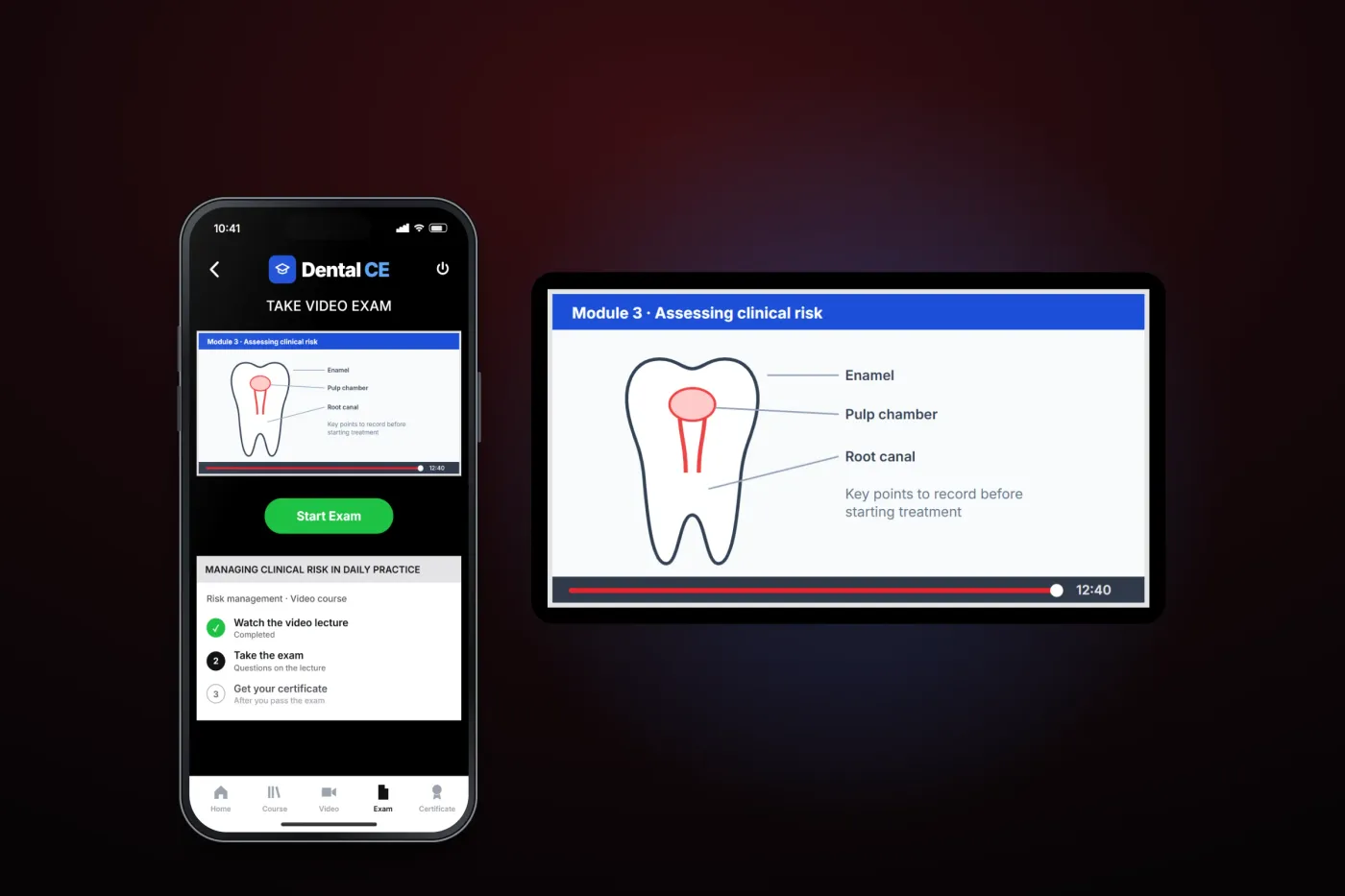
The video lecture, the move from lecture to exam, and the path on to the certificate.
Support
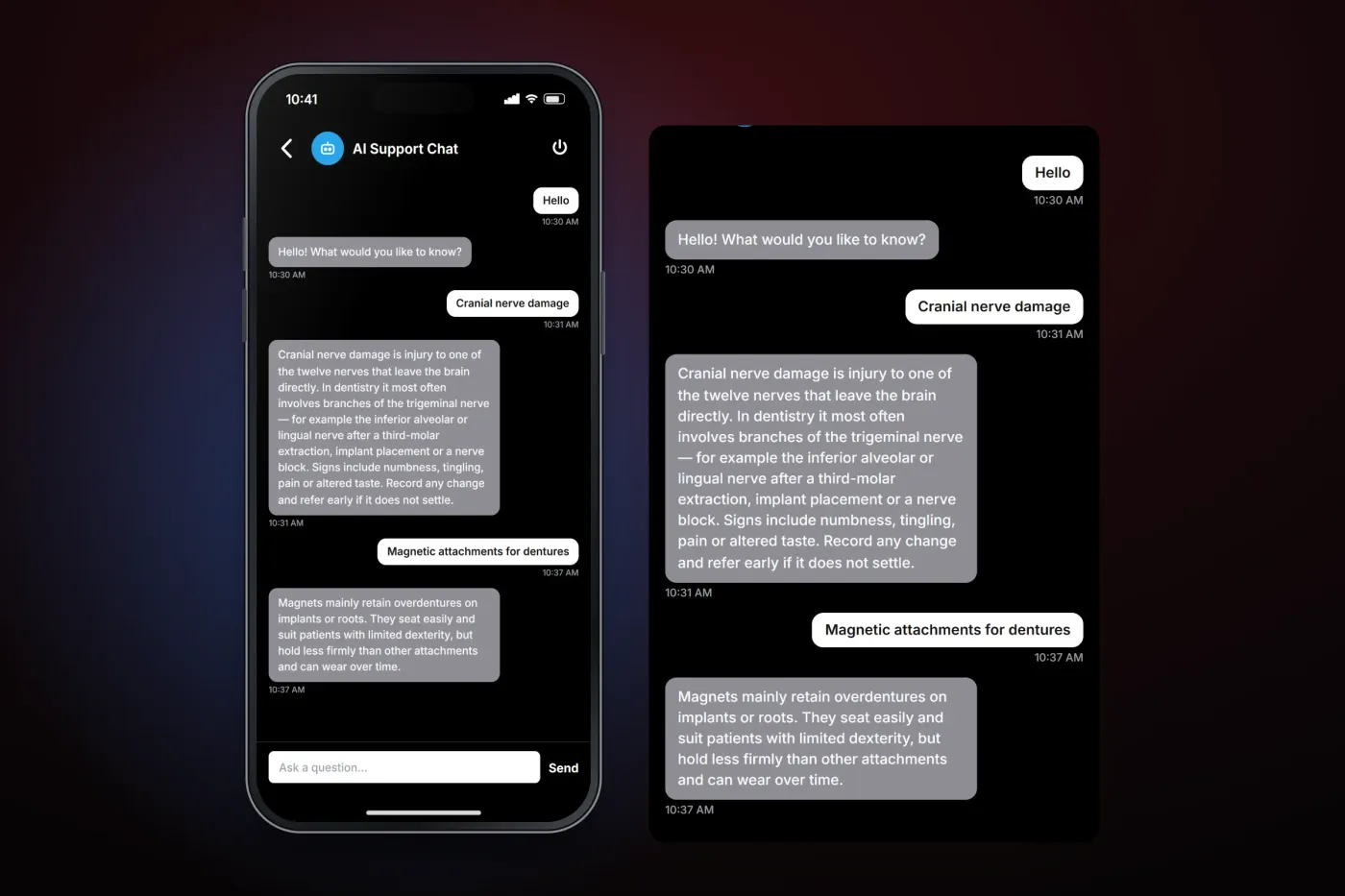
The AI support chat screen where members type a question and read the answer in the conversation.
User flow
From course to certificate
Every course follows the same three steps the home screen leads with.
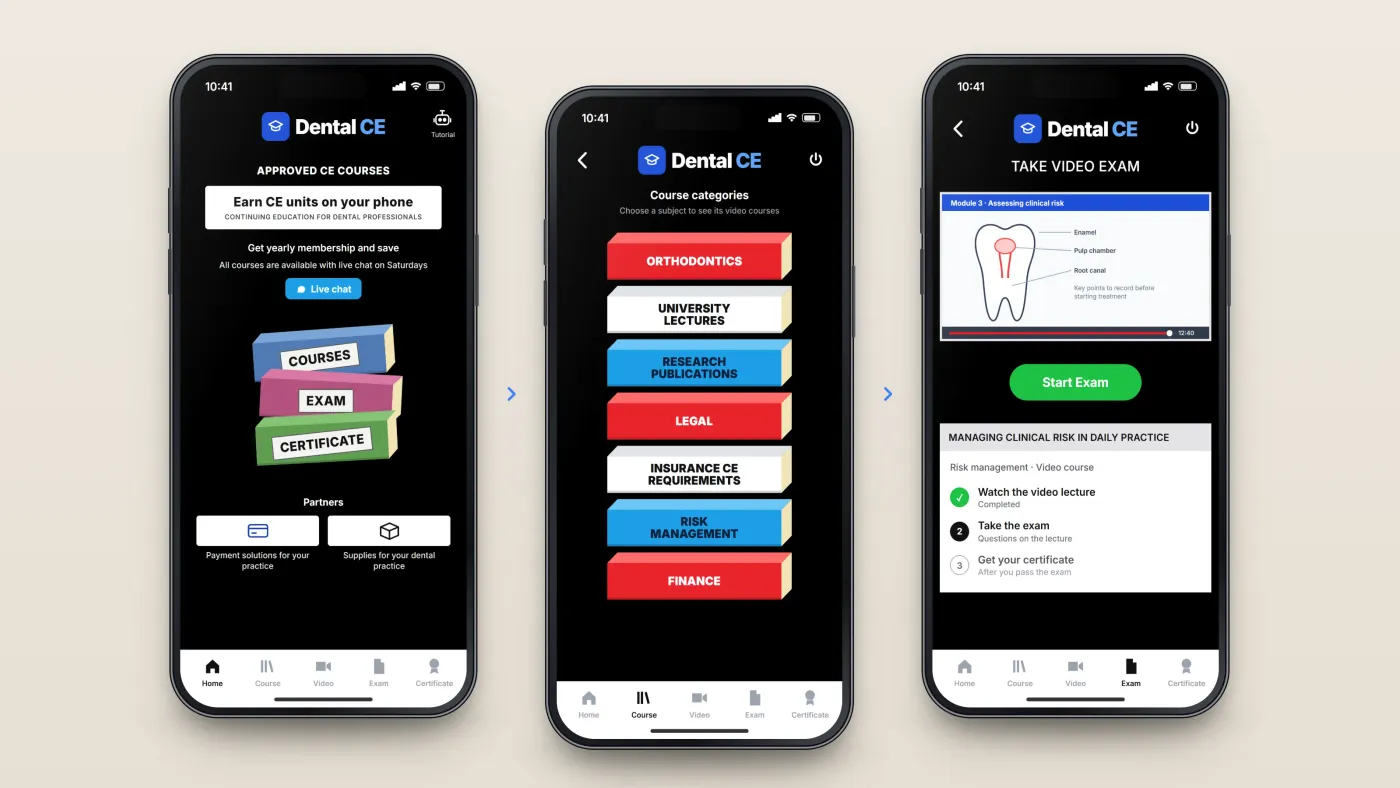
Start from the home screen
Courses, exam and certificate are the three steps of every course, next to the membership offer and live chat.
Choose a subject
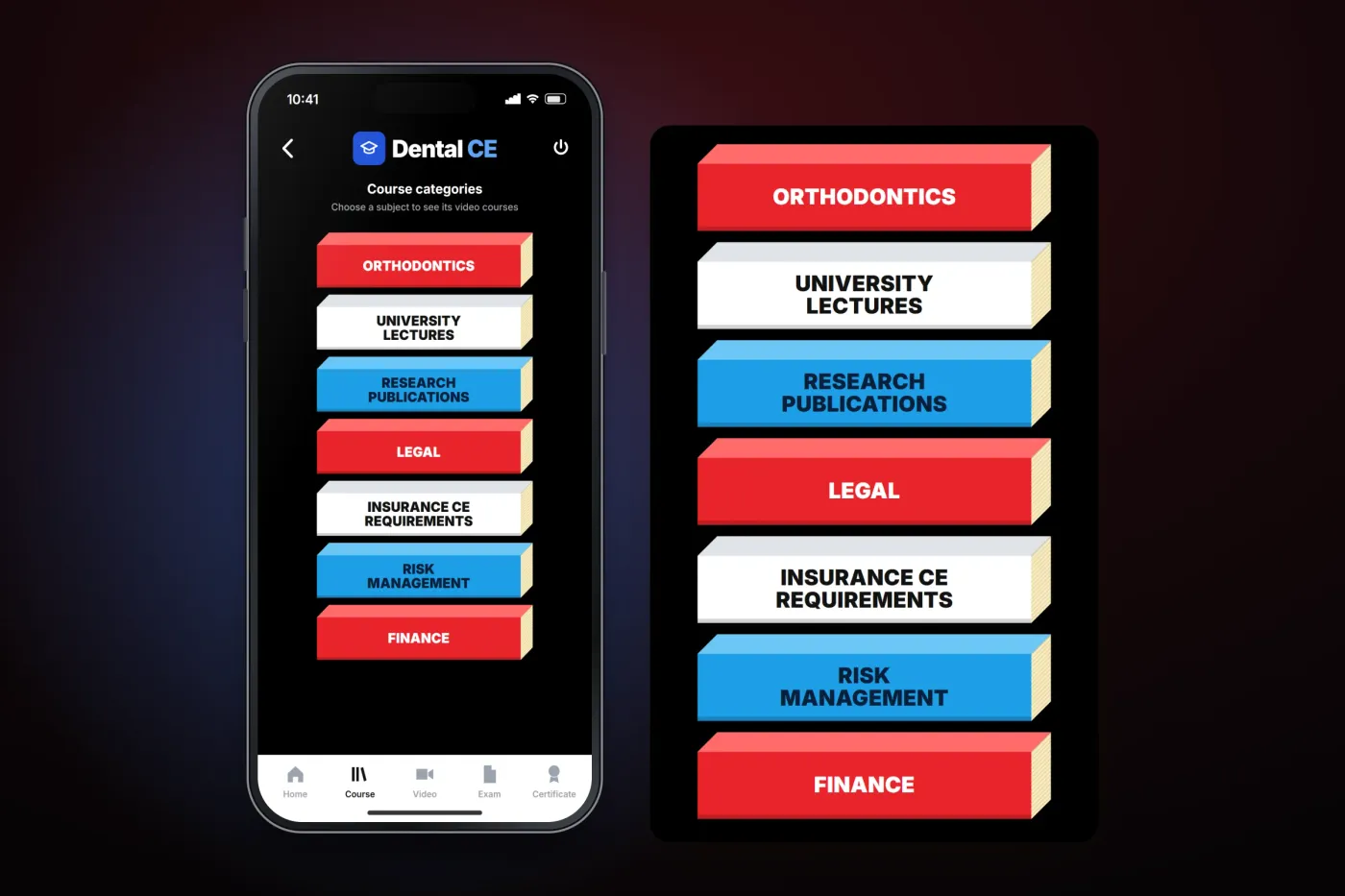
Courses are grouped by subject, from orthodontics to finance.
Watch, then take the exam
The video lecture comes first; Start Exam follows, and passing leads to the certificate.
The product in use
Inside the app
Courses by subject
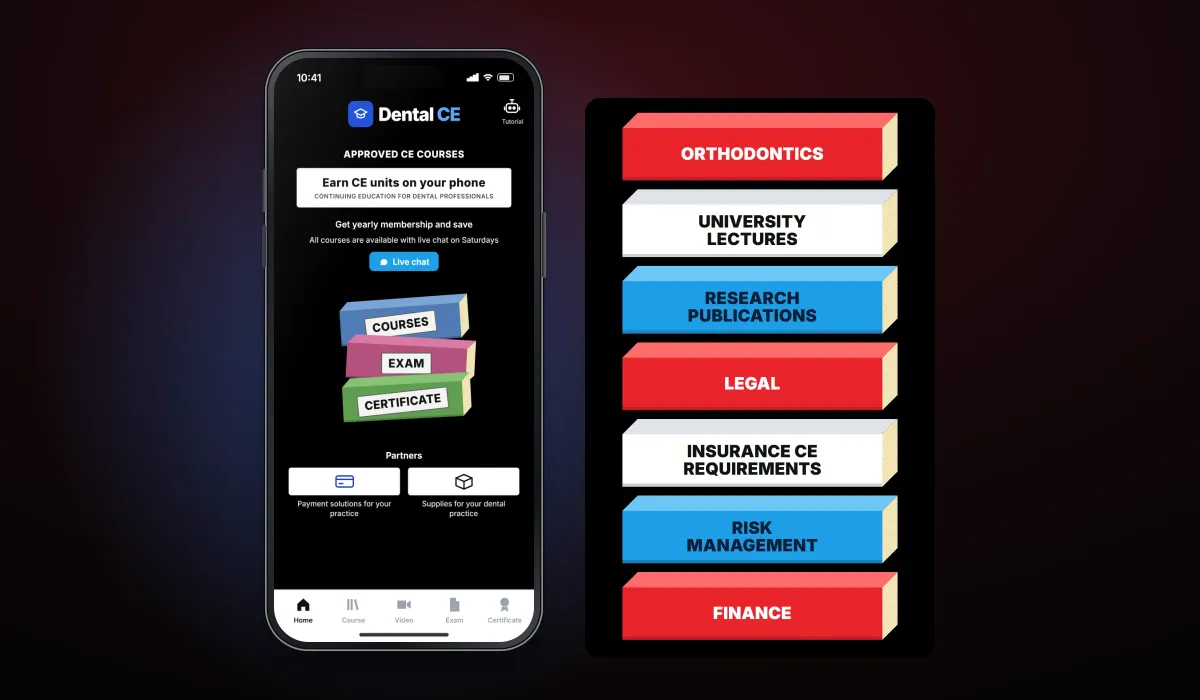
The home screen leads with the three steps of every course — courses, exam, certificate — alongside the yearly membership offer and a live chat button. Courses are grouped into subjects such as orthodontics, university lectures, research publications, legal, insurance CE requirements, risk management and finance.
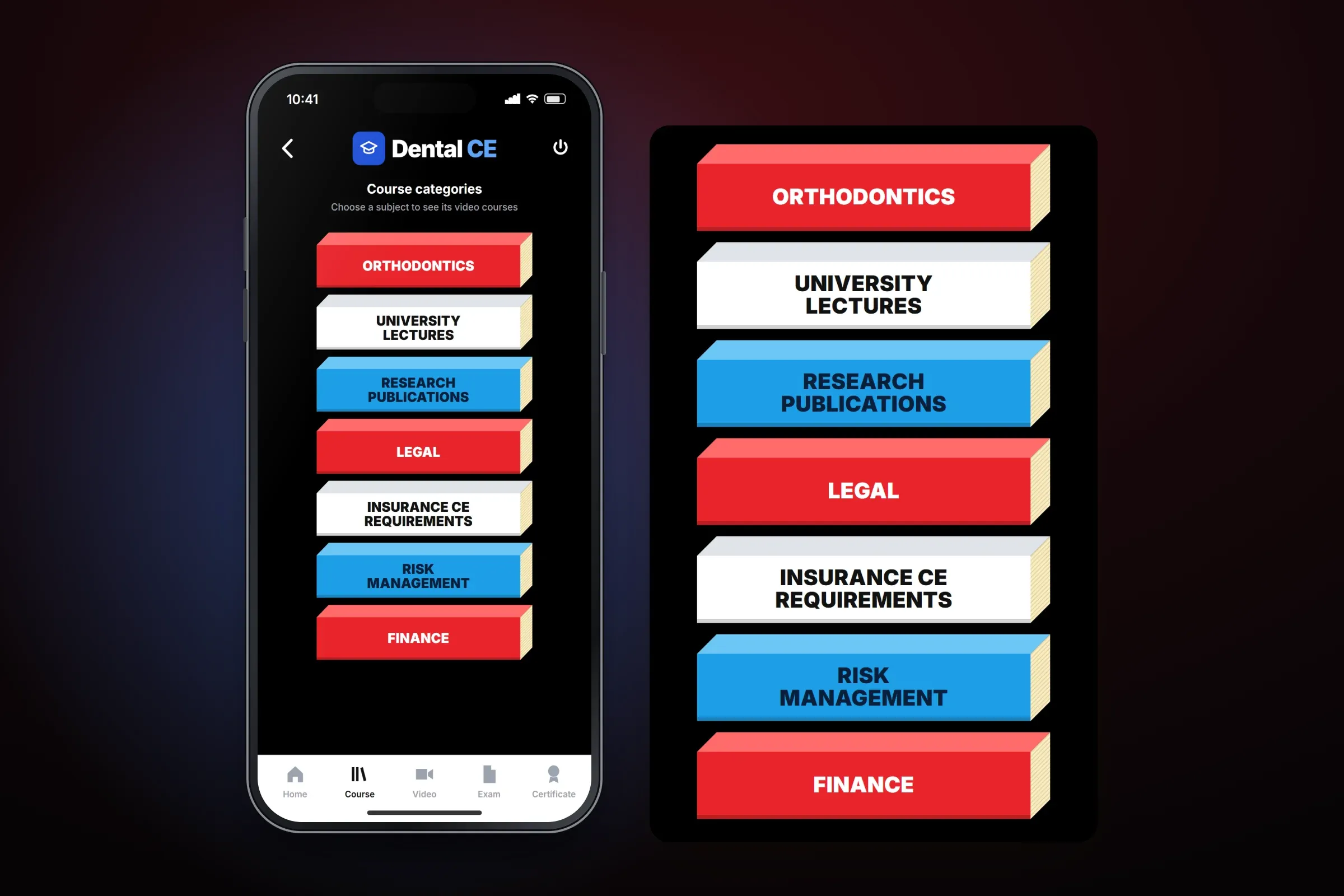
Home and course categories. Close-ups on phones: tap any image for the full screen. Video lecture, exam and certificate
Each course opens on its video lecture. When the lecture is watched, Start Exam takes the user to the exam, and passing it leads to the certificate.
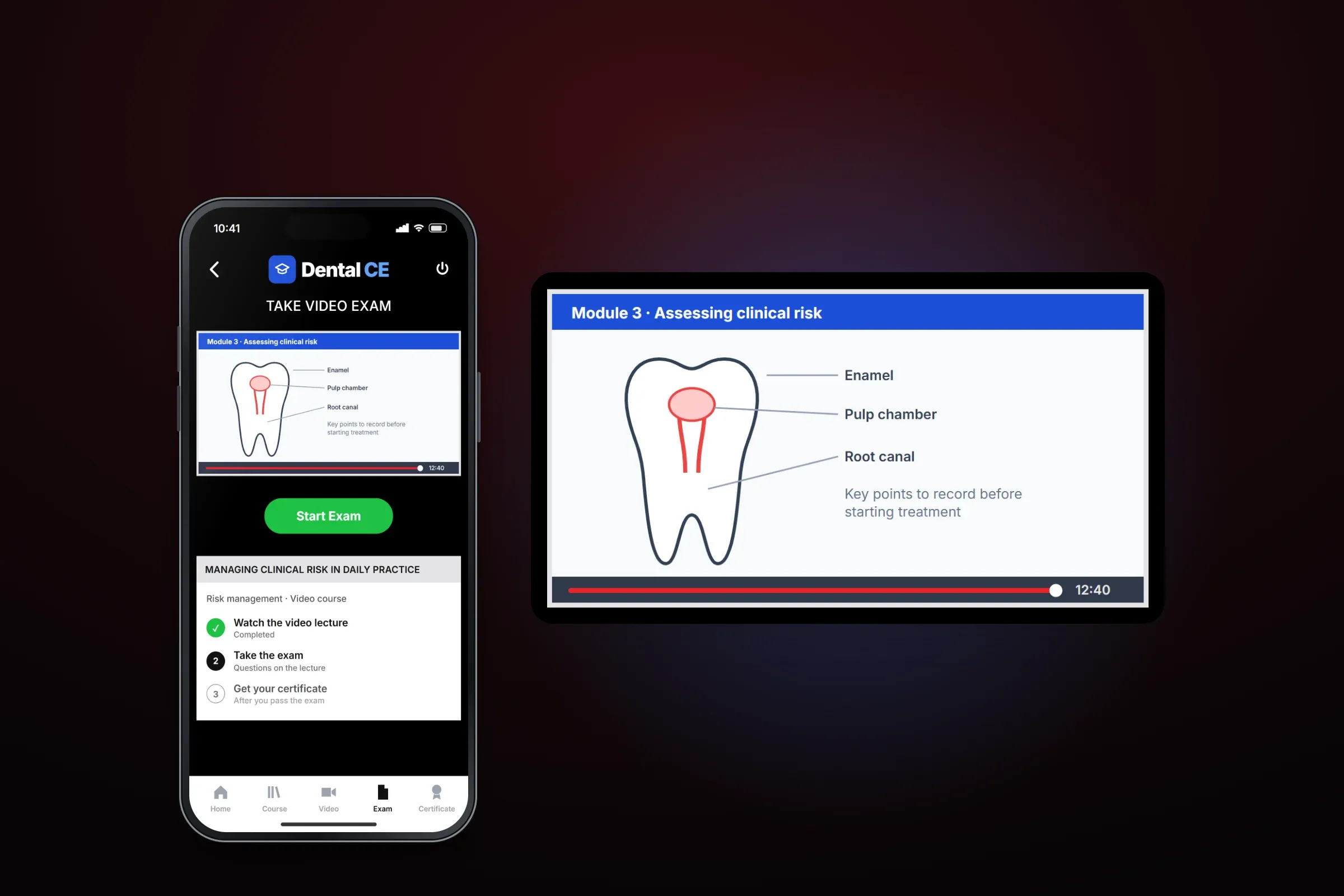
From lecture to exam. Close-ups on phones: tap any image for the full screen. AI support chat
An AI support chat screen lets the user type a question and shows a written answer in the conversation.
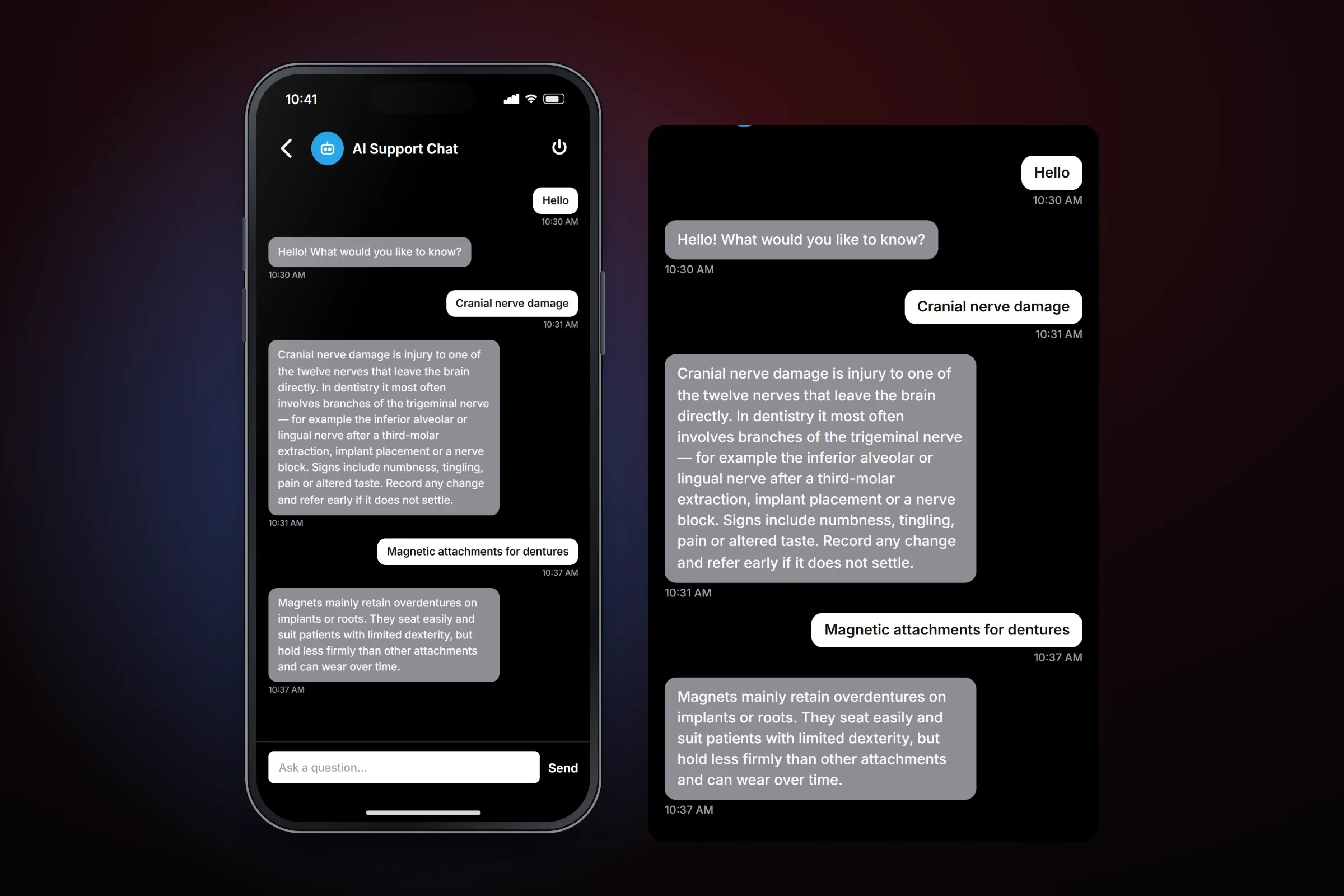
Questions answered in the app. Close-ups on phones: tap any image for the full screen.
About these images: the screens are recreated from the delivered app for this case study, with neutral naming and example content in place of the client's brand, courses, lecturers and partners. They follow the app's real screens and functions, but they are not screenshots of it.
Related services